Common Bean Objects
The following table contains information about Mura's most commonly used bean objects.
| Bean |
Load By |
Description |
| configBean |
n/a |
Includes instance-wide configuration data, such as data collected in the settings.ini.cfm file. |
| site |
siteid |
Includes site configuration data collected via the Site Settings section in the administration area, as well as other useful site-specific information. |
| content |
contentid,
contenthistid,
filename,
remoteid,
title,
urltitle |
Includes data about a Mura content item, such as the title, summary, body, etc. In addition, there are several content-specific helper methods included. For example, you could get an iterator of any children of the content item, what specific categories the content item has been assigned to, etc. |
| user |
userid,
username,
remoteid |
Includes user-specific data, and includes a number of helper methods. For example, you can obtain an iterator of the groups the user belongs to, etc. |
| group |
groupid,
groupname,
remoteid |
Includes group-specific data, and includes a number of helper methods. For example, you can obtain an iterator of the users who belong to the group, etc. |
| comment |
commentid,
remoteid |
Includes comment-specific data. In addition, there are some comment-specific helper methods included such as whether the comment is approved, deleted, etc. |
| category |
categoryid,
name,
remoteid,
filename,
urltitle |
Includes category-specific data. This bean contains information about a category itself, and does not describe any relationships to content items themselves. |
| feed |
feedid,
name,
remoteid |
Allows developers to programmatically query Mura for other beans/objects (such as content items, users, and/or custom objects), based on desired filters or search criteria. |
Inspecting Available Attributes
For each of the above beans/objects, using CFML's <cfdump> tag, you can easily inspect the available attributes and their values using the code examples below.
<!--- Loading a bean/object --->
<cfset someBean = m.getBean('{someBean}').loadBy({someAttribute}={someAttributeValue})>

<!--- Assumes you have a properly loaded bean --->
<cfdump var="#someBean.getAllValues()#">
Config Bean
The configBean object includes instance-wide configuration data, primarily the data collected in the settings.ini.cfm file.
See the Mura Scope's globalConfig subscope to access the same information.
Syntax
The following examples illustrate how to "get" and/or "set" various attributes of the configBean. Use whichever syntax feels best to you.
Loading the Bean
The configBean is the only bean/object that doesn't require a call to loadBy to get a populated bean, since it's loaded when the application is initialized.
<cfset configBean = m.getBean('configBean')>
Once you have a variable to to reference the desired bean/object, you can use the example Getters and Setters below.
Getters
configBean.get('attributeName')
configBean.get{AttributeName}()
configBean.getValue('attributeName')
Setters
configBean.set('attributeName', 'someValue')
configBean.set{AttributeName}('someValue')
configBean.setValue('attributeName', 'someValue')
Note: Setting any values of the configBean are only temporary, and last for the duration of the request. In other words, calling the save method on configBean will not save any values.
Usage
Use the configBean bean/object to access global configuration attributes.
Attributes
The table below lists available attributes. For the vast majority of the attributes listed below, you may reference the settings.ini.cfm section for details.
| Attribute |
| admindir |
| admindomain |
| adminemail |
| adminssl |
| allowautoupdates |
| allowedindexfiles |
| allowlocalfiles |
| allowquerycaching |
| allowsimplehtmlforms |
| allowunicodeinfilenames |
| applydbupdates |
| appreloadkey |
| assetdir |
| assetpath |
| autodiscoverplugins |
| autoresetpasswords |
| bcryptpasswords |
| broadcastappreloads |
| broadcastcachepurges |
| broadcastwithproxy |
| cffpconfigfilename |
| cfstaticjavaloaderscope |
| clearsessionhistory |
| clusteriplist |
| compiler |
| confirmsaveasdraft |
| contact |
| context |
| cookiedomain |
| cookiepath |
| createrequireddirectories |
| customurlvardelimiters |
| dashboard |
| dashboardcomments |
| datacollection |
| datasource |
| dbcasesensitive |
| dbpassword |
| dbschema |
| dbtablespace |
| dbtype |
| dbusername |
| debuggingenabled |
| defaultflatviewrange |
| defaultflatviewtable |
| duplicatetransients |
| emailbroadcaster |
| enablemuratag |
| encryptionkey |
| encryptpasswords |
| extensionmanager |
| filedelim |
| filedir |
| filestore |
| filestoreaccessinfo |
| filestoreendpoint |
| fmallowedextensions |
| fmpublicallowedextensions |
| forceadminssl |
| hashurls |
| hasrazuna |
| hstsmaxage |
| imageinterpolation |
| imagequality |
| indexfile |
| indexfileinurls |
| javaenabled |
| loadcontentby |
| locale |
| lockablenodes |
| logevents |
| loginstrikes |
| mailserverip |
| mailserverpassword |
| mailserverpopport |
| mailserversmtpport |
| mailserverssl |
| mailservertls |
| mailserverusername |
| mailserverusernameemail |
| managelinks |
| mapdir |
| maxarchivedversions |
| maxsourceimagewidth |
| mfaenabled |
| mfaperdeviceenabled |
| mfasendauthcode |
| mode |
| mysqlengine |
| notifywithversionlink |
| plugindir |
| pluginspath |
| postbundles |
| productionassetdir |
| productionassetpath |
| productiondatasource |
| productionfiledir |
| productionpushmode |
| productionwebroot |
| proxypassword |
| proxyport |
| proxyserver |
| proxyuser |
| purgecomments |
| purgedrafts |
| readonlydatasource |
| readonlydbpassword |
| readonlydbusername |
| requirementspath |
| saveemptyextendedvalues |
| scriptprotect |
| scriptprotectexceptions |
| securecookies |
| sendfrommailserverusername |
| serverport |
| sessioncookiesexpires |
| sessionhistory |
| sessiontimeout |
| sharableremotesessions |
| showadminloginhelp |
| sitedir |
| siteidinurls |
| skipcleanfilecache |
| sortpermission |
| strictfactory |
| strongpasswordregex |
| tempdir |
| title |
| tooltips |
| urltitledelim |
| usedefaultsmtpserver |
| version |
| webroot |
| webrootmap |
| advancedcaching |
| alwaysuselocalrenderer |
| autoupdatemode |
| clientmanagement |
| clientstorage |
| customtagpaths |
| defaultfilemode |
| donottrackagents |
| editablecomments |
| errortemplate |
| fmshowapplicationroot |
| fmshowsitefiles |
| haslockablenodes |
| javasettingsloadcoldfusionclasspath |
| javasettingsreloadonchage |
| javasettingswatchextensions |
| javasettingswatchinterval |
| maxportalitems |
| mfa |
| mfaperdevice |
| ormautomanagesession |
| ormcfclocation |
| ormdatasource |
| ormdbcreate |
| ormenabled |
| ormeventhandling |
| ormflushatrequestend |
| ormlogsql |
| ormsavemapping |
| ormskipcfcwitherror |
| ormusedbformapping |
| ping |
| recaptchalanguage |
| recaptchasecret |
| recaptchasitekey |
| rendermuraalerts |
| requesttimeout |
| sameformfieldsasarray |
| strongpasswords |
| testbox |
| usefilemode |
| windowdocumentdomain |
Site Bean
The site bean/object includes site configuration data collected via the Site Settings section in the administration area, as well as other site-specific information.
See the Mura Scope's siteConfig subscope to access the same information when working with the site being used in the current request.
Syntax
The following examples illustrate how to "get" and/or "set" various attributes of the site bean/object. Use whichever syntax feels best to you.
Loading the Bean
You should load a site bean/object by a SiteID. You can use any SiteID you wish, or simply use the session.siteid when you wish to work with the site associated with the existing request.
<cfset siteBean = m.getBean('site').loadBy(siteid=session.siteid)>
Once you have a variable to reference the desired bean/object, you can use the example Getters and Setters below.
Getters
siteBean.get('attributeName')
siteBean.get{AttributeName}()
siteBean.getValue('attributeName')
Setters
siteBean.set('attributeName', 'someValue')
siteBean.set{AttributeName}('someValue')
siteBean.setValue('attributeName', 'someValue')
Usage
Use the site bean/object to access and/or manipulate "site" configuration attributes.
Attributes
The table below lists available attributes.
| Attribute |
| accountactivationscript |
| addobjects |
| admanager |
| advertiseruserpoolid |
| baseid |
| cache |
| cachecapacity |
| cachefactories |
| cachefreememorythreshold |
| categorypoolid |
| columncount |
| columnnames |
| commentapprovaldefault |
| contact |
| contactaddress |
| contactcity |
| contactemail |
| contactname |
| contactphone |
| contactstate |
| contactzip |
| contentapprovalscript |
| contentcanceledscript |
| contentpendingscript |
| contentpoolid |
| contentrejectionscript |
| contentrenderer |
| contenttypefilepathlookup |
| contenttypeloopuparray |
| customtaggroups |
| datacollection |
| deploy |
| displayobjectfilepathlookup |
| displayobjectlookup |
| displayobjectloopuparray |
| displaypoolid |
| domain |
| domainalias |
| editprofileurl |
| emailbroadcaster |
| emailbroadcasterlimit |
| enablelockdown |
| enforcechangesets |
| enforceprimarydomain |
| errors |
| exportlocation |
| extendautocomplete |
| extenddata |
| extenddatatable |
| extendsetid |
| extranet |
| extranetpublicreg |
| extranetpublicregnotify |
| extranetssl |
| feedmanager |
| filepoolid |
| frommuracache |
| googleapikey |
| haschangesets |
| hascomments |
| haslockablenodes |
| hassharedfilepool |
| instanceid |
| isnew |
| isremote |
| javalocale |
| jsdatekey |
| jsdatekeyobjinc |
| jsonapi |
| largeimageheight |
| largeimagewidth |
| lastdeployment |
| locking |
| loginurl |
| mailinglistconfirmscript |
| mailserverip |
| mailserverpassword |
| mailserverpopport |
| mailserversmtpport |
| mailserverssl |
| mailservertls |
| mailserverusername |
| mailserverusernameemail |
| mediumimageheight |
| mediumimagewidth |
| nextn |
| orderno |
| pagelimit |
| placeholderimgext |
| placeholderimgid |
| primarycolumn |
| privateuserpoolid |
| publicsubmission |
| publicsubmissionapprovalscript |
| publicuserpoolid |
| rbfactory |
| recaptchalanguage |
| recaptchasecret |
| recaptchasitekey |
| reminderscript |
| remotecontext |
| remoteport |
| resourcedomain |
| resourcessl |
| sendauthcodescript |
| sendloginscript |
| showdashboard |
| site |
| siteid |
| sitelocale |
| smallimageheight |
| smallimagewidth |
| sourceiterator |
| subtype |
| tagline |
| theme |
| themelookup |
| themerenderer |
| type |
| usedefaultsmtpserver |
| usessl |
| viewdepth |
Content Bean
The content bean/object includes data about a Mura content item, such as the title, summary, body, etc. In addition, there are several content-specific helper methods included. For example, you could get an iterator of any children of the content item, what specific categories the content item has been assigned to, etc.
See the Mura Scope's content subscope to access the same information when working with a content item being used in the current request.
Syntax
The following examples illustrate how to "get" and/or "set" various attributes of the content bean/object. Use whichever syntax feels best to you.
Loading the Bean
You can load a content bean/object by any of the following attributes:
- contentid
- contenthistid
- filename
- remoteid
- title
- urltitle
<cfset contentBean = m.getBean('content').loadBy(title='Home')>
Once you have a variable to reference the desired bean/object, you can use the example Getters and Setters below.
Getters
contentBean.get('attributeName')
contentBean.get{AttributeName}()
contentBean.getValue('attributeName')
Setters
contentBean.set('attributeName', 'someValue')
contentBean.set{AttributeName}('someValue')
contentBean.setValue('attributeName', 'someValue')
Usage
Use the content bean/object to access and/or manipulate a content item.
Attributes
The table below lists available attributes.
| Attribute |
Description |
| active |
Whether the content item is active. |
| approvalchainoverride |
Whether to ignore approval chain, if applied. |
| approvalgroupid |
The current approval chain GroupID the content item is assigned to. |
| approvalstatus |
The approval status of the content item. |
| approved |
Whether the content item is approved. |
| assocfilename |
The name of the file of the primary associated image/file. |
| body |
The main content/body of the content item. |
| categoryid |
A comma-delimited list of CategoryIDs associated with the content item. |
| changesetid |
The ChangeSetID the specific content item version is associated with, if any. |
| childtemplate |
Default template to be applied to children, if any. |
| contenthistid |
A unique identifier for the specific version of the content item. |
| contentid |
A unique identifier for the content item. |
| created |
Date/time the content was originally created. |
| credits |
The credits field of the content item. Similar to a byline. |
| depth |
A numeric representation of number of levels deep the content item resides in relation to the "Home" page. |
| display |
Whether to display the content item. |
| displayinterval |
If "display" is set to "Per Schedule", a JSON-encoded string representing the scheduled display interval. |
| displaystart |
If "display" is set to "Per Schedule", the date/time to begin displaying the content item. |
| displaystop |
If "display" is set to "Per Schedule", the date/time to stop displaying the content item. |
| expires |
The content expiration date field of the content item. |
| featurestart |
If the content item is featured, the date/time to begin featuring it. |
| featurestop |
If the content item is featured, the date/time to stop being featured. |
| fileext |
The file extension of the primary associated image/file. |
| fileid |
The FileID of the primary associated image/file. |
| filename |
The URL to the content item, excluding the domain name. |
| filesize |
The file size of the primary associated image/file. |
| htmltitle |
The HTML Title field of the content item. |
| imageheight |
If the content item is a Folder, and imagesize is "custom" the height in pixels to use for images. |
| imagesize |
If the content item is a Folder, the pre-defined size to use for images (e.g., small, medium, large, custom, etc.) |
| imagewidth |
If the content item is a Folder, and imagesize is "custom", the width in pixels to use for images. |
| inheritobjects |
Whether the content item is inheriting display objects from an ancestor. |
| isfeature |
Whether the content item is featured in the section. |
| ishome |
Whether the content item is the "Home" page. |
| islocked |
Whether the content item is locked, if type is a file. |
| isnav |
Whether the content item should be shown in navigational objects generated by Mura. |
| isnew |
Whether the content item is new. |
| lastupdate |
The date/time the content item was last updated. |
| lastupdateby |
The name of the user who last updated the content item. |
| lastupdatebyid |
The UserID of the user who last updated the content item. |
| majorversion |
The major version number of the content item, if type is a file. |
| menutitle |
The Menu Title field of the content item. |
| metadesc |
The Meta Description of the content item. |
| metakeywords |
The Meta Keywords of the content item. |
| minorversion |
The Minor Version of the content item, if the type is a file. |
| mobileexclude |
Whether to exclude the content item from navigation objects on mobile devices. |
| moduleassign |
If content type is a Form or Component, a comma-delimited list of ModuleIDs of modules to allow the Form/Component to be used in. Essentially, the answer to the "Where would you like to use this Component?" question. |
| moduleid |
ModuleID of the content item. |
| newfile |
This is the field you set new primary associated files, when creating new content programatically. |
| nextn |
If content type is a Folder, the number of records to display on each page. |
| notes |
The Notes field of the content item. |
| objectparams |
The objectparams of the content item. |
| orderno |
The Order Number of the content item, if the parent is using "Manual" sort. |
| parentid |
The ContentID of the direct parent of the content item. |
| path |
A comma-delimited list of ContentIDs representing the ancestry of the content item. |
| releasedate |
The Official Release Date field of the content item. |
| remoteid |
A special field for developer's to use. May load the content item by this field. It does not have to be unique. Typically, used to store a unique identifier to associate the content item to an external data store. |
| remotepubdate |
A special field for developer's to use when importing or associating content to an external data store. |
| remotesource |
A special field for developer's to use when importing or associating content to an external data store. Typically, the name of the external data. |
| remotesourceurl |
A special field for developer's to use when importing or associating content to an external data store. Typically, the domain of the external data. |
| remoteurl |
A special field for developer's to use when importing or associating content to an external data store. Typically, the full URL to the external content. |
| restricted |
Whether the content item is restricted. |
| restrictgroups |
A comma-delimited list of GroupIDs to restrict access to. |
| searchexclude |
Whether to exclude the content item from Mura's search results. |
| siteid |
The SiteID the content item is associated with. |
| sortby |
If content type is Folder, which field to sort by. |
| sortdirection |
If content type is Folder, which direction to sort by. |
| status |
The Status of the content item (e.g., Published, Draft, etc.). |
| statusid |
The StatusID of the content item. |
| subtype |
Subtype of the content item. |
| summary |
The Summary field of the content item. |
| tags |
A comma-delimited list of default tags. |
| target |
Whether to open in a new browser window. |
| template |
The layout template applied directly to the content item. If empty, Mura will traverse up the tree until it locates an applied template, and if none are found or the applied template is not found, will use the default.cfm layout template. |
| title |
The main Title field of the content item. |
| type |
The type of the content item (e.g., Page, Folder, Calendar, Link, File, etc.) |
| urltitle |
The URL Title field of the content item. |
Helper Methods
When working with content, the following content bean/object's helper methods may be quite useful.
getCategoriesIterator()
Returns an iterator of categories the content item has been associated with.
<cfset it = contentBean.getCategoriesIterator()>
<!--- Loop over the iterator --->
<cfif it.hasNext()>
  <ul>
    <cfloop condition="it.hasNext()">
      <cfset item = it.next()>
      <li>
        #esapiEncode('html', item.get('name'))#
      </li>
    </cfloop>
  </ul>
<cfelse>
  <!--- Content item has not been categorized --->
</cfif>
getKidsCategoryIterator()
Returns an iterator of categories that children of the content item have been associated with.
<cfset it = contentBean.getKidsCategoryIterator()>
<!--- Loop over the iterator --->
<cfif it.hasNext()>
  <ul>
    <cfloop condition="it.hasNext()">
      <cfset item = it.next()>
      <li>
        #esapiEncode('html', item.get('name'))#
      </li>
    </cfloop>
  </ul>
<cfelse>
  <!--- No child categories exist --->
</cfif>
getRelatedContentIterator()
Returns an iterator of related content items.
<cfset it = contentBean.getRelatedContentIterator()>
<!--- Loop over the iterator --->
<cfif it.hasNext()>
  <ul>
    <cfloop condition="it.hasNext()">
      <cfset item = it.next()>
      <li>
        <a href="#item.get('url')#">
          #esapiEncode('html', item.get('title'))#
        </a>
      </li>
    </cfloop>
  </ul>
<cfelse>
  <!--- No related content items exist --->
</cfif>
You can also optionally pass in a specific Related Content Set name.
<cfset it = contentBean.getRelatedContentIterator(name='Related Videos')>
getCommentsIterator()
Returns an iterator of comments associated with the content item.
<cfset it = contentBean.getCommentsIterator()>
<!--- Loop over the iterator --->
<cfif it.hasNext()>
  <ul>
    <cfloop condition="it.hasNext()">
      <cfset item = it.next()>
      <li>
        <div class="comments-datetime">
          #LSDateFormat(item.get('entered'))#
          #LSTimeFormat(item.get('entered'))#
        </div>
        <div class="comments-text">
          #esapiEncode('html', item.get('comments'))#
        </div>
        <div class="comments-author">
          #esapiEncode('html', item.get('name'))#
        </div>
      </li>
    </cfloop>
  </ul>
<cfelse>
  <!--- No comments exist --->
</cfif>
User Bean
The user bean/object includes user-specific data, and includes a number of helper methods. For example, you can obtain an iterator of the groups the user belongs to, etc.
Note: The group bean/object is essentially a user bean/object. The primary difference is that the user bean/object contains only user-specific information, and user-specific helper methods. Also, the type attribute will be 1 if a group, and 2 if a user.
Syntax
The following examples illustrate how to "get" and/or "set" various attributes of the user bean/object. Use whichever syntax feels best to you.
Loading the Bean
You can load a user bean/object by any of the following attributes:
<cfset userBean = m.getBean('user').loadBy(username='steve')>
The user bean/object's loadBy method allows for an optional second argument, labeled siteid. This is necessary when working with a user assigned to a different siteid than the site you are currently working with. For example, if you are working on "Site B" and your user was created under the "default" site, then you would have to load the user similar to the example below.
<cfset userBean = m.getBean('user').loadBy(username='steve', siteid='default')>
Once you have a variable to reference the desired bean/object, you can use the example Getters and Setters below.
Getters
userBean.get('attributeName')
userBean.get{AttributeName}()
userBean.getValue('attributeName')
Setters
userBean.set('attributeName', 'someValue')
userBean.set{AttributeName}('someValue')
userBean.setValue('attributeName', 'someValue')
Usage
Use the user bean/object to access and/or manipulate a Mura user.
Attributes
The table below lists available attributes.
| Attribute |
Description |
| addresses |
A recordset of the user's addresses. |
| categoryid |
A comma-delimited list of CategoryIDs the user has selected as interests. |
| company |
The user's company. |
| created |
Date/time the user was created. |
| email |
The user's email address. |
| fname |
The user's first name. |
| inactive |
Whether the user/group is inactive. |
| interests |
A comma-delimited list of CategoryIDs the user has selected as interests. |
| isnew |
Whether the user bean is new. |
| ispublic |
Whether the user is a Site Member (1) or System User (0). |
| jobtitle |
The user's job title. |
| lastlogin |
Date/time the user last logged in. |
| lastupdate |
Date/time the user was last updated. |
| lastupdateby |
Name of the user who last updated the user. |
| lastupdatebyid |
UserID of the user who last updated the user. |
| lname |
The user's last name. |
| mobilephone |
The user's mobile phone number. |
| notes |
The user's notes. |
| password |
The user's encrypted password. |
| passwordcreated |
Date/time the user's password was last updated. |
| photofileext |
The file extension of the user's photo. |
| photofileid |
A unique identifier for the user's photo. |
| primaryaddressid |
The unique identifier for the user's primary address. |
| remoteid |
A special field for developer's to use. May load the user by this field. It does not have to be unique. Typically, used to store a unique identifier to associate the user to an external data store. |
| s2 |
Whether the user is a "super admin". |
| siteid |
SiteID the user belongs to. |
| subtype |
The user's subtype. |
| type |
Whether the user is a group (1) or user (2). |
| userid |
A unique identifier for the user. |
| username |
The user's username. |
| website |
The user's website address. |
Helper Methods
When working with users, the following user bean/object's helper methods may be quite useful.
isInGroup('{groupName}')
Checks to see if the user is a member of a specific group.
<cfif userBean.isInGroup('admin')>
  <!--- User is a member of the 'admin' group --->
<cfelse>
  <!--- User is NOT a member of the 'admin' group --->
</cfif>
getFullName()
Concatenates the user's first name and last name.
<cfoutput>
  #esapiEncode('html', userBean.getFullName())#
</cfoutput>
getMembershipsIterator()
Returns an iterator of the groups the user belongs to.
<cfset it = userBean.getMembershipsIterator()>

<h3>User Memberships</h3>
<!--- Loop over the iterator --->
<cfif it.hasNext()>
  <ul>
    <cfloop condition="it.hasNext()">
      <cfset item = it.next()>
      <li>
        #esapiEncode('html', item.get('groupname'))#
      </li>
    </cfloop>
  </ul>
<cfelse>
  <p>User does not belong to any groups.</p>
</cfif>
getMembershipsQuery()
Returns a recordset of the groups the user belongs to.
<cfset rsMemberships = userBean.getMembershipsQuery()>
getInterestGroupsIterator()
Returns an iterator of interest groups the user has been assigned to.
<cfset it = userBean.getInterestGroupsIterator()>

<h3>User Interests</h3>
<!--- Loop over the iterator --->
<cfif it.hasNext()>
  <ul>
    <cfloop condition="it.hasNext()">
      <cfset item = it.next()>
      <li>
        #esapiEncode('html', item.get('name'))#
      </li>
    </cfloop>
  </ul>
<cfelse>
  <p>User does not have any interests.</p>
</cfif>
getInterestGroupsQuery()
Returns a recordset of the groups the user belongs to.
<cfset rsInterestGroups = userBean.getInterestGroupsQuery()>
getAddressesIterator()
Returns an iterator of the user's addresses.
<cfset it = userBean.getAddressesIterator()>

<h3>User Addresses</h3>
<!--- Loop over the iterator --->
<cfif it.hasNext()>
  <ul>
    <cfloop condition="it.hasNext()">
      <cfset item = it.next()>
      <li>
        #esapiEncode('html', item.get('addressname'))#
      </li>
    </cfloop>
  </ul>
<cfelse>
  <p>User does not have any addresses.</p>
</cfif>
getAddressesQuery()
Returns a recordset of the user's addresses.
<cfset rsUserAddresses = userBean.getAddressesQuery()>
checkEmail('{emailAddress}')
Returns true if the email address being passed in is safe to use, meaning that it doesn't match any other user's email address. Otherwise, returns false, if the email address matches another Mura user account's email address.
<cfif userBean.checkEmail('steve@blueriver.com')>
  <!--- Safe to use --->
  <cfset userBean.set('email', 'steve@blueriver.com').save()>
<cfelse>
  <!--- Email address matches another user's email address --->
</cfif>
checkUsername('{username}')
Returns true if the username being passed in is safe to use, meaning that it doesn't match any other user's username. Otherwise, returns false, if the username matches another Mura user account's username.
<cfif userBean.checkUsername('steve')>
  <!--- Safe to use --->
  <cfset userBean.set('username', 'steve').save()>
<cfelse>
  <!--- Username matches another user's username --->
</cfif>
Group Bean
The group bean/object includes group-specific data, and includes a number of helper methods. For example, you can obtain an iterator of the users who belong to the group, etc.
Note: The group bean/object merely uses the user bean/object. However, it contains only group-specific information, and group-specific helper methods.
Syntax
The following examples illustrate how to "get" and/or "set" various attributes of the group bean/object. Use whichever syntax feels best to you.
Loading the Bean
You can load a group bean/object by any of the following attributes:
- groupid
- groupname
- remoteid
<cfset groupBean = m.getBean('group').loadBy(groupname='admin')>
Note: As mentioned in the previous note above, the group bean/object leverages the user bean/object. The type attribute will be 1 if a group, and 2 if a user.
The group bean/object's loadBy method allows for an optional second argument, labeled siteid. This is necessary when working with a group assigned to a different siteid than the site you are currently working with. For example, if you are working on "Site B" and your group was created under the "default" site, then you would have to load the user similar to the example below.
<cfset groupBean = m.getBean('group').loadBy(groupname='admin', siteid='default')>
Once you have a variable to reference the desired bean/object, you can use the example Getters and Setters below.
Getters
groupBean.get('attributeName')
groupBean.get{AttributeName}()
groupBean.getValue('attributeName')
Setters
groupBean.set('attributeName', 'someValue')
groupBean.set{AttributeName}('someValue')
groupBean.setValue('attributeName', 'someValue')
Usage
Use the group bean/object to access and/or manipulate a Mura group.
Attributes
The table below lists available attributes.
| Attribute |
Description |
| created |
Date/time the user was created. |
| email |
The groups's email address. |
| groupid |
The GroupID is a unique identifier for the group. |
| groupname |
The name of the group. |
| inactive |
Whether the group is inactive. |
| isnew |
Whether the group bean is new. |
| ispublic |
Whether the group is a Member Group (1) or System Group (0). |
| lastupdate |
Date/time the group was last updated. |
| lastupdateby |
Name of the user who last updated the user. |
| lastupdatebyid |
UserID of the user who last updated the user. |
| remoteid |
A special field for developer's to use. May load the group by this field. It does not have to be unique. Typically, used to store a unique identifier to associate the group to an external data store. |
| siteid |
SiteID the group belongs to. |
| subtype |
The group's subtype. |
| tablist |
A comma-delimited list of content editing tabs the group has access to. |
| type |
Whether the user is a group (1) or user (2). |
Helper Methods
When working with groups, the following group bean/object's helper methods may be quite useful.
getMembersIterator()
Returns an iterator of the users who belong to the group.
<cfset it = groupBean.getMembersIterator()>

<h3>Group Members</h3>
<!--- Loop over the iterator --->
<cfif it.hasNext()>
  <ul>
    <cfloop condition="it.hasNext()">
      <cfset user = it.next()>
      <li>
        #esapiEncode('html', user.getFullName())#
      </li>
    </cfloop>
  </ul>
<cfelse>
  <p>Group does not have any members.</p>
</cfif>
getMembersQuery()
Returns a recordset of the users who belong to the group.
<cfset rsMembers = groupBean.getMembersQuery()>
Category Bean
The category bean/object includes category-specific data. This bean/object contains information about a category itself, and does not describe any relationships to content items themselves.
Syntax
The following examples illustrate how to "get" and/or "set" various attributes of the category bean/object. Use whichever syntax feels best to you.
Loading the Bean
Load a category bean/object by any of the following attributes:
- categoryid
- name
- remoteid
- filename
- urltitle
<cfset categoryBean = m.getBean('category').loadBy(name='Mura CMS')>
Once you have a variable to reference the desired bean/object, you can use the example Getters and Setters below.
Getters
categoryBean.get('attributeName')
categoryBean.get{AttributeName}()
categoryBean.getValue('attributeName')
Setters
categoryBean.set('attributeName', 'someValue')
categoryBean.set{AttributeName}('someValue')
categoryBean.setValue('attributeName', 'someValue')
Usage
Use the category bean/object to access and/or manipulate a category.
Attributes
The table below lists available attributes.
| Attribute |
Description |
| categoryid |
A unique identifier for the category. |
| datecreated |
Date/time the category was created. |
| filename |
URL-friendly path of the category. |
| isactive |
Whether the category is active. |
| isfeatureable |
Whether the category is able to be featured. |
| isinterestgroup |
Whether the category is an interest group. |
| isnew |
Whether the category is new. |
| isopen |
Whether the category allows content assignments. |
| lastupdate |
Date/time the category was last updated. |
| lastupdateby |
Name of the user who last updated the category. |
| name |
Name/title of the category. |
| notes |
Notes for the category. |
| parentid |
If category is a child, the CategoryID of the parent category. |
| path |
A comma-delimited path of CategoryIDs to identify the ancestry of the category. |
| restrictgroups |
A comma-delimited list of groups allowed to assign content to the category. |
| siteid |
SiteID of the category. |
| urltitle |
URL-friendly title/name of the category. |
Feed Bean
The feed bean/object allows developers to programmatically query Mura for other beans/objects. Initially, many developers query for content beans/objects. In essence, when you search for content items using this method, you're creating a Collection dynamically. However, you may also query for user beans/objects, and as you'll see in the Custom Objects section, any other kind of Mura object or custom object you wish.
In short, the feed bean/object to obtains a collection of beans/objects, based on desired filters/criteria.
Note: Once the feed bean/object has been populated, most developers will call either the getIterator or getQuery methods to work with the collection of beans/objects. See the Key Methods area below for details. Please visit the Mura Iterators section, for more information on iterators.
Syntax
There are a couple of ways to obtain a feed bean/object, and each of those are described below.
loadBy
The first way for obtaining a feed bean/object is by using the common loadBy method. When loading it this way, keep in mind you will only be working with content beans/objects.
If you wish to load an existing Collection created via Mura's Admin UI, you can load a feed bean/object by any of the following attributes:
<cfset feedBean = m.getBean('feed').loadBy(name='{Collection Name Goes Here}')>
getFeed
The primary method for obtaining a feed bean/object, is to use your desired bean's/object's getFeed method. You can either call getFeed on your desired bean/object itself, or pass in the name of the bean as an argument to the getFeed method, as shown in the examples below.
Content Feed
feedBean = m.getBean('content').getFeed();
// or
feedBean = m.getFeed('content');
User Feed
feedBean = m.getBean('user').getFeed();
// or
feedBean = m.getFeed('user');
Custom Object
feedBean = m.getBean('yourCustomObject').getFeed();
// or
feedBean = m.getFeed('yourCustomObject');
Usage
Use the feed bean/object to create, access, and/or manipulate a collection of beans/objects.
Key Methods
Since a feed bean/object is essentially an easy way to query Mura for objects, the key methods for working with feeds share a similarity with conventional SQL syntax, but in a way that's more comfortable for developers. Also, as shown in the examples below, Mura allows for method chaining. The methods below also apply to Mura ORM Feeds, and are also exposed via the Mura.js API.
| Method |
Parameter(s) |
Description |
| where |
property |
Analogous to SQL "WHERE" clause. If property parameter is empty, the method is used for readability purposes only. You may optionally provide a property argument, in which case Mura will treat it as andProp. |
| prop |
property |
Analogous to SQL "AND" clause. The property argument is the attribute to use as the left operand value of a SQL WHERE condition. |
| andProp |
property |
Analogous to SQL "AND" clause. The property argument is the attribute to use as the left operand value of a SQL WHERE condition. |
| orProp |
property |
Analogous to SQL "OR" clause. The property argument is the attribute to use as the left operand value of a SQL WHERE condition. |
| null |
n/a |
Analogous to SQL "IS NULL" operator. Checks if the preceding property value is null. |
| isEQ |
criteria |
Analogous to SQL "=" comparison operator. Checks if the preceding property value is "equal to" the criteria argument. |
| isNEQ |
criteria |
Analogous to SQL "<>" or "!=" comparison operator. Checks if the preceding property value is "not equal to" the criteria argument. |
| isLT |
criteria |
Analogous to SQL "<" comparison operator. Checks if the preceding property value is "less than" the criteria argument. |
| isLTE |
criteria |
Analogous to SQL "<=" comparison operator. Checks if the preceding property value is "less than or equal to" the criteria argument. |
| isGT |
criteria |
Analogous to SQL ">" comparison operator. Checks if the preceding property value is "greater than" the criteria argument. |
| isGTE |
criteria |
Analogous to SQL ">=" comparison operator. Checks if the preceding property value is "greater than or equal to" the criteria argument. |
| isIn |
criteria |
Analogous to SQL "WHERE IN" clause. Checks if the preceding property value is in the list of literal values that have been specified as the criteria argument. Shorthand for multiple OR conditions. |
| isNotIn |
criteria |
Similar to the isIn method. Checks if the preceding property value is NOT in the list of literal values that have been specified as the criteria argument. Shorthand for multiple AND x NEQ conditions. |
| containsValue |
criteria |
Analogous to SQL "CONTAINS" comparison operator. Checks if the preceding property value "contains" the criteria argument. |
| beginsWith |
criteria |
Analogous to SQL "LIKE" comparison operator. Checks if the preceding property value "begins with" the criteria argument. May use wildcards (e.g., % or _, etc.) |
| endsWith |
criteria |
Analogous to SQL "LIKE" operator. Checks if the preceding property value "ends with" the criteria argument. May use wildcards (e.g., % or _, etc.) |
| openGrouping |
n/a |
Analogous to SQL "AND (" logical operator. Creates an "AND" with a parenthesis to form complex expressions. See grouping example below. |
| andOpenGrouping |
n/a |
Analogous to SQL "AND (" logical operator. Creates an "AND" with a parenthesis to form complex expressions. See grouping example below. |
| orOpenGrouping |
n/a |
Analogous to SQL "OR (" logical operator. Creates an "OR" with a parenthesis to form complex expressions. See grouping example below. |
| closeGrouping |
n/a |
Analogous to SQL ")" logical operator. Creates a closing parenthesis to preceding "opening" statements for complex expressions. See grouping example below. |
| sort |
property, direction |
Analogous to SQL "ORDER BY" clause. Allows sorting by one or more properties, and may be returned in ascending (asc) or descending (desc) order. |
| itemsPerPage |
itemsPerPage |
Expects a number to set the NextN attribute of the recordset. Set to zero (0) to include all items on one page. |
| maxItems |
maxItems |
Analogous to SQL "TOP" or "LIMIT" clause. Used to limit the number of records to retrieve. Set to zero (0) to retrieve all records. The default setting is twenty (20) for content beans/objects. |
| includeHomePage |
boolean |
*Only applies to Mura content.
Set to true to include the Home Page. |
| showNavOnly |
boolean |
*Only applies to Mura content.
Set to true to include only content items flagged as "Include in Site Navigation". |
| showExcludeSearch |
boolean |
*Only applies to Mura content.
Set to true to include content items flagged as "Exclude from Site Search". |
| isFeaturesOnly |
boolean |
*Only applies to Mura content.
Set to true to only search for content items flagged as "Feature in this section?". |
| contentPools |
criteria |
*Only applies to Mura content.
A comma-delimited list of SiteIDs to search for content items. |
| getIterator |
|
Returns an iterator object. Please visit the Mura Iterators section, for more information on iterators.
Note: This method is not exposed or available via the Mura.js API. Use getQuery instead.
|
| getQuery |
countOnly |
Returns a query object. Optionally pass in the countOnly argument, to obtain only a count of the records that match your filter criteria. |
| aggregate |
type, property |
Use this method to aggregate queries/recordsets. This method helps by eliminating the need to write custom helper methods with queries against Mura ORM generated schema. See examples below. Added v7.1
Valid type options:
- count
- sum
- min
- max
- avg
- groupby
|
Examples
Note: When using m.getFeed('content'), unless you specify otherwise, Mura will only search for content items that are active, approved, set to appear in navigation, not excluded from search results, currently on display, exclude the home page, and limited to the top 20 records.
Also, when using m.getFeed('user'), by default, Mura will only search for Site Members (isPublic=1). To search for System Users, add .setIsPublic(0) to your method chain.
prop & andProp
This example demonstrates the use of the prop and andProp methods.
feedBean = m.getFeed('content')
            .where()
            .prop('title')
            .isEQ('About Us')
            .andProp('siteid')
            .isEQ('default');

// Analogous SQL
SELECT *
FROM tcontent
WHERE title = 'About Us'
  AND siteid = 'default';
orProp
This example demonstrates the use of the prop method.
feedBean = m.getFeed('content')
            .where()
            .prop('title')
            .isEQ('About Us')
            .orProp('title')
            .isEQ('News');

// Analogous SQL
SELECT *
FROM tcontent
WHERE title = 'About Us'
   OR title = 'News';
Sort
This example demonstrates how to obtain a feed bean/object of Mura content items. It is searching for any content where the "title" attribute is equal to "News" or "Blog" and will sort the results by title, descending.
contentFeed = m.getFeed('content')
               .where()
               .prop('title')
               .isEQ('News')
               .orProp('title')
               .isEQ('Blog')
               .sort('title', 'desc');

// Analogous SQL
SELECT *
FROM tcontent
WHERE title = 'News'
   OR title = 'Blog'
ORDER BY title DESC;
getIterator
Returns an iterator object.
<cfset it = feedBean.getIterator()>
<!--- Loop over the iterator --->
<cfif it.hasNext()>
  <ul>
    <cfloop condition="it.hasNext()">
      <cfset item = it.next()>
      <li>
        <cfdump var="#item.getAllValues()#">
      </li>
    </cfloop>
  </ul>
<cfelse>
  <!--- Feed has no items --->
</cfif>
getQuery
Returns a query object.
rsObjects = feedBean.getQuery();
contentPools
This example demonstrates how to search more than one site for content items, under the same instance of Mura.
feedBean = m.getFeed('content')
            .where()
            .prop('credits')
            .containsValue('Steve')
            .contentPools('site1,site2,site3');

// Analogous SQL
SELECT *
FROM tcontent
WHERE credits LIKE '%Steve%'
  AND siteid IN ('site1','site2','site3');
Grouping Example
This example demonstrates how to use the openGrouping, orOpenGrouping, and closeGrouping methods.
feedBean = m.getFeed('content')
            .where()
            .prop('credits')
            .containsValue('Steve')
            .openGrouping()
              .prop('title')
              .beginsWith('Why')
            .closeGrouping()
            .orOpenGrouping()
              .prop('title')
              .isEQ('News')
            .closeGrouping();

// Analogous SQL
SELECT *
FROM tcontent
WHERE credits LIKE '%Steve%'
  AND (
    title LIKE 'Why%'
  ) OR (
    title = 'News'
  );
Searching for Super Users
This example demonstrates how to search for "super" users. Remember, Mura only searches Site Members by default, so we have to use .setIsPublic(0) to search for System Users.
feedBean = m.getFeed('user')
            .where()
            .prop('s2')  // if s2=1, then they're a super user
            .isEQ(1)
            .setIsPublic(0);

// Analogous SQL
SELECT *
FROM tusers
WHERE s2 = 1
  AND ispublic = 0;
Searching for Custom Objects
This example demonstrates how to search for a custom object. See the Custom Objects section for more information.
feedBean = m.getFeed('yourCustomObject')
            .where()
            .prop('someProperty')
            .isEQ('someValue');

// Analogous SQL
SELECT *
FROM yourCustomObjectTable
WHERE someProperty = 'someValue';
Aggregate Examples
This example illustrates how to aggregate a fictitious "price" property of a "widget" object
feedBean = m.getFeed('widget')
            .aggregate('count', '*')
            .aggregate('sum', 'price')
            .aggregate('min', 'price')
            .aggregate('max', 'price')
            .aggregate('avg', 'price');

// get the query/recordset result
rsAggregatedWidgets = feedBean.getQuery();

// get an iterator of aggregated data
// NOTE: the beans in this iterator will be generic, and not actual widget beans
itAggregatedWidgets = feedBean.getIterator();
Mura Scope Objects
As noted in the Mura Scope section, in addition to the CFML scopes, Mura has its own scope called the Mura Scope. The Mura Scope also has a number of subscope objects, that are essentially wrappers of some of Mura's most common bean objects. In short, they are pre-populated beans, with their own special helper methods. The table below contains details on each of the Mura Scope's subscope objects.
| Object |
Analogous Bean |
Description |
| m.globalConfig() |
configBean |
Wraps the configBean of the Mura instance in the current request. Includes instance-wide configuration data, such as data collected in the settings.ini.cfm file. |
| m.siteConfig() |
site |
Wraps the site bean of the site in the current request. Includes site configuration data collected via the Site Settings section in the administration area, as well as other useful site-specific information. |
| m.content() |
content |
Wraps the content bean of the content item in the current request. Includes data about a Mura content item, such as the title, summary, body, etc. In addition, there are several content-specific helper methods included. For example, you could get an iterator of any children of the content item, what specific categories the content item has been assigned to, etc. |
| m.currentUser() |
user* |
Wraps the sessionUserFacade for the user initiating the request. The object also has access to the user bean attributes, as well as some special session-specific data, such as whether the current user is logged in, whether the current user is a super user or admin user, etc. |
| m.event() |
n/a |
See the Mura "event" Scope section for details. |
Inspecting Available Attributes
For each of the above subscope objects, using CFML's <cfdump> tag, you can easily inspect the available attributes and their values using the code examples below.
<cfdump var="#m.{subscope}().getAllValues()#">

<!--- For example --->
<cfdump var="#m.globalConfig().getAllValues()#">
<cfdump var="#m.siteConfig().getAllValues()#">
<cfdump var="#m.content().getAllValues()#">
<cfdump var="#m.currentUser().getAllValues()#">
<cfdump var="#m.event().getAllValues()#">
<!--- etc. --->
globalConfig
The globalConfig is a wrapper of Mura's configBean object, and is a subscope object of the Mura Scope. It includes instance-wide configuration data, such as data collected in the settings.ini.cfm file.
Syntax
The following examples illustrate how to "get" and/or "set" various attributes of the globalConfig. Use whichever syntax feels best to you.
Getters
m.globalConfig('attributeName')
m.globalConfig().get('attributeName')
m.globalConfig().get{AttributeName}()
m.globalConfig().getValue('attributeName')
Setters
m.globalConfig('attributeName', 'someValue')
m.globalConfig().set('attributeName', 'someValue')
m.globalConfig().set{AttributeName}('someValue')
m.globalConfig().setValue('attributeName', 'someValue')
Note: Setting any values with globalConfig are only temporary, and last for the duration of the request. In other words, calling the save method on globalConfig will not save any values.
Returns
A populated configBean object.
Usage
Use this scope to access global configuration attributes.
Attributes
See the Config Bean section for details on available attributes.
siteConfig
The siteConfig is a wrapper of Mura's site bean object, and is a subscope object of the Mura Scope. It includes site configuration data collected via the Site Settings section in the administration area, as well as other site-specific information.
Syntax
The following examples illustrate how to "get" and/or "set" various attributes of the siteConfig. Use whichever syntax feels best to you.
Getters
m.siteConfig('attributeName')
m.siteConfig().get('attributeName')
m.siteConfig().get{AttributeName}()
m.siteConfig().getValue('attributeName')
Setters
m.siteConfig('attributeName', 'someValue')
m.siteConfig().set('attributeName', 'someValue')
m.siteConfig().set{AttributeName}('someValue')
m.siteConfig().setValue('attributeName', 'someValue')
Returns
A populated site bean/object.
Usage
Use this scope to access "site" configuration attributes.
Attributes
See the Site Bean section for details on available attributes.
content
The content object is a wrapper of Mura's content bean object, and is a subscope object of the Mura Scope. It wraps the content bean of the content item being served in the current request. It includes data about a Mura content item, such as the title, summary, body, etc. In addition, there are several content-specific helper methods included. For example, you could get an iterator of direct children of the content item, what specific categories the content item has been assigned to, etc.
Syntax
The following examples illustrate how to "get" and/or "set" various attributes of the content object. Use whichever syntax feels best to you.
Getters
m.content('attributeName')
m.content().get('attributeName')
m.content().get{AttributeName}()
m.content().getValue('attributeName')
Setters
m.content('attributeName', 'someValue')
m.content().set('attributeName', 'someValue')
m.content().set{AttributeName}('someValue')
m.content().setValue('attributeName', 'someValue')
Returns
A populated content bean/object.
Usage
Use this scope to access information about the content item being served in the current request.
Attributes
See the Content Bean section for details on available attributes.
Helper Methods
See the Content Bean section for details on available helper methods..
currentUser
The currentUser object is a wrapper of the sessionUserFacade, and is a subscope object of the Mura Scope. Under the hood, Mura allows for access to the user bean/object attributes, as well as some special session-specific data, such as whether the current user is logged in, whether the current user is a super user or admin user, etc.
Syntax
The following examples illustrate how to "get" and/or "set" various attributes of the sessionUserFacade bean/object. Use whichever syntax feels best to you.
Getters
m.currentUser('attributeName')
m.currentUser().get('attributeName')
m.currentUser().get{AttributeName}()
m.currentUser().getValue('attributeName')
Setters
m.currentUser('attributeName', 'someValue')
m.currentUser().set('attributeName', 'someValue')
m.currentUser().set{AttributeName}('someValue')
m.currentUser().setValue('attributeName', 'someValue')
Returns
A populated sessionUserFacade bean/object.
Usage
Use this scope to access information about the user of the site in the current request.
Attributes
See the User Bean section for details on available attributes.
Helper Methods
In addition to the user bean/object's helper methods, the currentUser object has some special helper methods of its own.
isLoggedIn()
Returns true if the user is logged in. Otherwise, returns false if the user is logged out.
<cfif m.currentUser().isLoggedIn()>
  <!--- User IS logged in --->
  <h3>Hello, #esapiEncode('html', m.currentUser('fname'))#!</h3>
<cfelse>
  <!--- Use is NOT logged in --->
  <h3>Who are you?</h3>
</cfif>
isSuperUser()
Returns true if the user is a "super" user. Otherwise, returns false.
<cfif m.currentUser().isSuperUser()>
  <!--- User IS a 'super' user --->
<cfelse>
  <!--- Use is NOT a 'super' user --->
</cfif>
isAdminUser()
Returns true fi the user is an "admin" user. Otherwise, returns false.
<cfif m.currentUser().isAdminUser()>
  <!--- User IS an 'admin' user --->
<cfelse>
  <!--- Use is NOT an 'admin' user --->
</cfif>
Custom Objects
In addition to Mura's beans and objects, developers are able to create their own custom beans and objects. This section will walk you through a couple of different processes for creating your own custom objects.
The path you ultimately choose depends on whether you want to simply add some custom fields to one or more of Mura's common bean objects (i.e. content bean, user bean, group bean, site bean, etc.), or if you want to create a completely new, custom object altogether.
If you're merely looking to customize one of Mura's common bean objects, then you'll want to use Class Extensions. If you desire creating a completely new, custom object altogether, you'll definitely want to take a look at using Mura ORM.
Class Extensions
Mura's Class Extensions allow you to customize some of its common bean objects such as content beans, user beans, group beans, and site beans. The term "class extension" itself is borrowed from the world of object-oriented programming (OOP). These "objects" are designed in hierarchies, commonly referred to as a "class" hierarchy. Hence, "class extensions" is a term Mura uses to define custom subclasses.
Class extensions allow you to create Extended Attribute Sets (think fieldsets, or groups of related form elements) to provide additional "attributes" (think form fields) to collect and store data. In addition, you can create Related Content Sets to allow content managers the ability to associate content to something other than the default catch-all "Related Content" field, allowing you to create fields such as Related Videos, Related Files, Related Authors, and so on.
Also, class extensions provide an excellent way to allow developers the ability to target a certain Type and/or Subtype of a content item's body area, so they can do things such as automatically alter the layout of the body area, and/or include additional data, etc. Using this method means you wouldn't necessarily have to create any Extended Attribute Sets or Related Content Sets either, unless that's something you desire.
Types & Subtypes
Each of the bean objects Mura exposes for customization (see table below) include two very important attributes: Type, and Subtype. While you can change the Subtype attribute of a bean object, you cannot alter the Type attribute itself.
When working with class extensions, you first target the specific Type for customization. Then, you target the "default" Subtype, or create a new Subtype altogether. These are often represented as {Type}/{Subtype} when creating new objects. For example, "Folder/Locations", "Page/Location", "User/Employee", etc.
While the options for customization are essentially limitless, here are a few examples to help illustrate how you might use class extensions.
- User
- You could create a new "User" subtype, such as "Employee". Then, you might want to collect additional data about the employee such as "Emergency Contact Name", "Emergency Contact Mobile", etc.
- Folder
- You could create a new "Folder" subtype, such as "Locations". Then, you could target any content items using "Folder/Locations" as the
Type and Subtype in order to loop over any child content items and display them on a map. You wouldn't necessarily have to add any Extended Attribute Sets or Related Content Sets either. As you'll see in the Define with the Admin UI section, you can also restrict the {Type}/{Subtype} of content that can be added as children.
- Page
- Along the same lines of the previous Folder example, you could create a new "Page" subtype, such as "Location". Then, you could collect data about the location such as the Street, City, State, Phone Number, etc. and display the information entered into these fields on the page when it's being rendered. In addition, you could use this data to geocode the location for use on map.
The "default" Subtype
By targeting "default" as the Subtype, any Extended Attribute Sets or Related Content Sets associated with the class extension will apply to all objects sharing the same Type attribute.
For example, if you create a new class extension and the Type equals "Page" and Subtype equals "Default", then anything you create will apply to all "Page/Default" content items, as well as any other "Page/{Anything}" content items.
Extendable Bean Objects
The table below itemizes each of the "Base Types" of bean objects available for customization.
| Type |
Bean |
Description |
| Page |
content |
This is the standard Page content type. |
| Folder |
content |
This is the standard Folder content type. |
| File |
content |
This is the standard File content type. |
| Calendar |
content |
This is the standard Calendar content type. |
| Link |
content |
This is the standard Link content type. |
| Component |
content |
This is a standard Component, which is essentially a special type of content itself. Using Class Extensions with Components opens several possibilities such as creating a Component with tabbed content, slideshows, and more. |
| Form |
content |
This is a standard Form, also a special type of content. |
| Base |
content |
Extending the Base/Default object allows you to create additional Extended Attribute Sets and Related Content Sets to appear on all standard content types (Page, Folder, File, Calendar, and Link), excluding Components and Forms. If you specify a different Subtype, then any Extended Attribute Sets or Related Content Sets will only appear on content types that share the specified Subtype. |
| User (2) |
user |
Since the group bean is essentially the user bean, the type attribute for users is technically stored as a "2" to indicate the record reflects a "user". |
| Group (1) |
group |
Since the group bean is essentially the user bean, the type attribute for groups is technically stored as a "1" to indicate the record reflects a "group". |
| Address |
address |
Address bean objects are related to user beans. A user may have one or more addresses. By extending this class, you can create additional attributes to store new types of data that Mura doesn't already collect. |
| Site |
site |
Extending the Site object allows you to create additional Extended Attribute Sets via the Site Settings area of the back-end administration area of Mura. |
Define with Admin UI
Follow the steps below to create a custom class extension. For example purposes, we'll create a Page/Location, as mentioned in the introduction to Class Extensions.
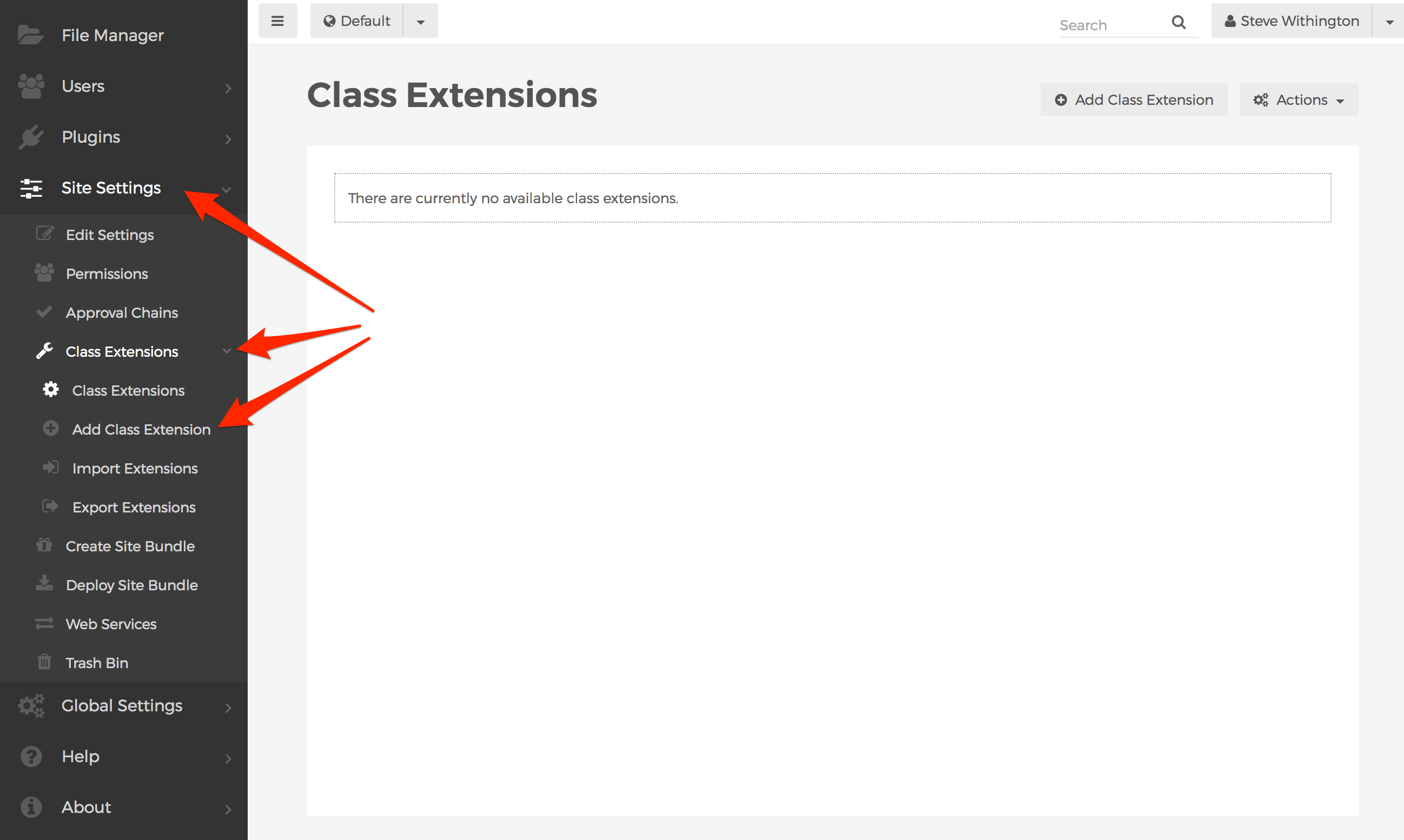
- From Mura's back-end administration area, select Site Settings, click Class Extensions, and select Add Class Extension.
- You should be taken to the Add Class Extension screen.
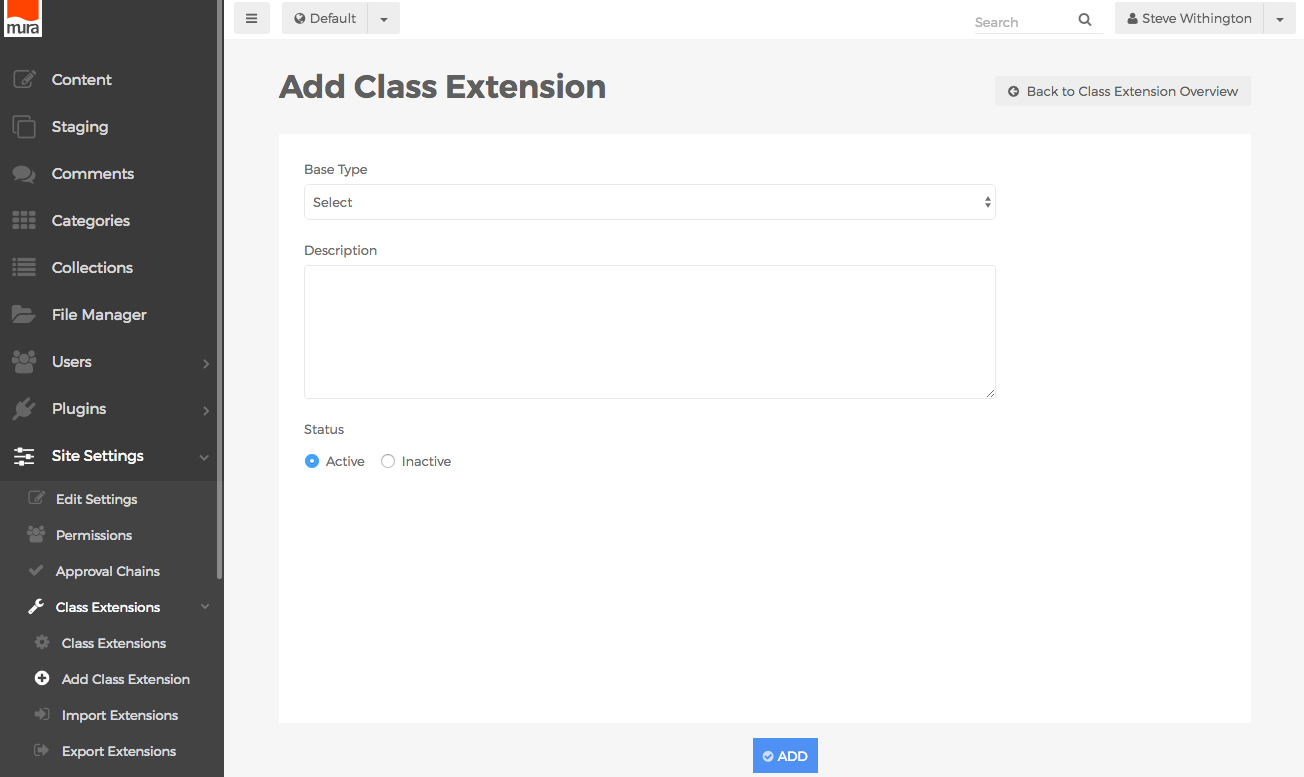
- Base Type
- Please refer to the Extendable Bean Objects section of the Class Extensions page for details on each option.
- Description
- You may enter your desired description of the class extension here. This is merely information for anyone else who may edit or manage the class extension in the future, and is not displayed anywhere else by default.
- Status
- Active
- If selected, the defined Class Extension will appear as an option for content managers when creating new content items.
- Inactive
- If selected, the defined Class Extension will not appear as an option for content managers when creating new content items.
- From the Add Class Extension screen, click the Base Type menu, and choose your desired option, (e.g., Page).
- Once you've made a selection, additional form fields may appear. If you select one of the content types, (e.g., Page, Folder, etc.), additional form fields will appear.
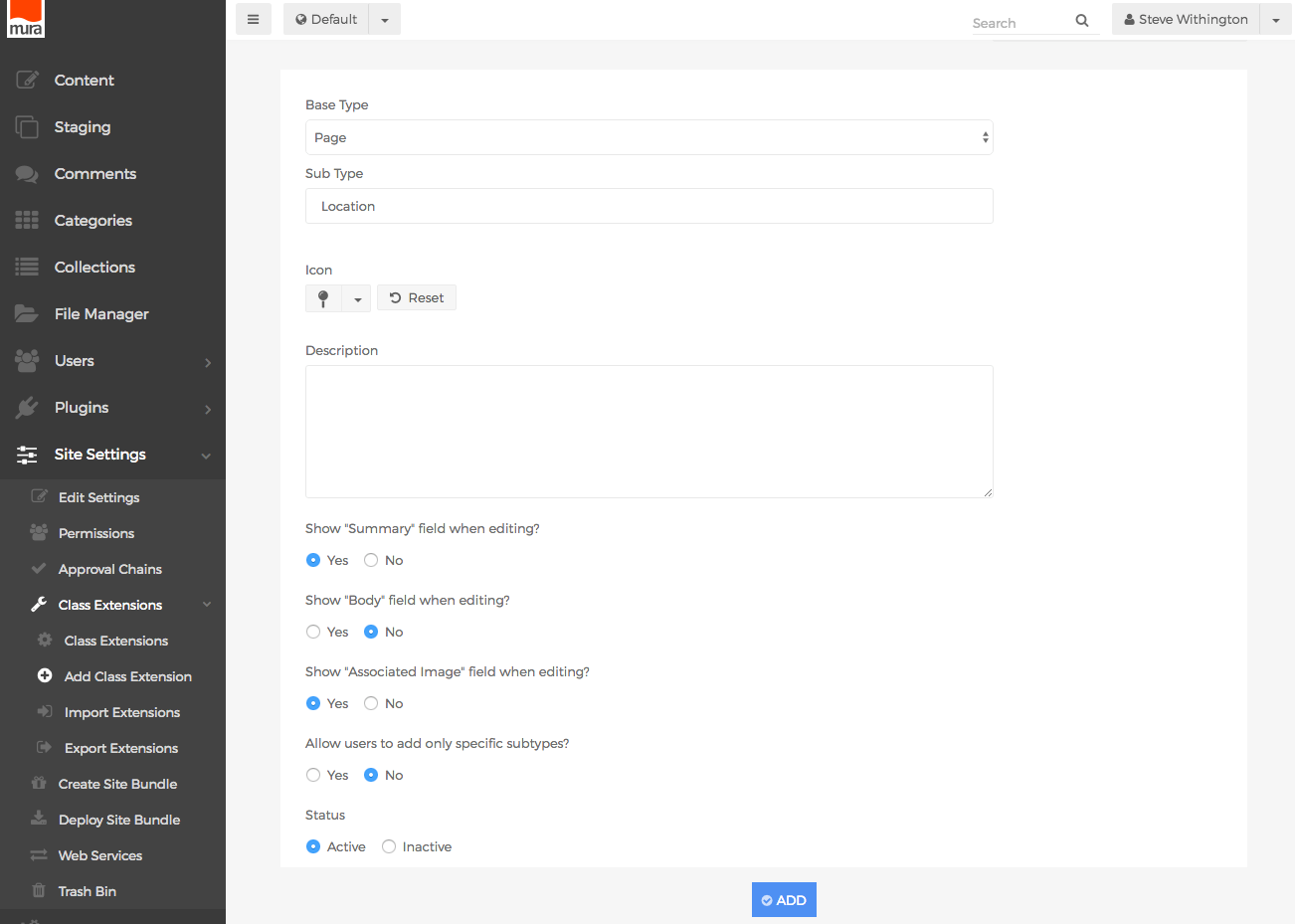
- Sub Type
- You may choose to leave the initial setting of "Default" so that any Extended Attribute Sets and/or Related Content Sets will apply to all content items sharing the same Type. Or, you may enter your own, unique Subtype.
- Icon
- The icon you select here, will appear in the Select Content Type dialog window, when content managers create new content items.
- Show "Summary" field when editing?
- Select whether you wish to display the "Summary" field.
- Show "Body" field when editing?
- Select whether you wish to display the "Body" field.
- Show "Associated Image" field when editing?
- Select whether you wish to display the "Associated Image" field.
- Allow user to add only specific Subtypes?
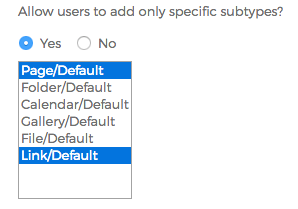
- If Yes, you may select one, or more options from the available list. This will restrict what appears in the Select Content Type dialog window, when content managers add new content items as children on this specific type of content.
- When finished, click the Add button, so save your new Class Extension.
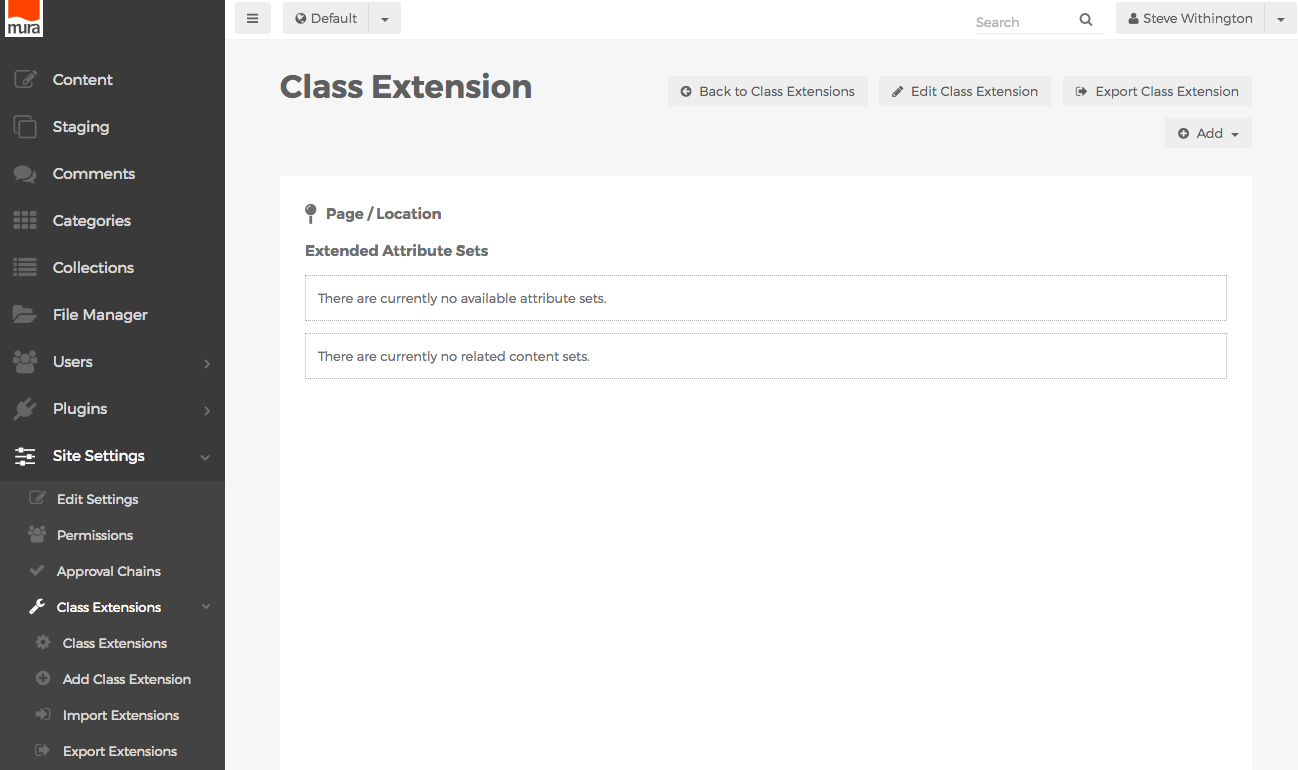
- You should now be taken to the Class Extension screen, where you may view/create Extended Attribute Sets, and Related Content Sets.
Extended Attribute Sets
Extended Attribute Sets are essentially <fieldset> elements. In other words, they're a set of form controls, grouped under a common name. To create an Extended Attribute Set, follow the steps outlined below.
- From the back-end administration area of Mura, select Site Settings, click Class Extensions, and select Class Extensions.
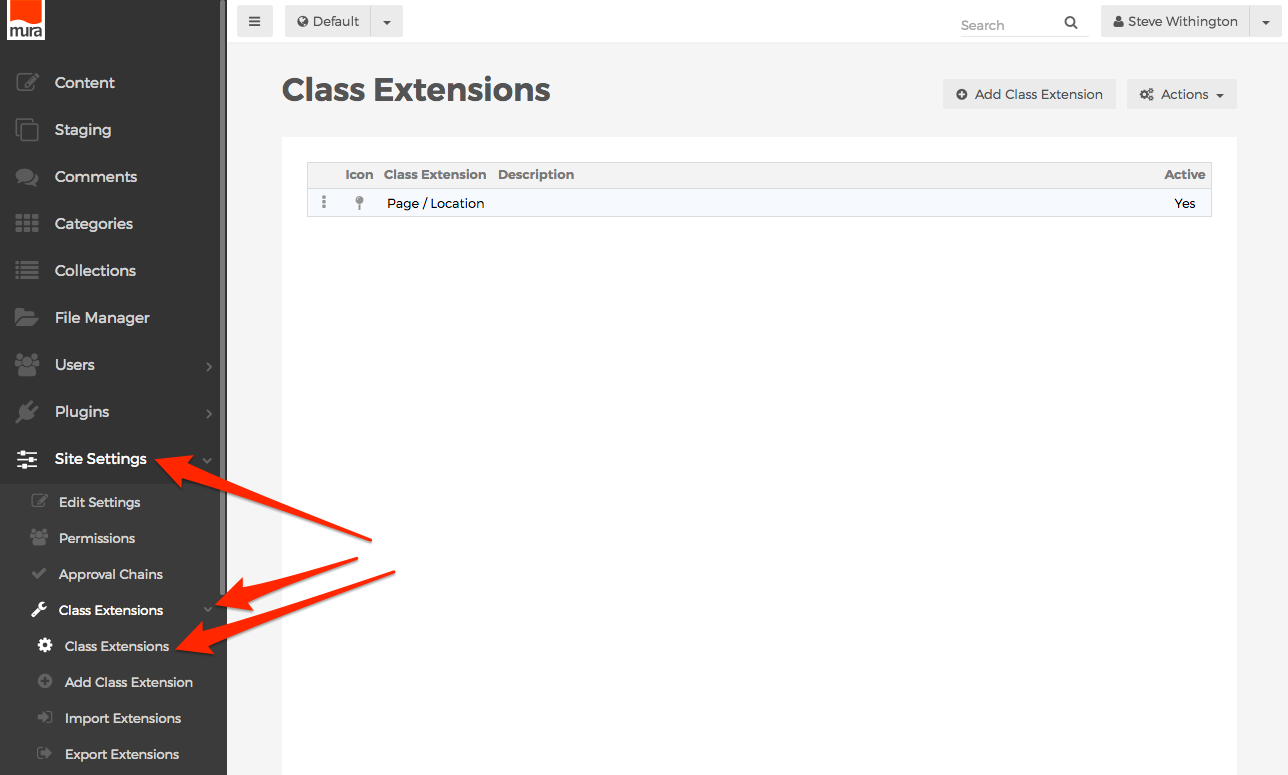
- You should be directed to the Class Extensions screen.
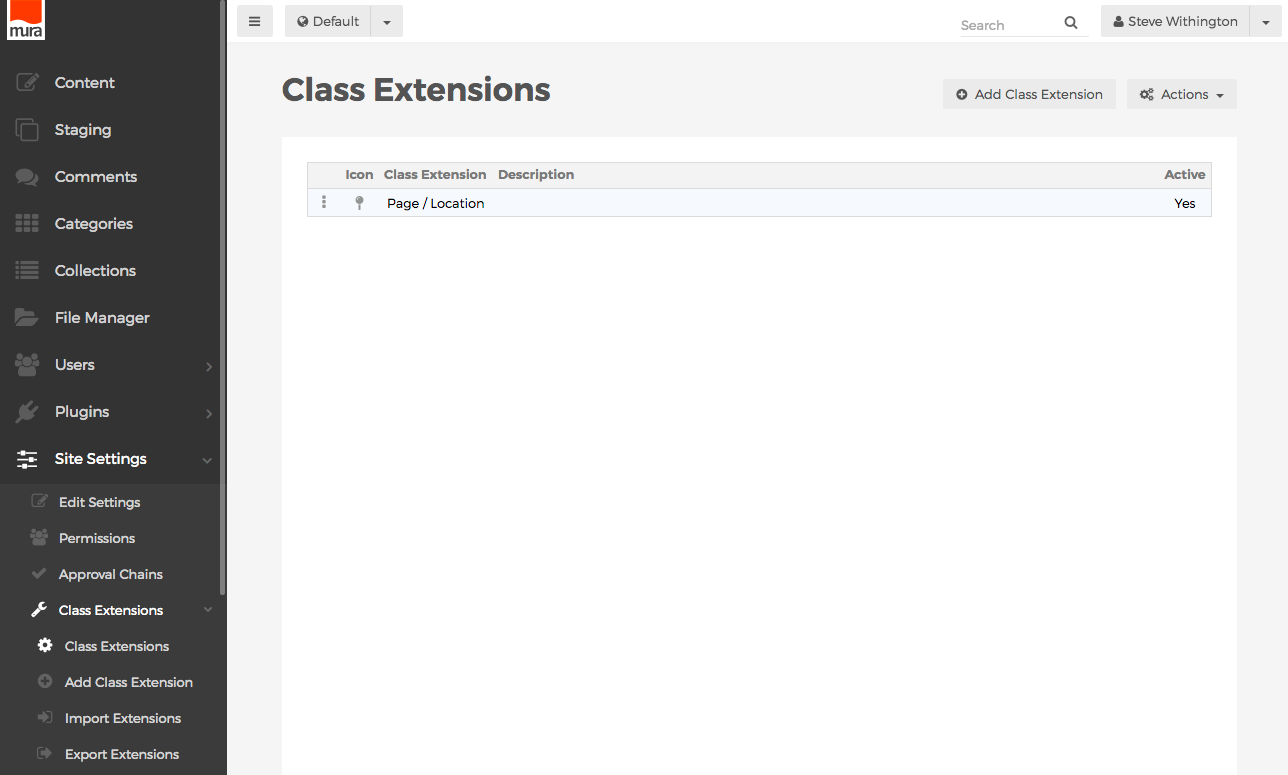
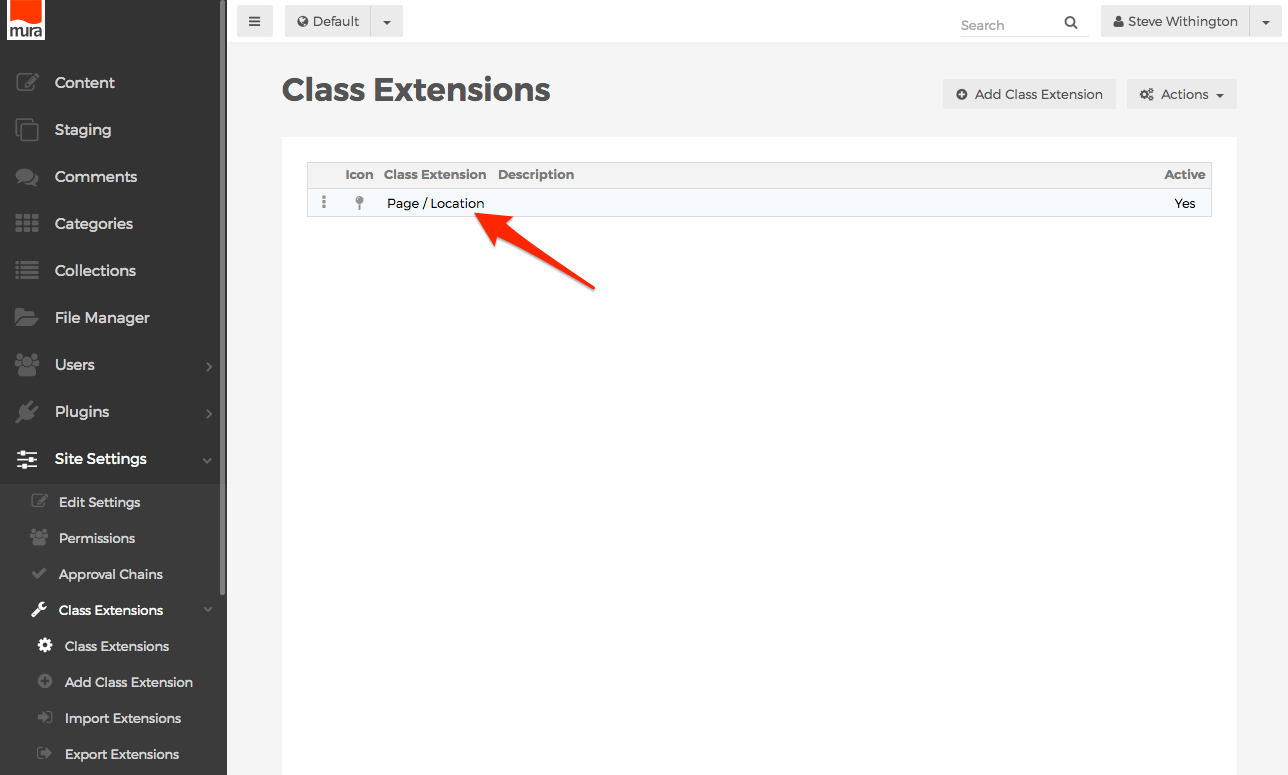
- Select the Class Extension you wish to add an Extended Attribute Set to, from the listing of available Class Extensions.
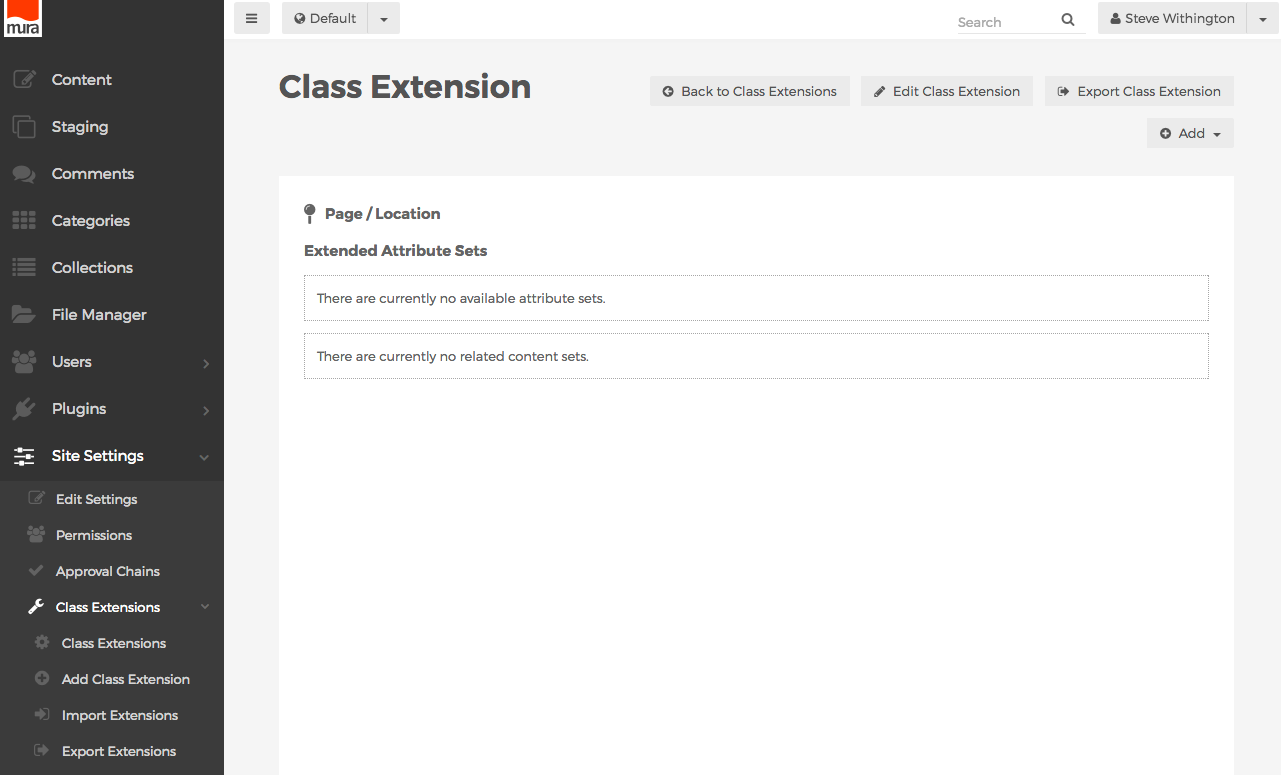
- You should be directed to the Class Extension screen. Here, you can view any available Extended Attribute Sets or Related Content Sets.
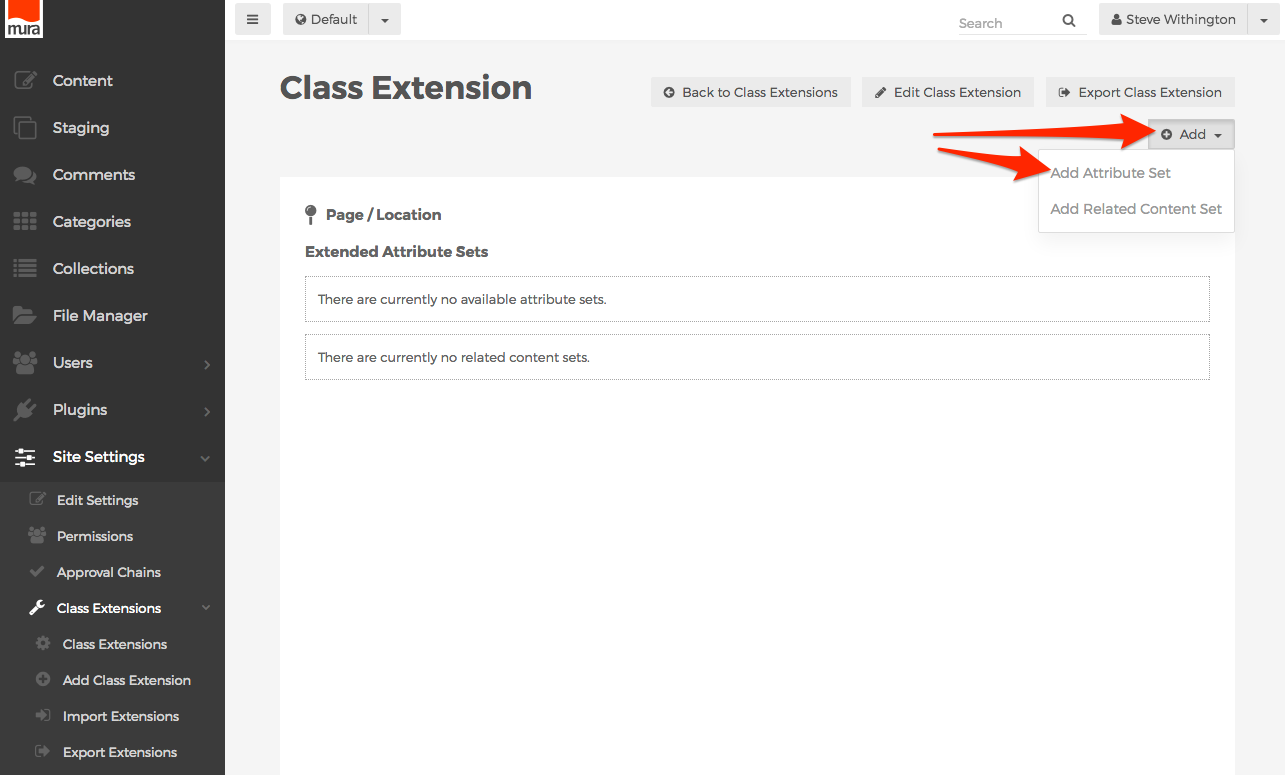
- To add an Extended Attribute Set, click the Add button, then select Add Attribute Set.
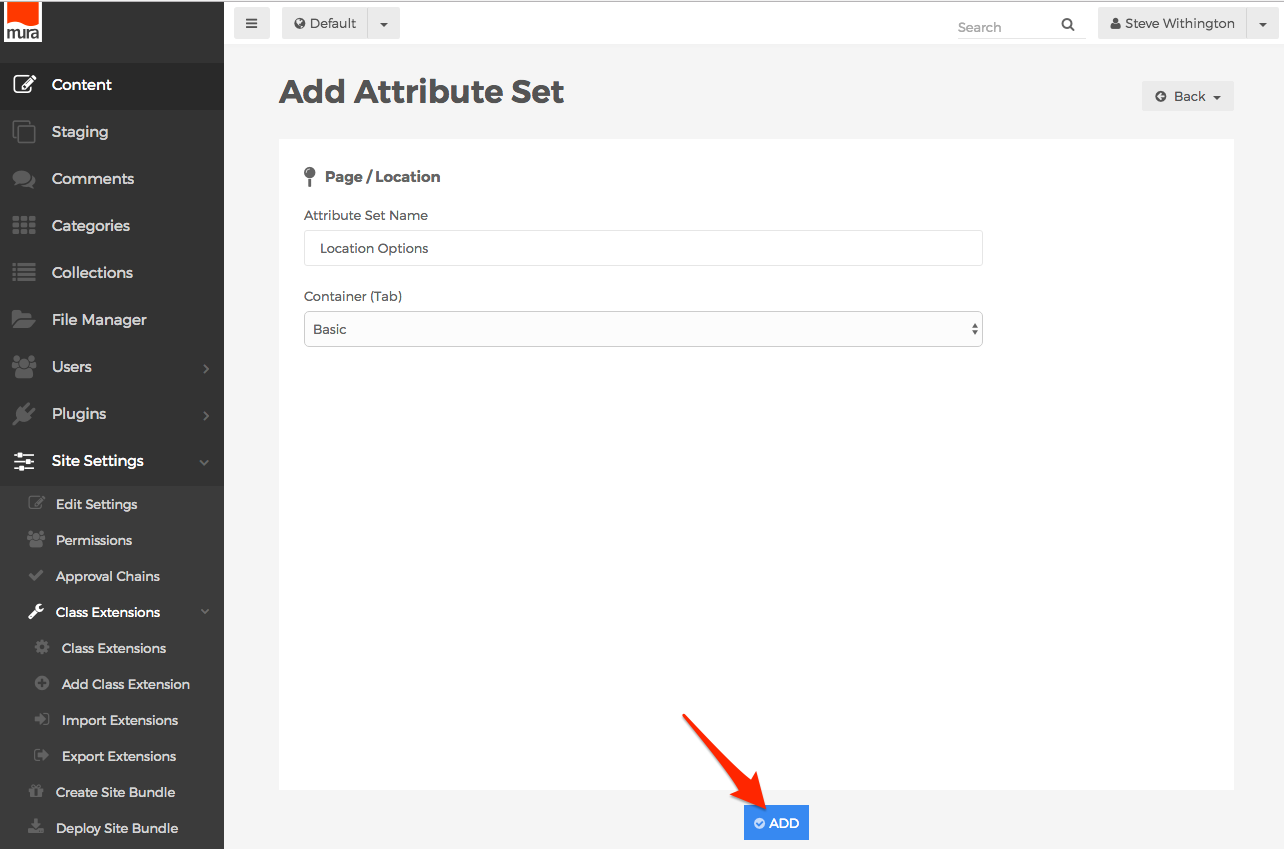
- You should now see the Add Attribute Set screen.
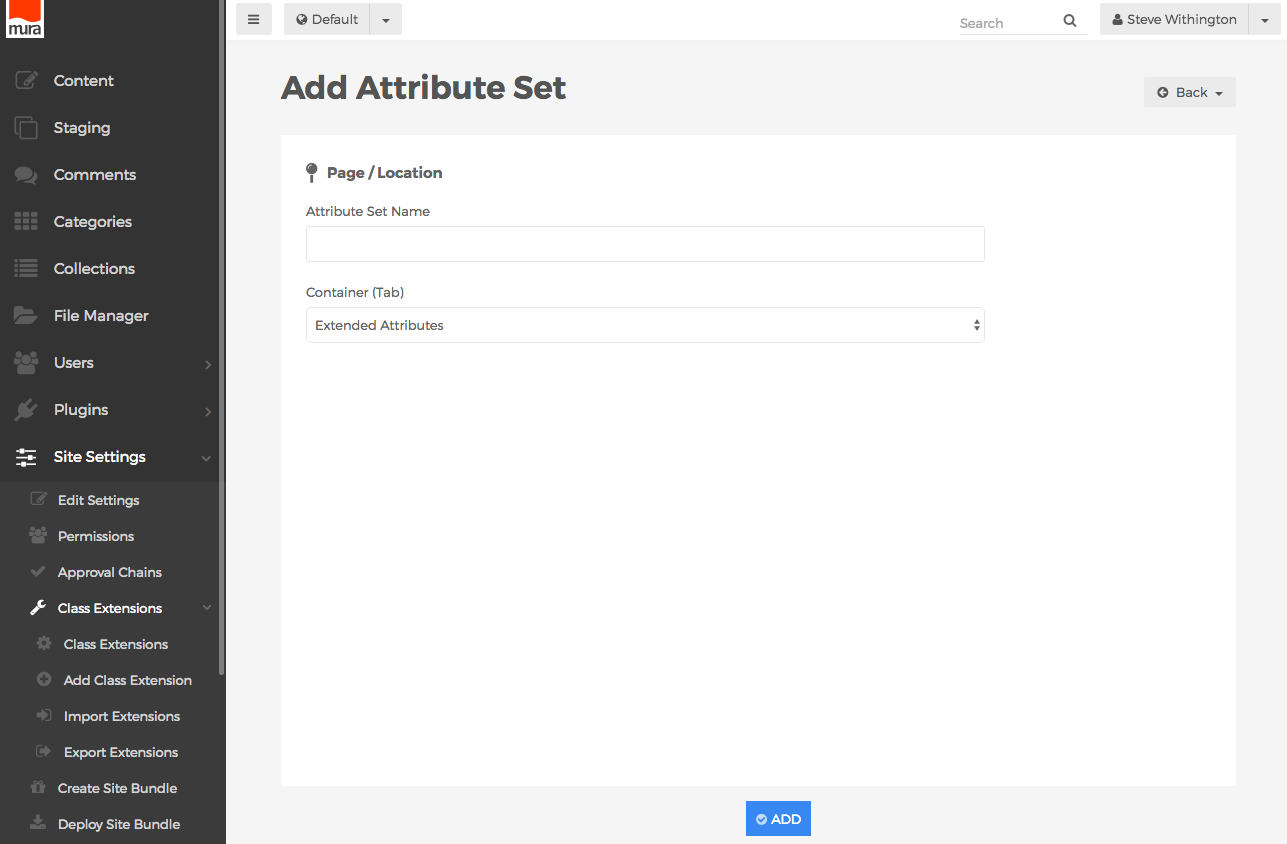
- Attribute Set Name
- The text entered here will be used as the
<legend> for the generated <fieldset>.
- Container (Tab)
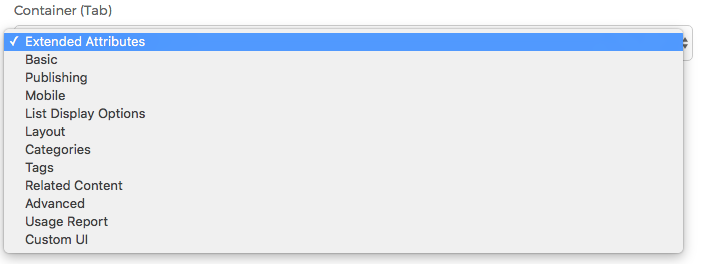
- You may select the tab you wish to include your Extended Attribute Set on, from the listing of available tabs. The listing will differ, depending on the Base Type you selected when creating the Class Extension itself.
- If you select the Custom UI option, you're essentially telling Mura that you'll take care of collecting any attributes you're going to define. If you wish to add a new tab, and include a custom form for collecting the data, you may find this Gist useful: https://gist.github.com/stevewithington/f3dd405d5a188fb594a1
- Once you've entered an Attribute Set Name, and selected your desired Container (Tab), click the Add button to create your new attribute set.
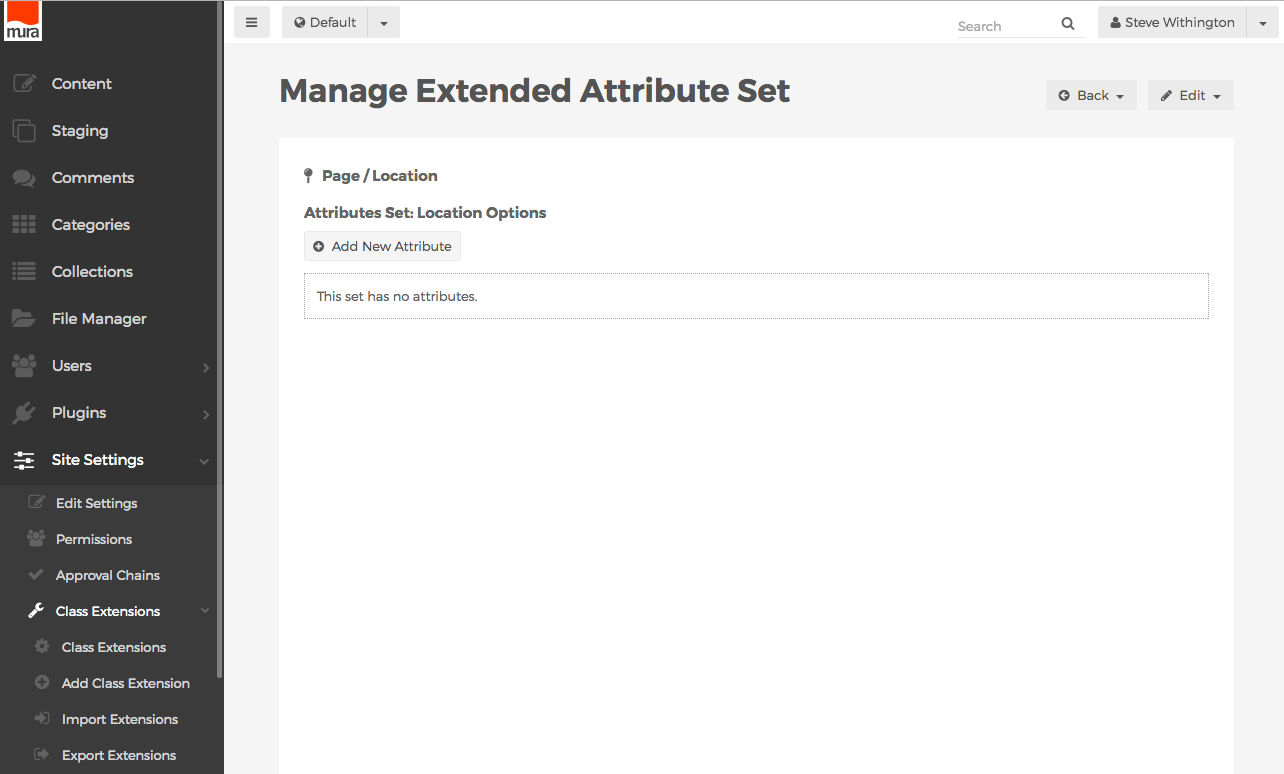
- You should be directed to the Manage Extended Attribute Set screen. This is where you'll add, and manage your new attributes, or form fields.
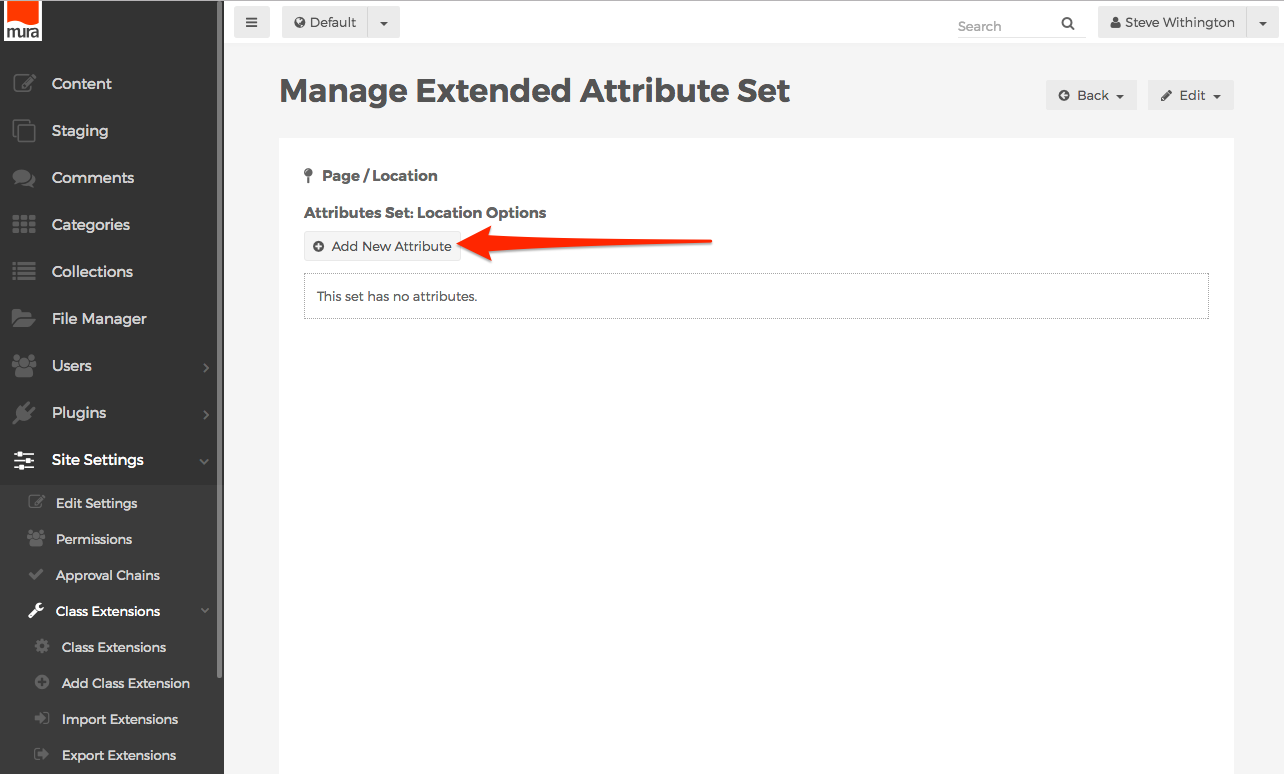
- To create a new attribute, click the Add New Attribute button.
- The screen should now reveal a form to add a new attribute.
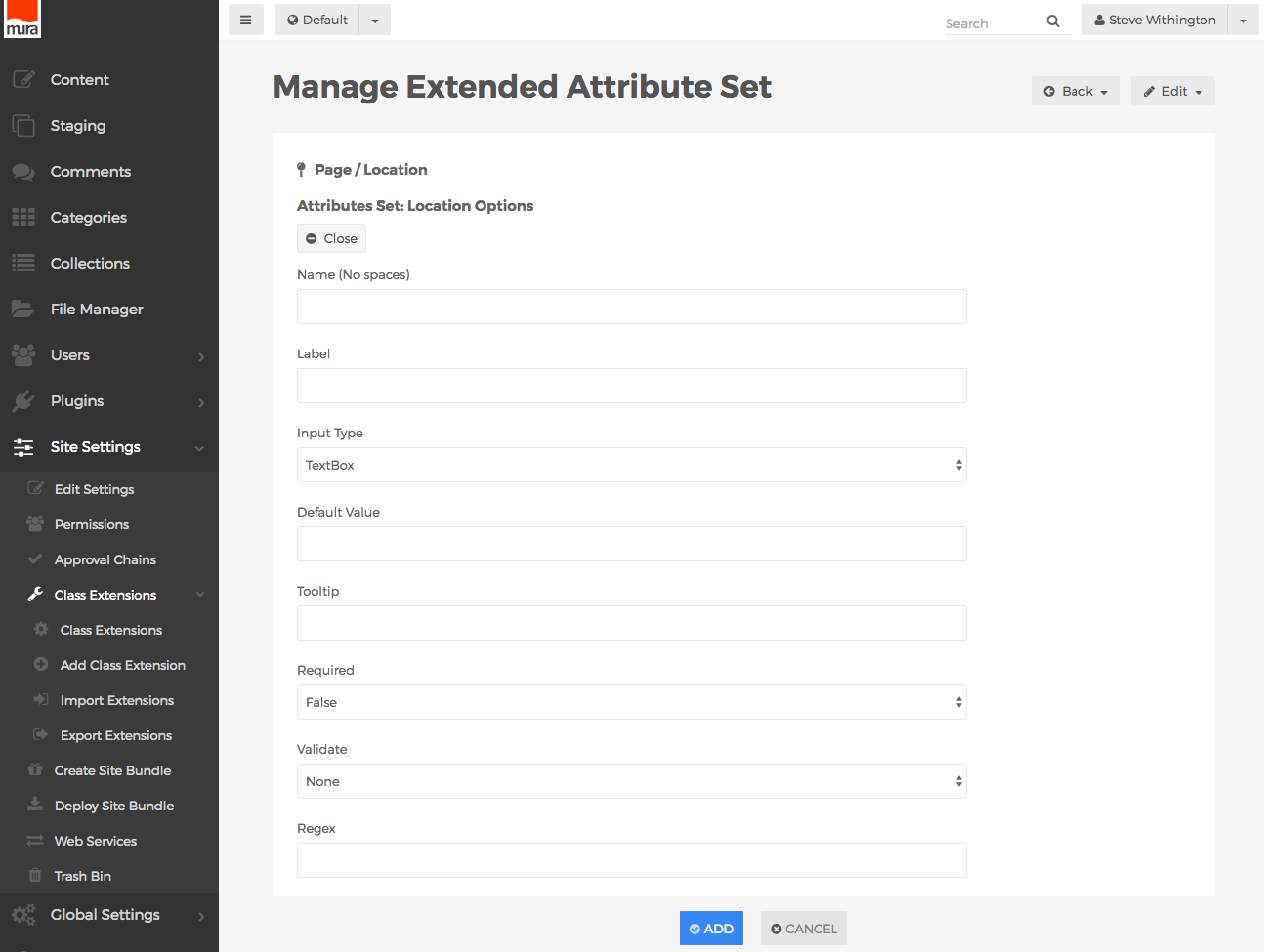
- Name (No spaces)
- Text entered here will be used as the
name attribute of the form field. In addition, the text entered here is how you will reference any data entered for this attribute, as you'll see in the Displaying Extended Attributes section. It is important to use a proper naming convention, as if you were manually creating the input using HTML. Keep in mind that this form field will be included on a much larger form, and as such, you'll want to avoid using any of the bean object's attribute names so you don't run into any naming collisions. For example, you don't want to use the Name "title", since Content Beans already have an attribute labeled "title".
- The recommended best practice is to prefix the
Name with the Subtype of your class extension. For example, if your Subtype equals "Location", instead of using "title" for the Name, you might use "locationtitle" for the Name.
- Label
- Text entered here will be used as the
<label> element.
- Input Type
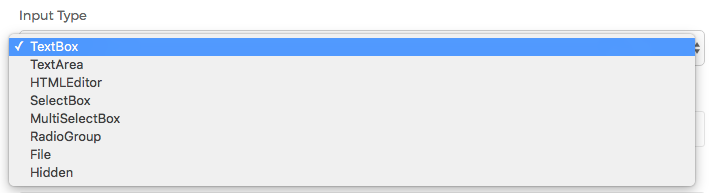
- Select your desired input type from the option list.
- Default Value
- Optionally, enter a default value here. To include a dynamic value, you may use Mura [m] tags.
- Tooltip
- Optionally, enter text to be used as a tooltip.
- Required
- Whether the field is required. If True, Mura will use the option selected in the Validate field when the user submits the form.
- Validate
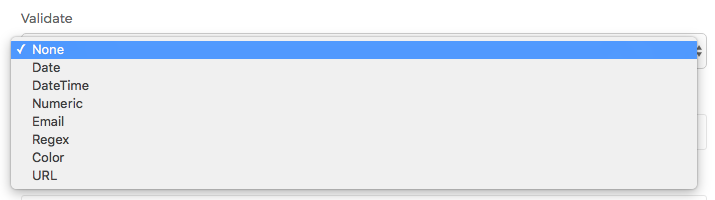
- If you desire the input to be validated before the form is submitted, select one of the following options.
- None
- Date
- Validates data entered is a valid date. Mura will display a calendar UI widget for content managers to use when completing this form field.
- DateTime
- Validates data entered is a valid date and time. Mura will display a calendar and time UI widget for content managers to use when completing this form field.
- Numeric
- Validates data entered is an integer.
- Email
- Validates data entered matches standard email address formats.
- Regex
- Validates data entered against the JavaScript regular expression entered in the Regex field.
- Color
- If the Input Type is set to TextBox, and this option is selected, Mura will display a "color picker" UI widget for content managers to use when completing this form field.
- URL
- Validates data entered matches standard URL formats.
- Regex
- If Validate is set to Regex, Mura will use the JavaScript regular expression entered here to validate data entered in this form field.
- Validation Message
- If Required is set to True, text entered here will be displayed to content managers if the data entered in this form field does not pass validation rules.
- Option List ("^" Delimiter)
- This carat ("^") delimited list of "option values" will be used if Input Type is set to SelectBox, MultiSelectBox, or RadioGroup. For example, "option1^option2^option3". To include a dynamic value, you may use Mura [m] tags.
- Option Label List (Optional, "^" Delimiter)
- This carat ("^") delimited list of "option labels" will be used if Input Type is set to SelectBox, MultiSelectBox, or RadioGroup. For example, "Option 1^Option 2^Option 3". To include a dynamic value, you may use Mura [m] tags.
- For Administrative Use Only?
- If Yes, the field will not display for content editing purposes, and will be a hidden form field.
- After you've completed the form, click the Add button to create your new attribute.
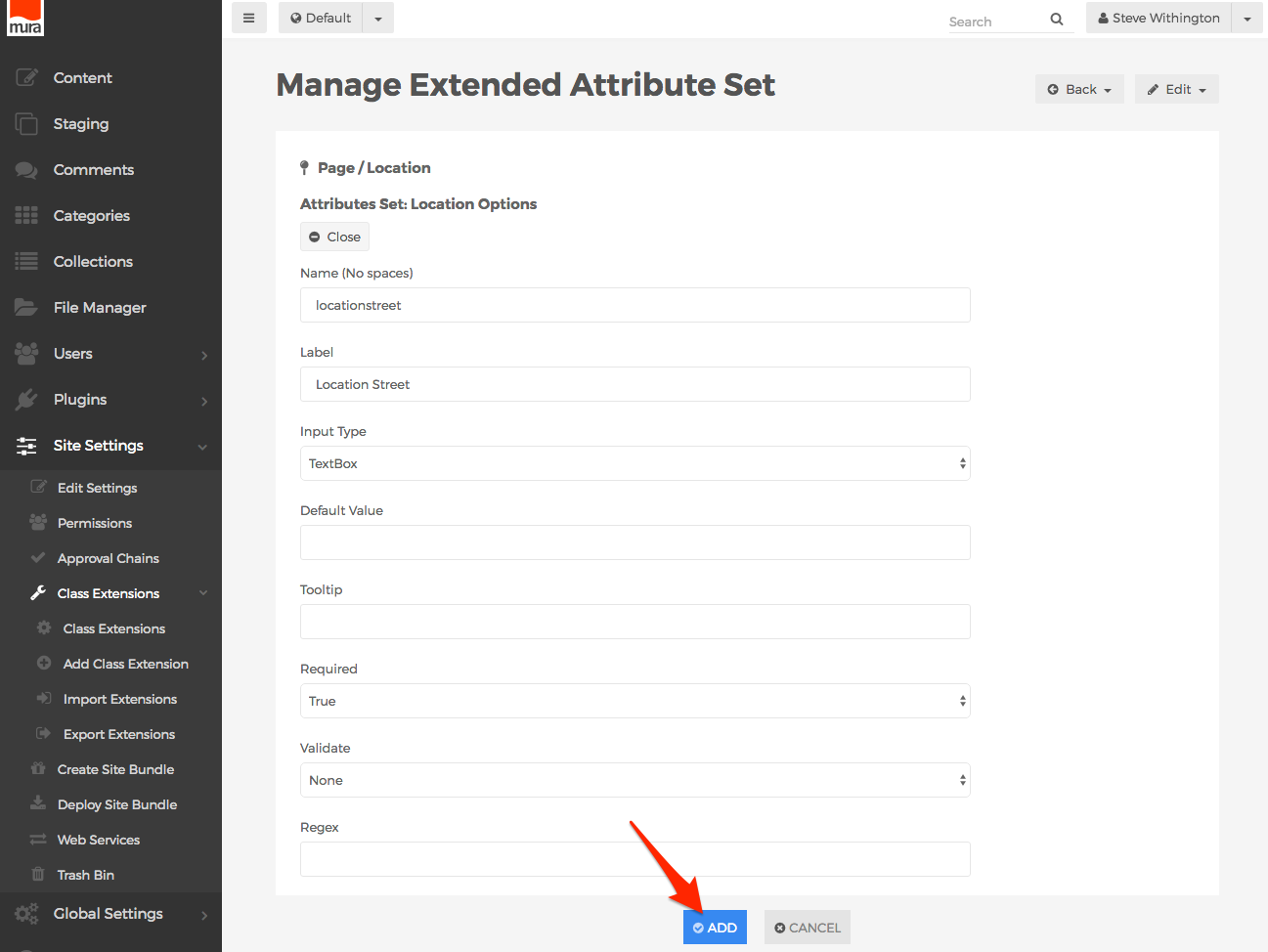
- Repeat these steps to create additional attributes for the Extended Attribute Set.
- The attributes sort order is the order in which they will be displayed to content managers. If you wish to reorder any of them, click the Reorder button.
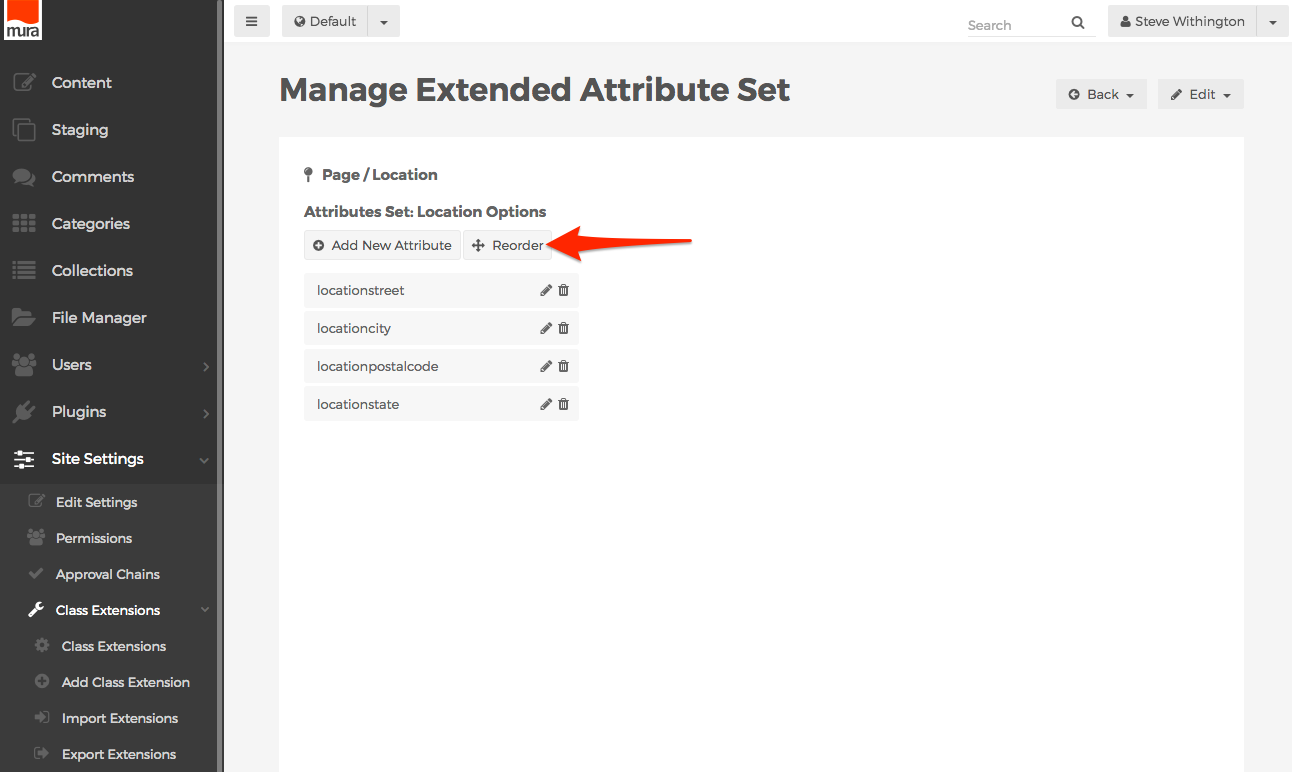
- Then, hover over the attribute you wish to move, and then click, drag, and drop to your desired location.
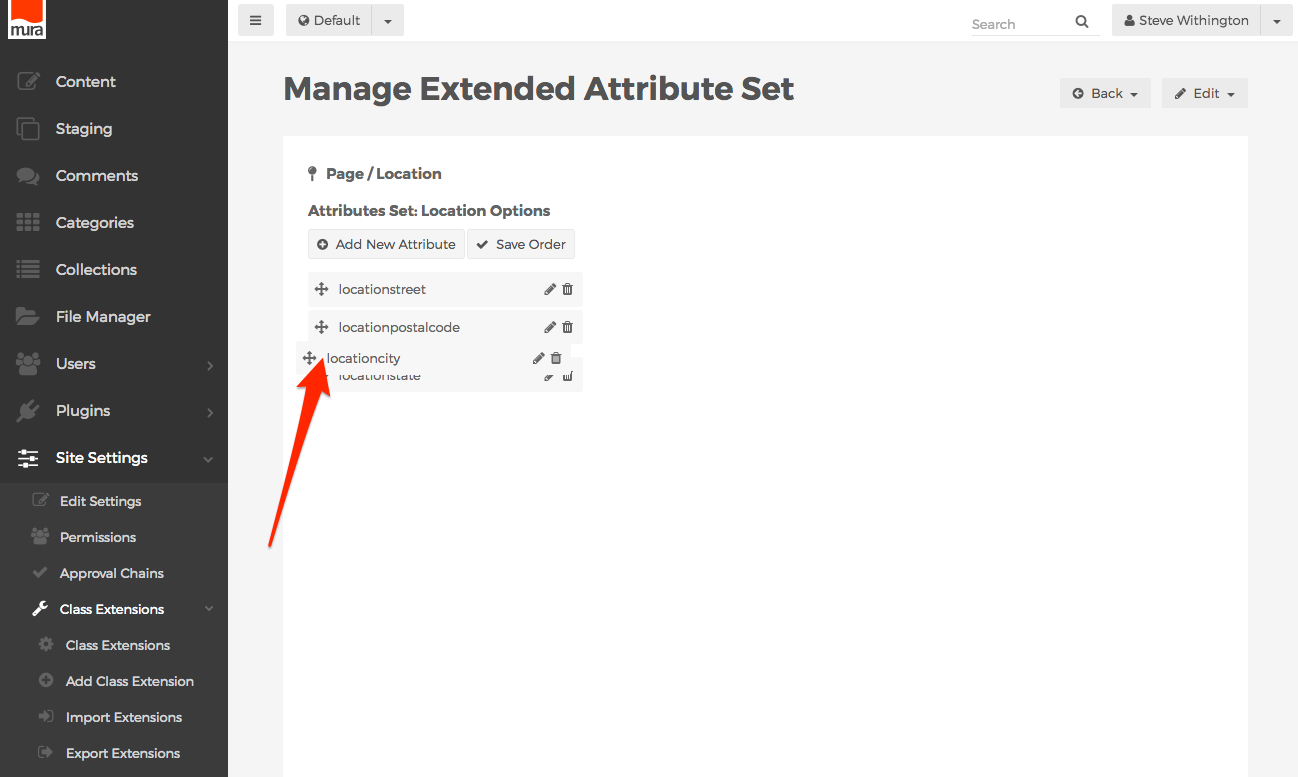
- When finished reordering, click the Save Order button.
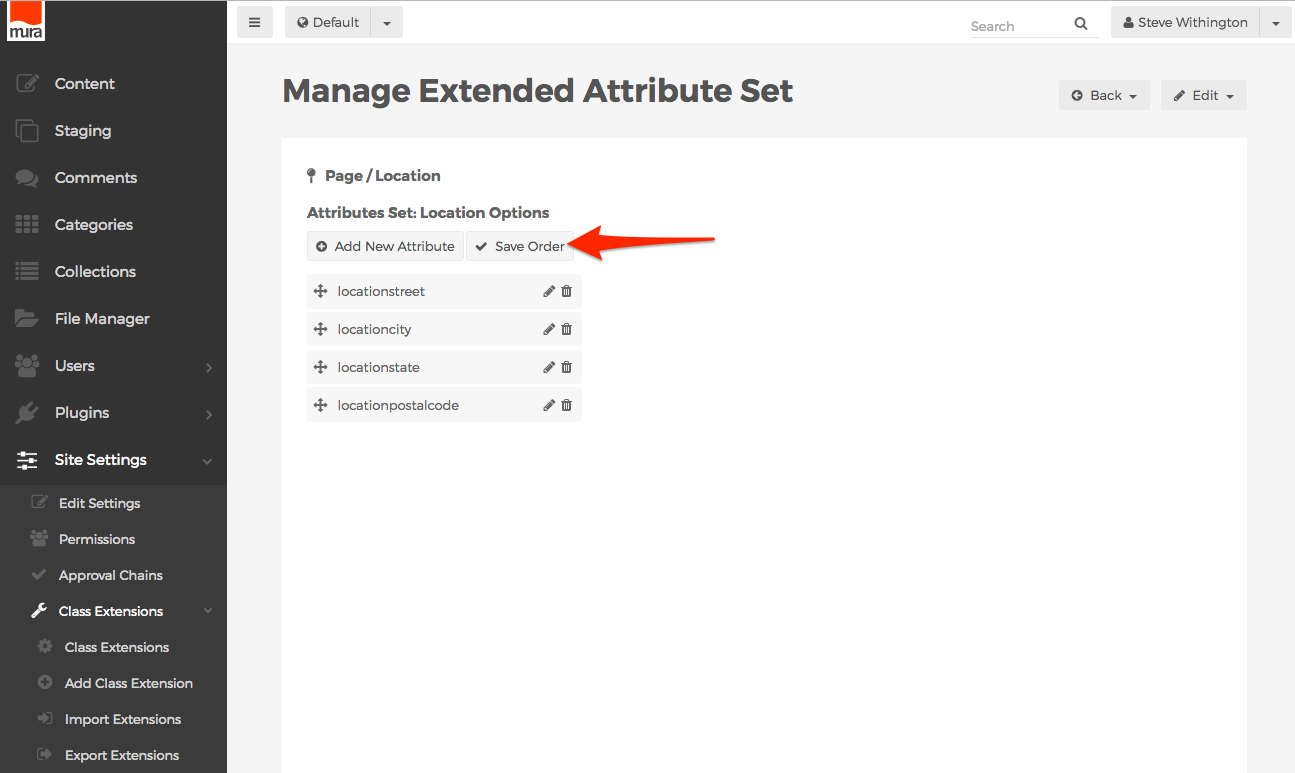
Related Content Sets
Related Content Sets allow content managers the ability to associate content to something other than the default catch-all "Related Content" field, allowing you to create fields such as Related Videos, Related Files, Related Authors, and so on. To create a Related Content Set, follow the steps outlined below.
- From the back-end administration area of Mura, select Site Settings, click Class Extensions, and select Class Extensions.
- You should be directed to the Class Extensions screen.
- Select the Class Extension you wish to add a Related Content Set to, from the listing of available Class Extensions.
- You should be directed to the Class Extension screen. Here, you can view any available Extended Attribute Sets and Related Content Sets.
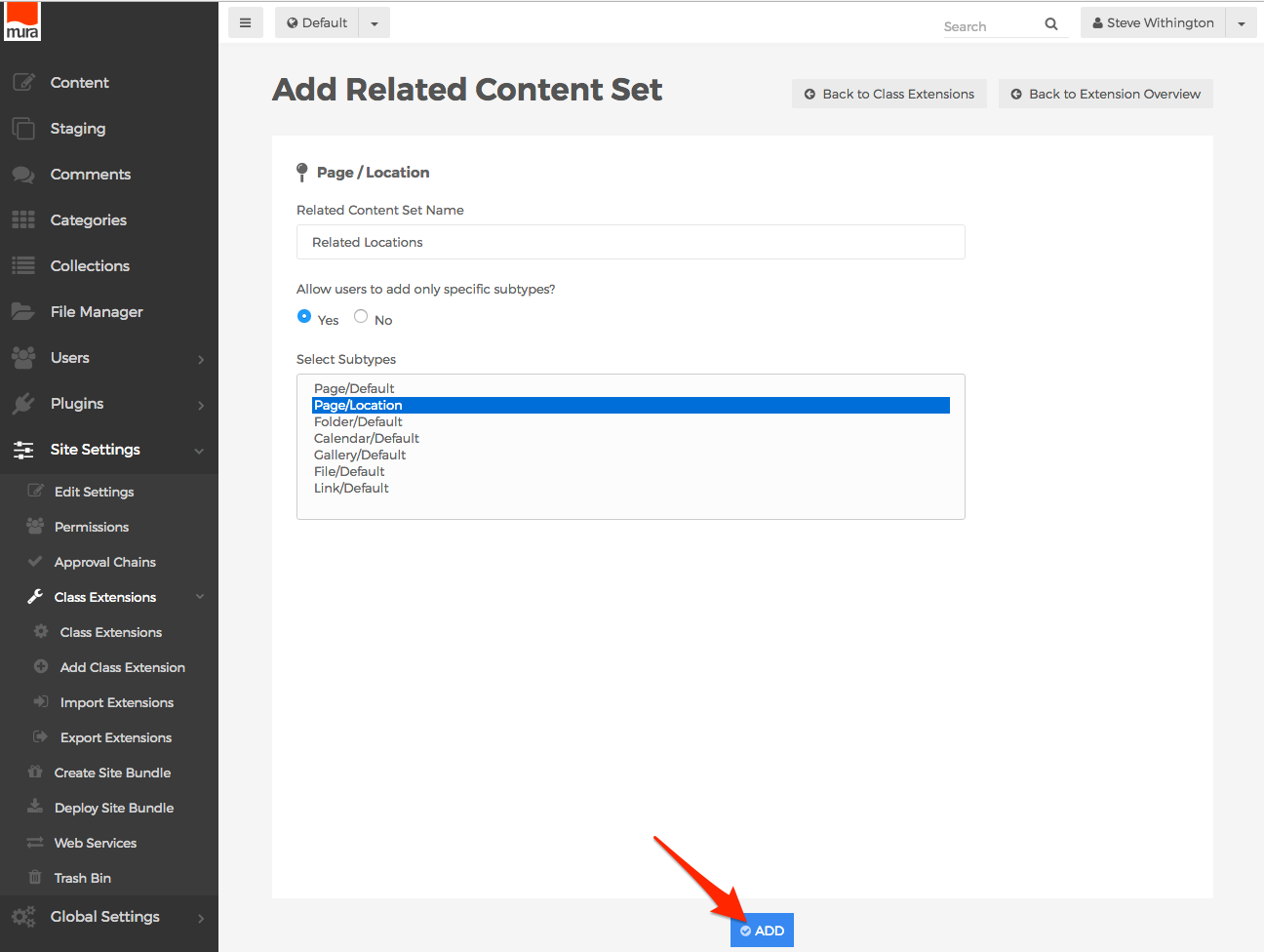
- To add a Related Content Set, click the Add button, then select Add Related Content Set.
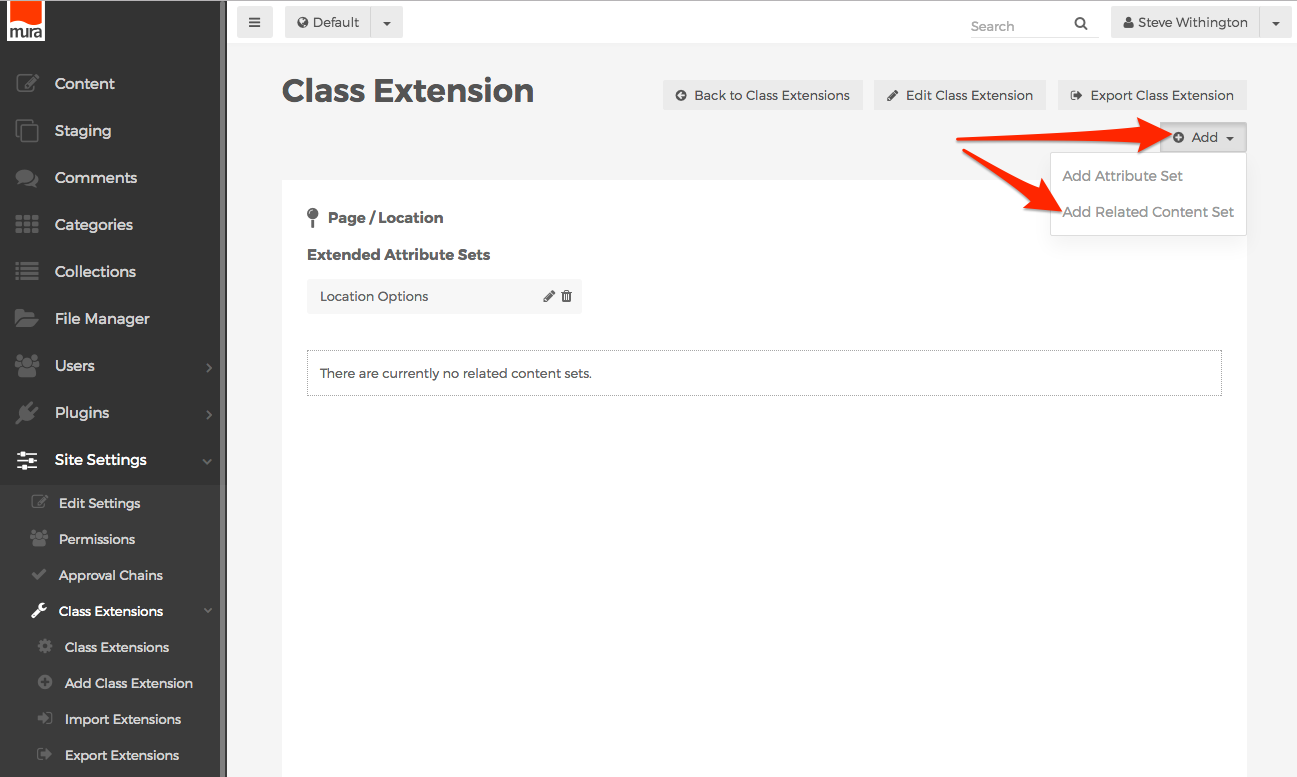
- You should be taken to the Add Related Content Set screen.
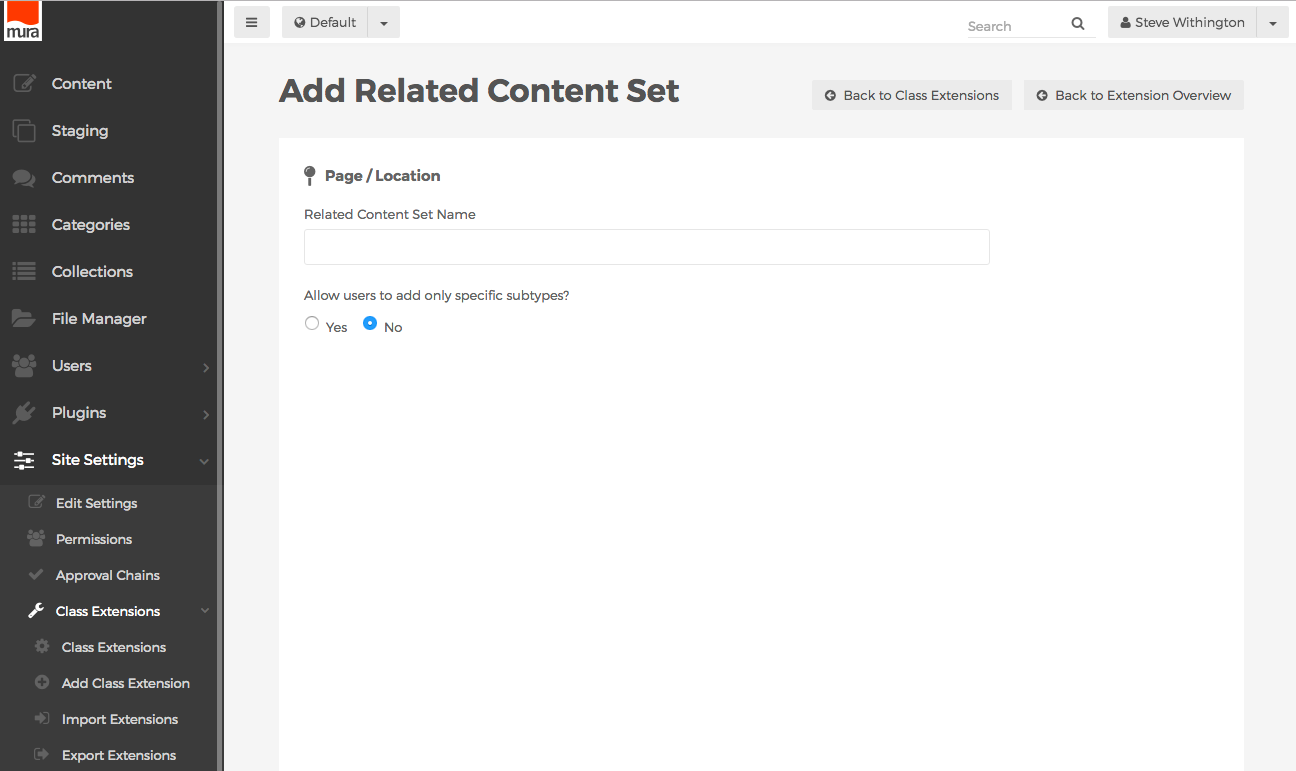
- Related Content Set Name
- Text entered here will display above the new field as the label for content managers to identify it.
- Allow users to add only specific subtypes?
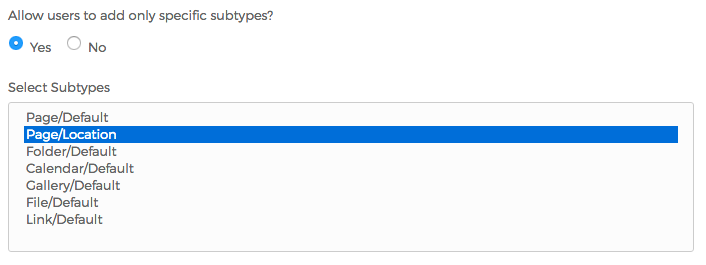
- If Yes, you may select one, or more options from the available list. This will restrict the type of content that content managers are able to assign to the specific Related Content Set.
- When finished completing the form, click the Add button.
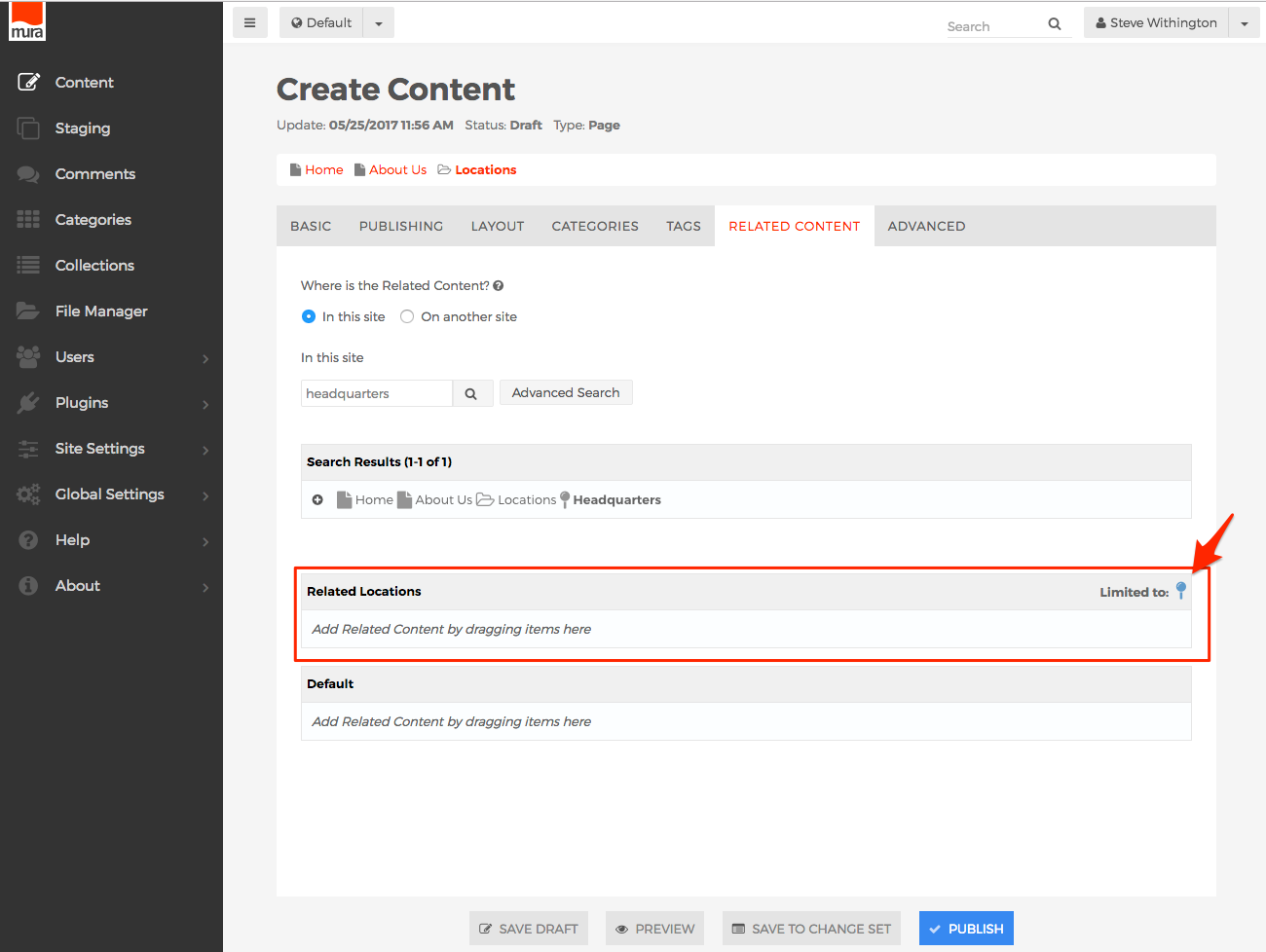
- Now, when a content manager edits content, and selects the Related Content tab, your new Related Content Set will appear. Also note that any
Subtype restrictions will be displayed as well.
Define with XML
In the Define with Admin UI section, we covered creating Class Extensions, Extended Attribute Sets, and Related Content Sets using Mura's back-end administrator user interface. In addition to using the administrator's UI, Mura can parse a special XML file to create Class Extensions, as well as create custom image sizes, and more.
config.xml.cfm
Whenever Mura experiences an application reload, it scans for the config.xml.cfm file, and if found, will attempt to parse the file to create any pre-defined Class Extensions and custom image sizes. As you'll see in the Mura Modules section and Plugins section, if the file is located under a modules or plugin directory, Mura uses the file to obtain various settings and information about the module or plugin too.
Convention-Based Lookup
The config.xml.cfm file will be discovered in any theme directory, module directory, content type directory, or plugin directory.
For example:
{context}/themes/{ThemeName}/{context}/themes/{ThemeName}/content_types/{Type}/{context}/themes/{ThemeName}/content_types/{Type}_{Subtype}/{context}/themes/{ThemeName}/modules/{Module}/{context}/sites/{SiteID}/themes/{ThemeName}/{context}/sites/{SiteID}/themes/{ThemeName}/content_types/{Type}/{context}/sites/{SiteID}/themes/{ThemeName}/content_types/{Type}_{Subtype}/{context}/sites/{SiteID}/themes/{ThemeName}/modules/{Module}/{context}/plugins/{PluginName}/plugin/{context}/plugins/{PluginName}/modules/{Module}/{context}/plugins/{PluginName}/content_types/{Type}_{Subtype}/
As covered in the Mura Rendering section, you can nest additional module directories and content type directories within each other, and Mura will automatically search for the config.xml.cfm file in those too.
Please refer to the Elements of the "config.xml.cfm" File section for details about the file itself.
Elements Of The "config.xml.cfm" File
At the top level, a config.xml.cfm document should contain the mandatory <mura> element. There are no attributes available for this element, unless being used with a module/display object.
The following table describes available attributes, only if used with a module/display object.
| Attribute |
Req/Opt |
Default |
Description |
| name |
Required |
|
This is the actual name or title of the module/display object. |
| contenttypes |
Optional |
empty string |
If blank, it will never display as a draggable option. You may use the asterisk (*) to indicate the display object may be used on all content types. Or, you may pass in a comma-delimited list of content types the display object may be used on. For example, contenttypes="{Type | Type/Subtype},Folder/Blog,Folder/News". |
| omitcontenttypes |
Optional |
empty string |
You may use the asterisk (*) to indicate the display object should not be used on any content types. Or, you may pass in a comma-delimited list of content types the display object should not be used on. For example, contenttypes="{Type | Type/Subtype},Folder/Blog,Folder/News". |
| condition |
Optional |
true |
You may pass in a condition to be evaluated at runtime as to whether the display object should be available. For example, condition="(m.content('title') == 'News')". |
| iconclass |
Optional |
mi-cog |
You may use a Fontawesome icon class, prefixed with "mi-" instead of "fa-" to avoid potential conflicts. For example, iconclass="mi-book". The icon specified here will be used to identify the display object. |
| cacheoutput |
Optional |
true |
If false, output will not be cached, when Site Caching is enabled. |
Example <mura>
This attributes will only be used with a display object.
<mura name="My Display Object" contenttypes="*" iconclass="mi-book">
  ...
</mura>
Subordinate to the <mura> element is an <imagesizes> element, which may contain one or more custom image sizes, and an <extensions> element, which may contain one or more custom class extension definitions.
<mura>
    <imagesizes>
    </imagsizes>
    <extensions>
    </extensions>
</mura>
Note: Plugins have additional elements, and will be covered in the Plugin Development section.
<imagesize> is a sub-element of <imagesizes>
The following table describes the available attributes.
| Attribute |
Req/Opt |
Description |
| name |
Required |
Treat the value of this attribute as a variable name. In other words, do not include any spaces or special characters. |
| width |
Required |
Specify the numeric width in pixels. |
| height |
Required |
Specify the numeric height in pixels. |
Example <imagesize>
<imagesize name="yourimagesizename" width="600" height="100"/>
<extension> is a sub-element of <extensions>
The following table describes the available attributes.
| Attribute |
Req/Opt |
Description |
| type |
Required |
The Base Type to apply the class extension to. Valid options are:
- 1 (to indicate User Group)
- 2 (to indicate User)
- Address
- Page
- Folder
- File
- Calendar
- Link
- Component
- Site
- Base
|
| subtype |
Required |
Use "default" to apply the class extension to all, or enter a custom subtype. Does not apply to the Site type. |
| availablesubtypes |
Optional |
Answers the question; "Allow users to add only specific subtypes?". Leave blank to allow all content types. Or, you may pass in a comma-delimited list of content types. For example, availablesubtypes="{Type | Type/Subtype},Folder/Blog,Folder/News". |
| description |
Optional |
May enter a description for the class extension. |
| hasassocfile |
Optional |
Answers the question; "Show 'Associated Image' field when editing?". Valid options are: 1 (yes/true), 0 (no/false). Default is "1". |
| hasbody |
Optional |
Answers the question; "Show 'Body' field when editing?". Valid options are: 1 (yes/true), 0 (no/false). Default is "1". Applies to Page, Folder, and Calendar. |
| hasconfigurator |
Optional |
Answers the question; "Show 'List Display Options' field when editing?". Valid options are: 1 (yes/true), 0 (no/false). Default is "1". Applies to Folder only. |
| hassummary |
Optional |
Answers the question; "Show 'Summary' field when editing?". Valid options are: 1 (yes/true), 0 (no/false). Default is "1". Applies to Page, Folder, File, Calendar, and Link. |
| iconclass |
Optional |
You may use a Fontawesome icon class, prefixed with "mi-" instead of "fa-" to avoid potential conflicts. For example, iconclass="mi-book". The icon specified here will be used to identify the display object. |
| isactive |
Optional |
Answers the question; "Status". Valid options are: 1 (yes/true), 0 (no/false). Default is "1". |
Example <extension>
<extension type="Page" subType="Product" hasSummary="1" hasBody="1" isActive="1">
	...
</extension>
<attributeset> is a sub-element of <extension>
An attribute set is similar to creating a <fieldset> element in HTML.
The following table describes the available attributes.
| Attribute |
Req/Opt |
Description |
| name |
Required |
This will display on the content edit screen as the title or label above the grouping of associated attributes, similar to a fieldset's legend. |
| container |
Required |
This is the "tab" container which the grouping of associated attributes will be displayed on. Valid options depend on the content Type. See the Available Container Options table. |
| orderno |
Optional |
Specify the numeric |
Available Container/Tab Options
| Option |
Description |
| Basic |
Displays the attribute set on the Basic tab. |
| Default |
Displays the attribute set on the Extended Attributes tab. This is the default setting. |
| Custom |
Will not display the attribute set by default. This allows for a developer to create a custom user interface to collect the data. |
| List Display Options |
DIsplays the attribute set on the List Display Options tab. |
| Layout & Objects |
Displays the attribute set on the Layout & Objects tab. |
| Categorization |
Displays the attribute set on the Categorization tab. |
| Tags |
Displays the attribute set on the Tags tab. |
| Related Content |
Displays the attribute set on the Related Content tab. |
| Advanced |
Displays the attribute set on the Advanced tab. |
| Publishing |
Displays the attribute set on the Publishing tab. |
| Usage Report |
Displays the attribute set on the Usage Report tab. |
Valid Container/Tab Options
The following table describes available options to use as the value for each Base Type.
| Base Type |
Container/Tab Options |
| 1 (User Groups), 2 (Users), & Site |
|
| Pages, Folders, Links, Files, and Calendars |
- Basic
- Default
- List Display Options
- Layout & Objects
- Categorization
- Tags
- Related Content
- Advanced
- Publishing
- Usage Report
- Custom
|
| Address, Custom, and Base |
|
| Component |
- Basic
- Default
- Categorization
- Usage Report
- Custom
|
Example <attributeset>
<attributeset name="Mobile Options" container="Basic" orderno="1">
    ...
</attributeset>
<attribute> is a sub-element of <attributeset>
An attribute describes a data container (form field) and its validation rules.
The following table describes required and optional attributes of the <attribute> element:
| Attribute |
Description |
| name |
The variable name. This will also become the form fields "name" attribute. |
| label |
The label that will be displayed on the form |
| hint |
A tooltip hint for the form field |
| type |
Valid options: TextBox (default), TextArea, HTMLEditor, SelectBox, MultiSelectBox, RadioGroup, File, Hidden |
| required |
Valid options: true, false (default) |
| validation |
Leave blank if not using validation. Otherwise, valid options are: Date, DateTime, Numeric, Email, Regex, Color, and URL. |
| regex |
If validation is set to Regex, then you can enter a JavaScript regular expression to execute when the form is submitted. |
| message |
The error message that displays when validation fails. |
| defaultvalue |
Optional. The default value for the form field. |
| optionlist |
A carat "^" delimited list of option values. Used when type is set to SelectBox, MultiSelectBox or RadioGroup. |
| optionlabellist |
A carat "^" delimited list of option labels. Used when type is set to SelectBox, MultiSelectBox or RadioGroup. |
| adminonly |
Valid options: 0 for false (default), 1 for true. Whether the attribute is for administrator use only, and will not be displayed. |
Note: To enable a color picker for a form field, set type="TextBox" and validation="Color"
Example config.xml.cfm
<?xml version="1.0" encoding="UTF-8"?>
    <mura>
        <!-- Image Sizes -->
        <imagesizes>
          <imagesize
            name="locationimage"
            width="600"
            height="400"/>
        </imagesizes>

        <!-- Class Extensions -->
        <extensions>
            <extension
                adminonly="0"
                availablesubtypes="Page/Location"
                description=""
                hasassocfile="0"
                hasbody="0"
                hasconfigurator="0"
                hassummary="0"
                iconclass="mi-map-o"
                subtype="Locations"
                type="Folder"/>

            <extension
                availablesubtypes=""
                description=""
                hasassocfile="1"
                hasbody="0"
                hasconfigurator="0"
                hassummary="1"
                iconclass="mi-map-pin"
                subtype="Location"
                type="Page">

                <attributeset
                    container="Basic"
                    name="Location Options"
                    orderno="1">

                    <attribute
                        adminonly="0"
                        defaultvalue=""
                        hint=""
                        label="Location Street"
                        message="Please enter a Location Street"
                        name="locationstreet"
                        optionlabellist=""
                        optionlist=""
                        orderno="1"
                        regex=""
                        required="true"
                        type="TextBox"
                        validation=""/>

                    <attribute
                        adminonly="0"
                        defaultvalue=""
                        hint=""
                        label="Location City"
                        message="Please enter a Location City"
                        name="locationcity"
                        optionlabellist=""
                        optionlist=""
                        orderno="2"
                        regex=""
                        required="true"
                        type="TextBox"
                        validation=""/>

                    <attribute
                        adminonly="0"
                        defaultvalue=""
                        hint=""
                        label="Location State"
                        message="Please enter a Location State"
                        name="locationstate"
                        optionlabellist=""
                        optionlist=""
                        orderno="3"
                        regex=""
                        required="true"
                        type="TextBox"
                        validation=""/>

                    <attribute
                        adminonly="0"
                        defaultvalue=""
                        hint=""
                        label="Location Postal Code"
                        message=""
                        name="locationpostalcode"
                        optionlabellist=""
                        optionlist=""
                        orderno="4"
                        regex=""
                        required="false"
                        type="TextBox"
                        validation=""/>

                </attributeset>
            </extension>
        </extensions>
    </mura>
Export Definitions via Admin UI
Mura is able to export Class Extensions as an XML file via the back-end administration UI. This is the recommended method for creating XML Class Extension definitions, as opposed to writing the XML by hand. By using this method, you're able to reduce the likelihood of typos or introducing errors when Mura attempts to parse your XML file(s).
There are two methods for exporting Class Extensions. You can export them individually, or select multiple extensions to export as a single XML file.
Export Single Class Extension
To export a single Class Extension, follow the steps outlined below.
- From the back-end administration area of Mura, select Site Settings, click Class Extensions, and select Class Extensions.
- You should be directed to the Class Extensions screen.
- Select the Class Extension you wish to export, from the listing of available Class Extensions.
- You should be directed to the Class Extension screen.
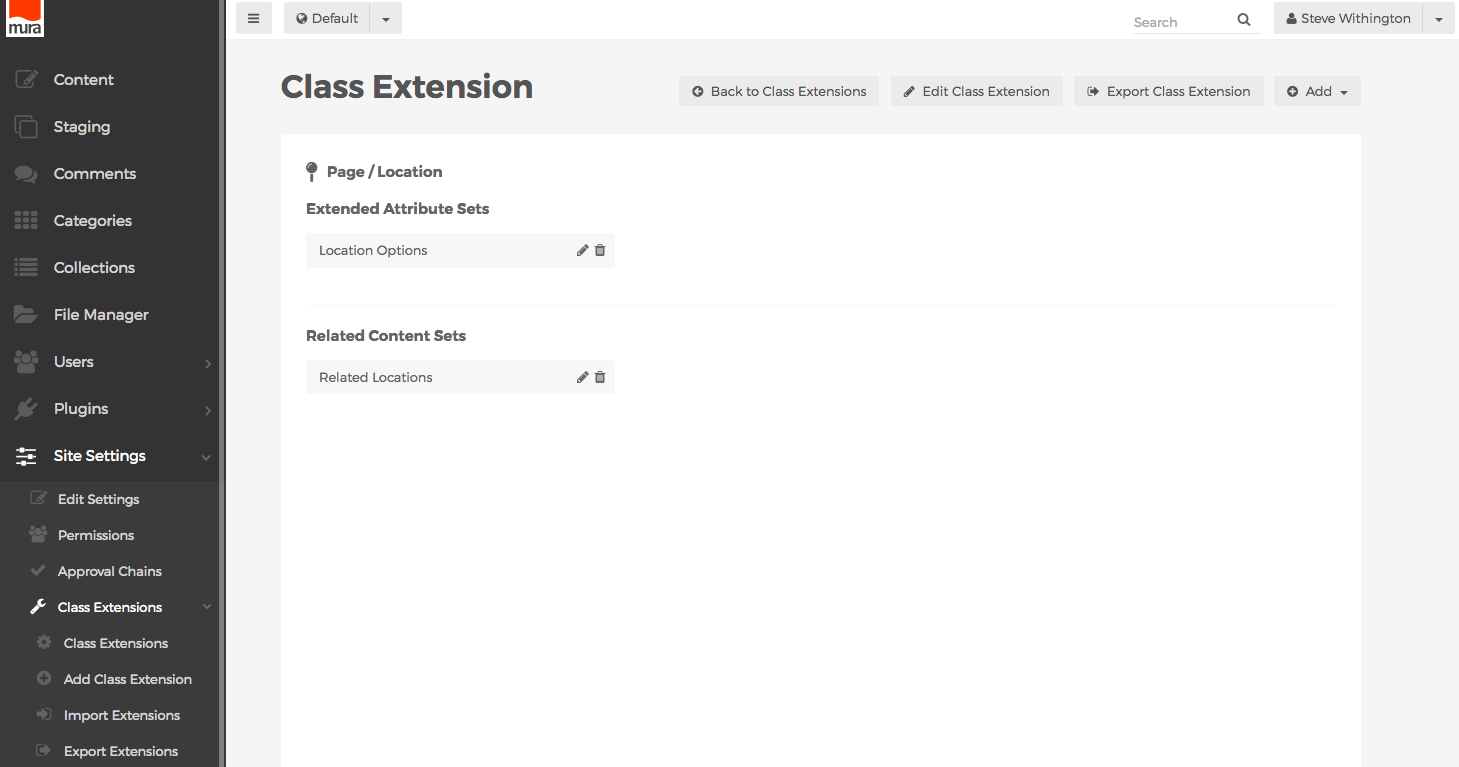
- Click the Export Class Extension button.
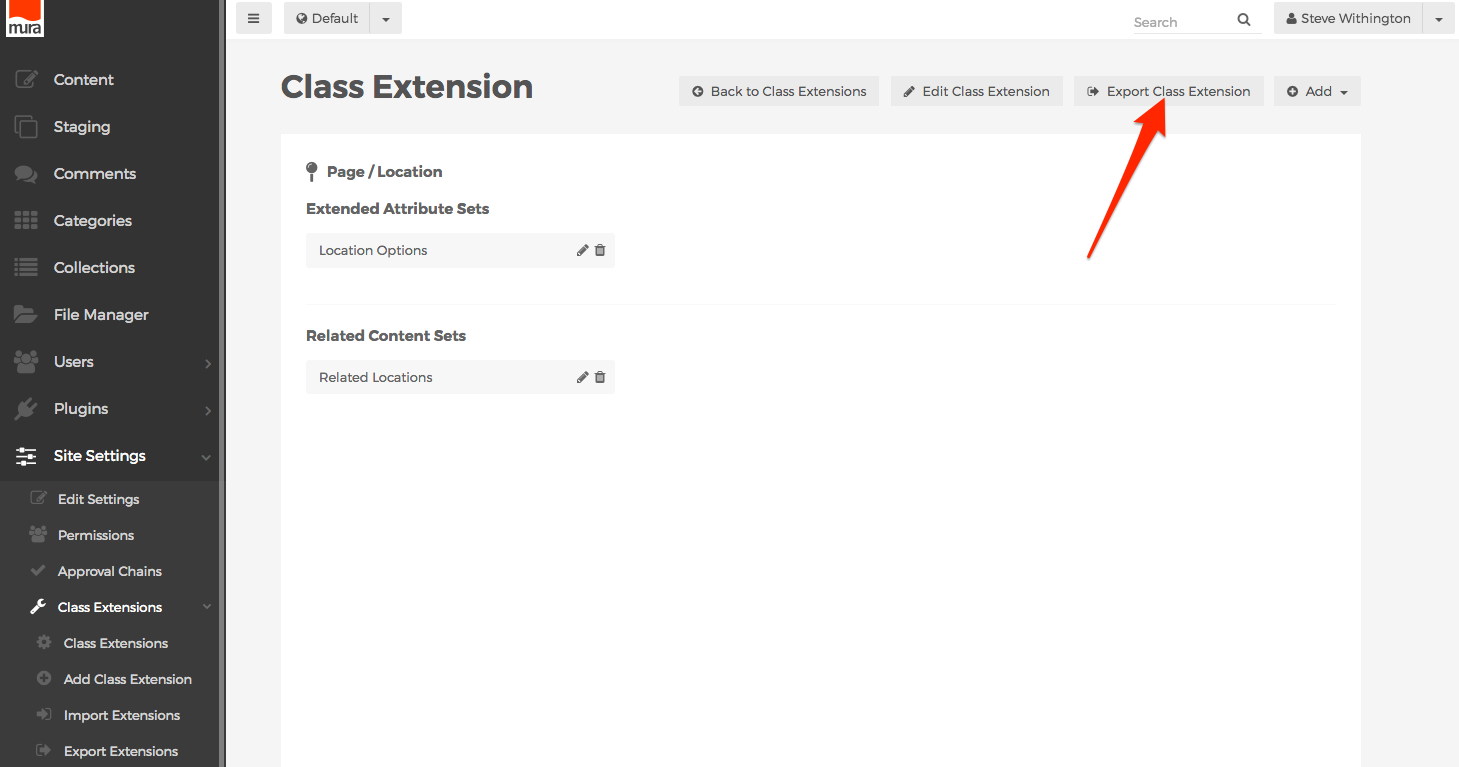
- You should directed to the Export Class Extensions screen.
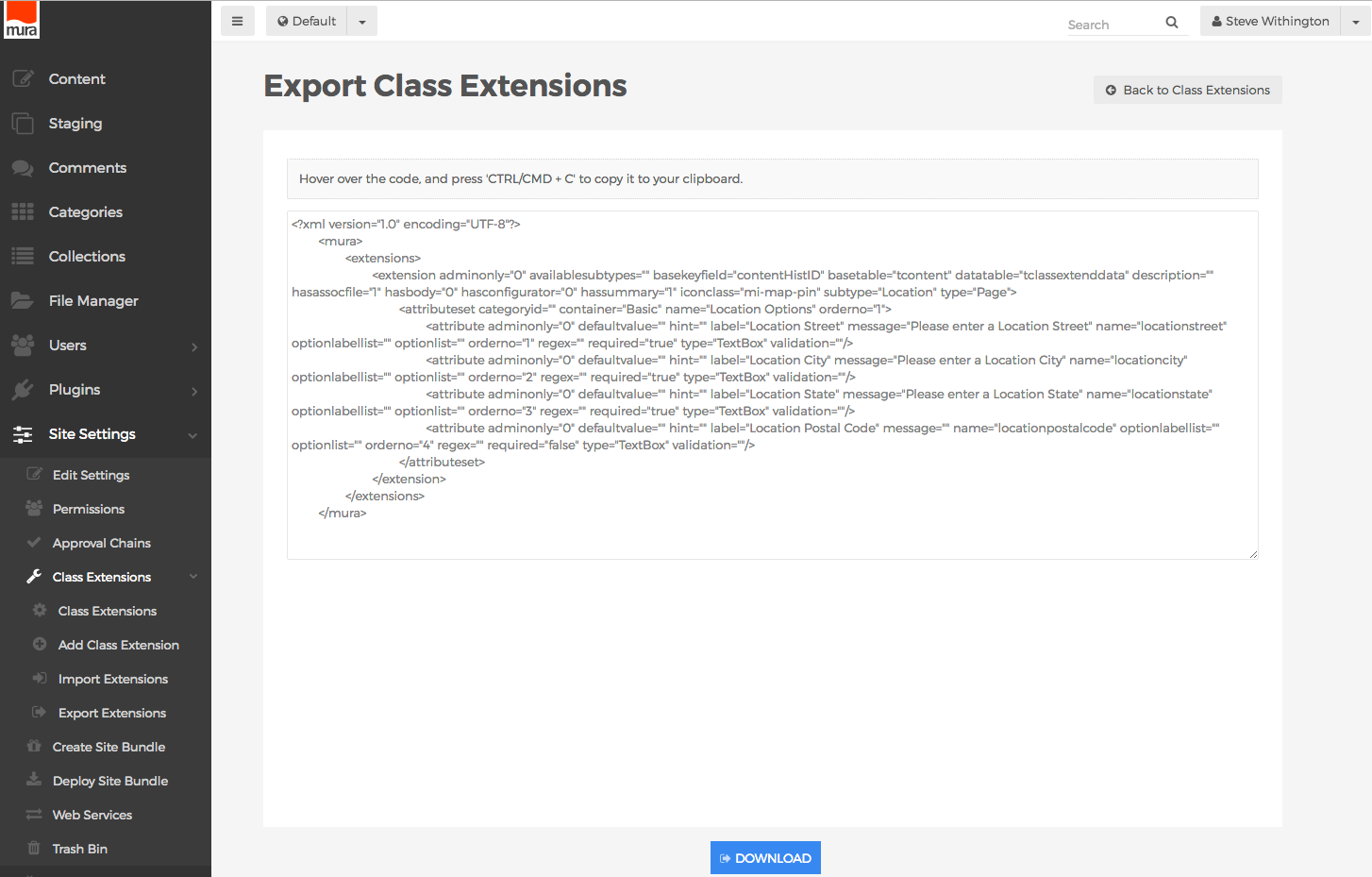
- You can hover over the code, and press
<CTRL>+C on a PC, or <CMD>+C on a Mac to copy it to your clipboard, then paste the code into your own XML file.
- Or, you can simply click the Download button at the bottom of the screen, to download the code as a XML file.
- You now have a file that can be used to import the Class Extension into another instance of Mura, or package it with a display object's
config.xml.cfm file or a plugin's config.xml.cfm file for future distribution.
Export Multiple Class Extensions
To export multiple Class Extensions at the same time, so they can be packaged together in a single XML file, follow the steps outlined below.
- From the back-end administration area of Mura, select Site Settings, then click Class Extensions, and select Export Extensions.
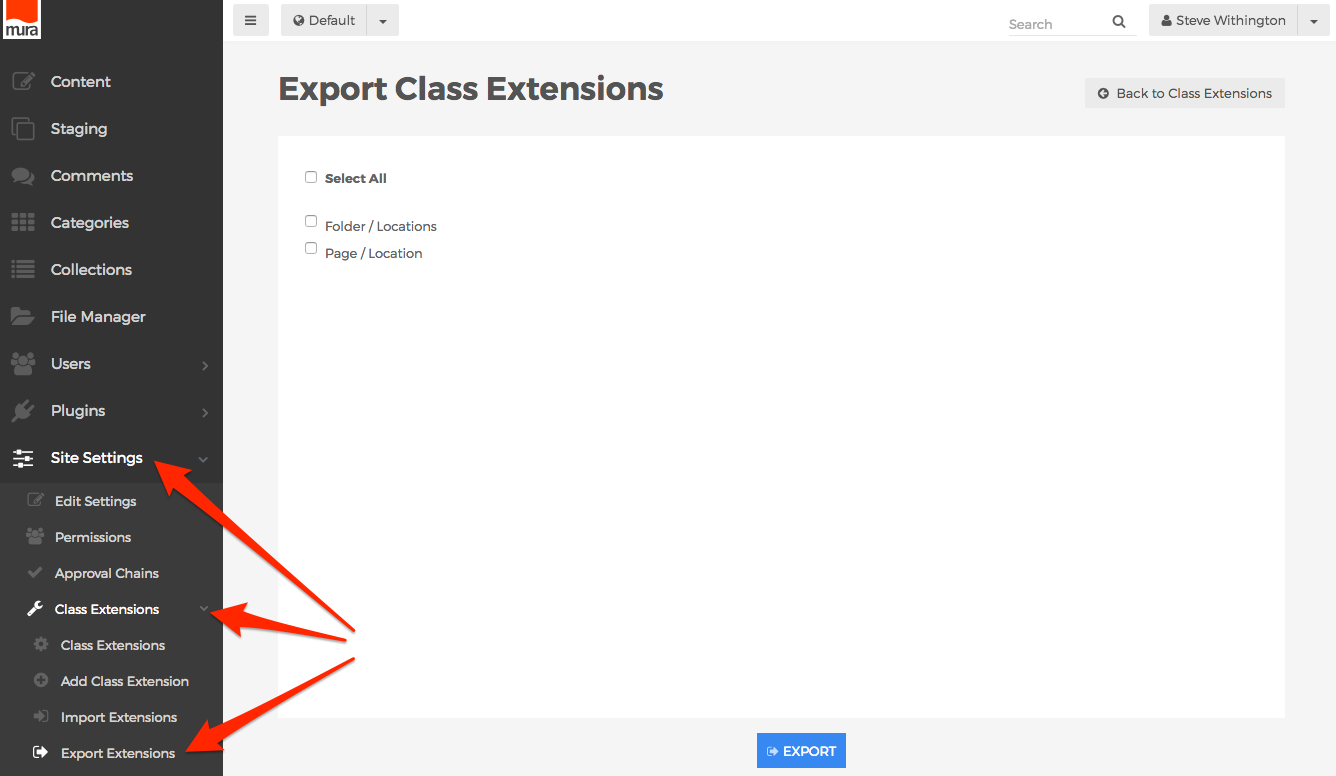
- Or, from the Class Extension screen, select the Actions button, then click Export.
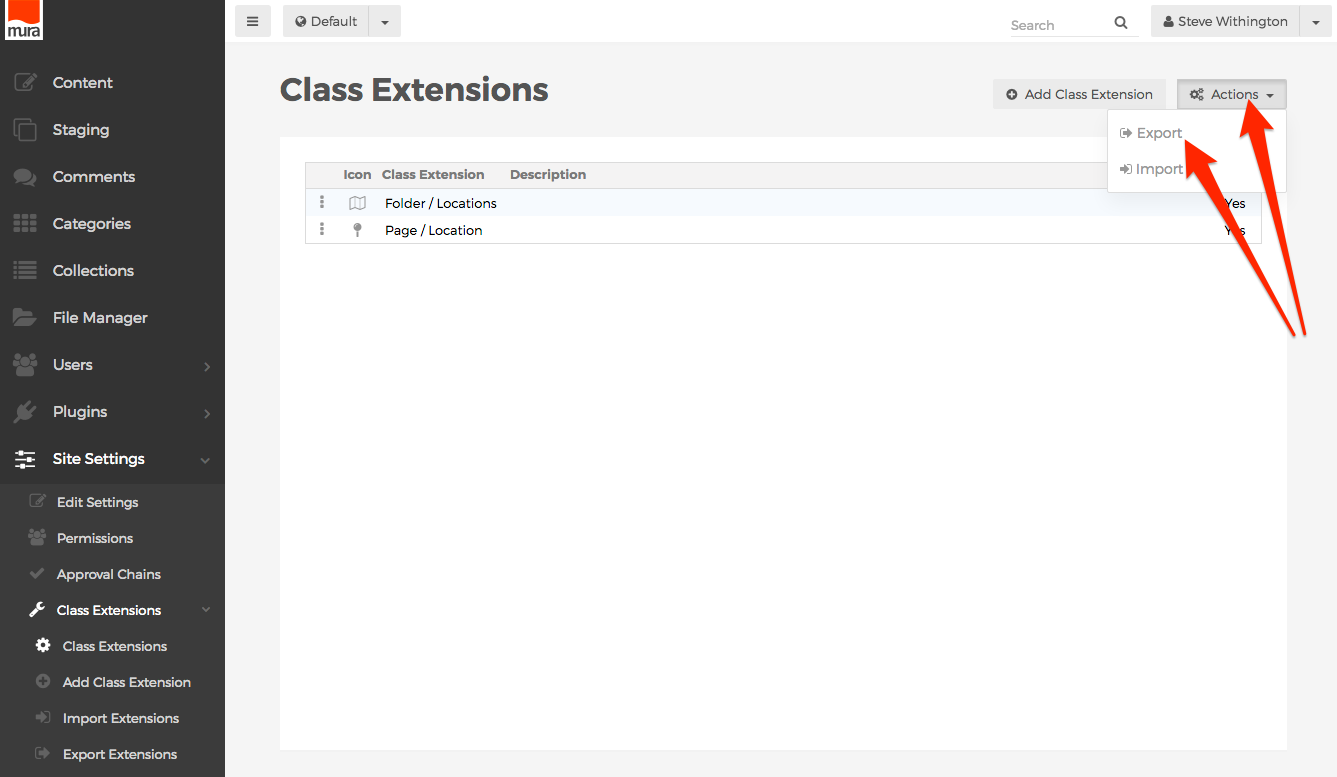
- You should be directed to the Export Class Extensions screen.
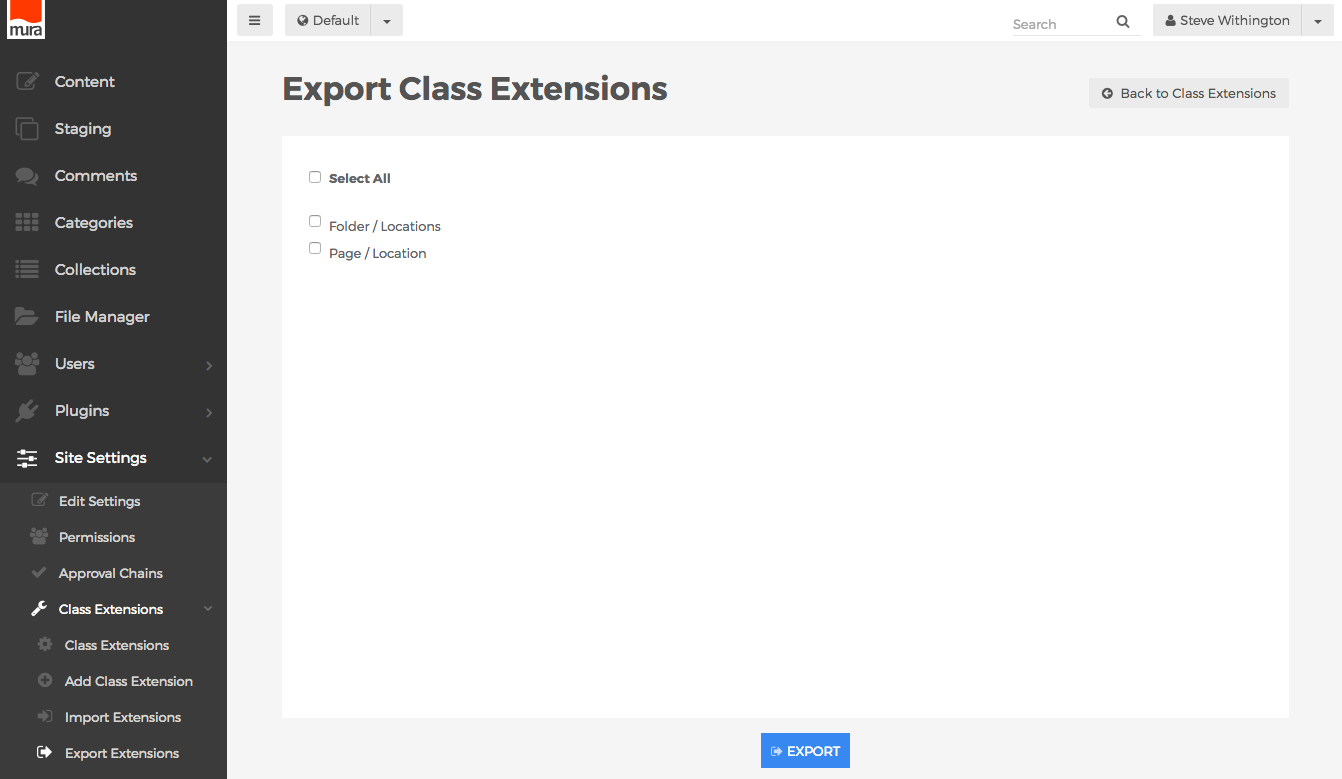
- Select the Class Extensions you wish to export, or simply click Select All to check all available Class Extensions if you desire to do so.
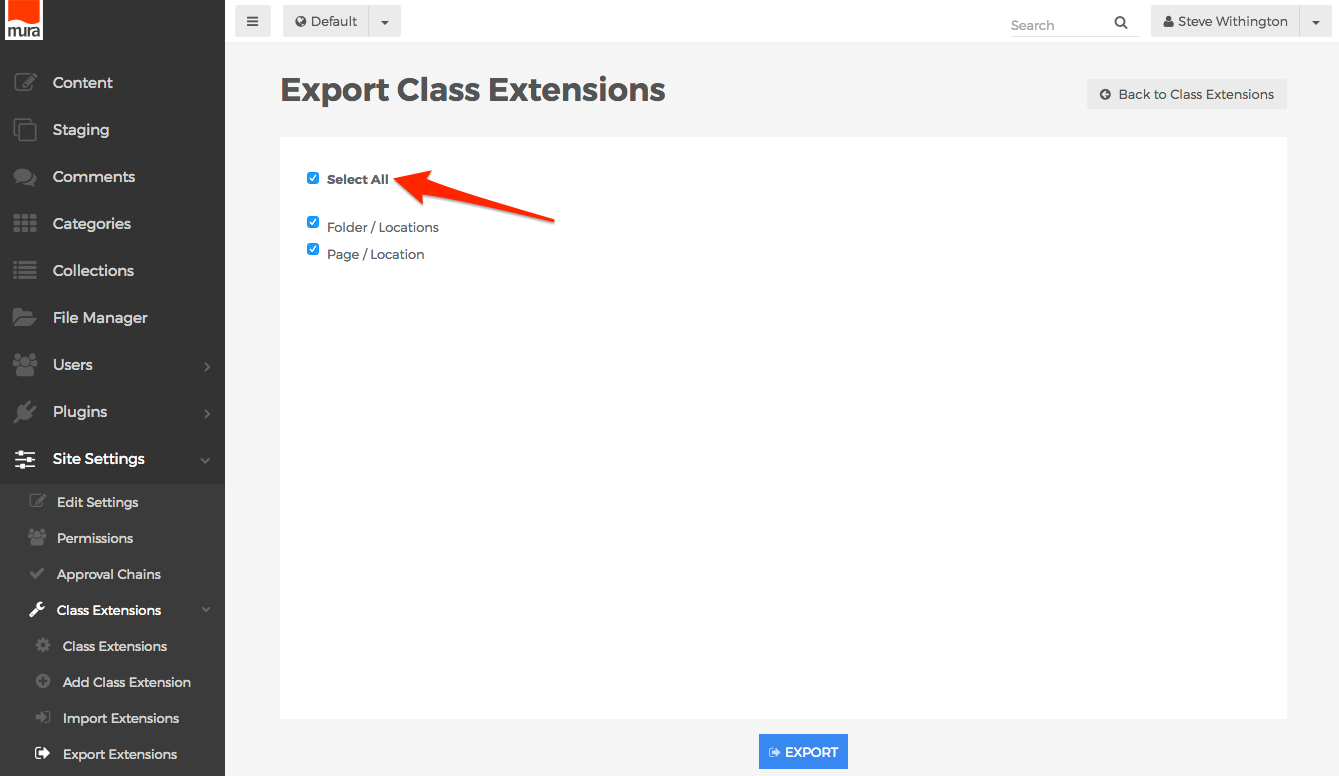
- Click the Export button.
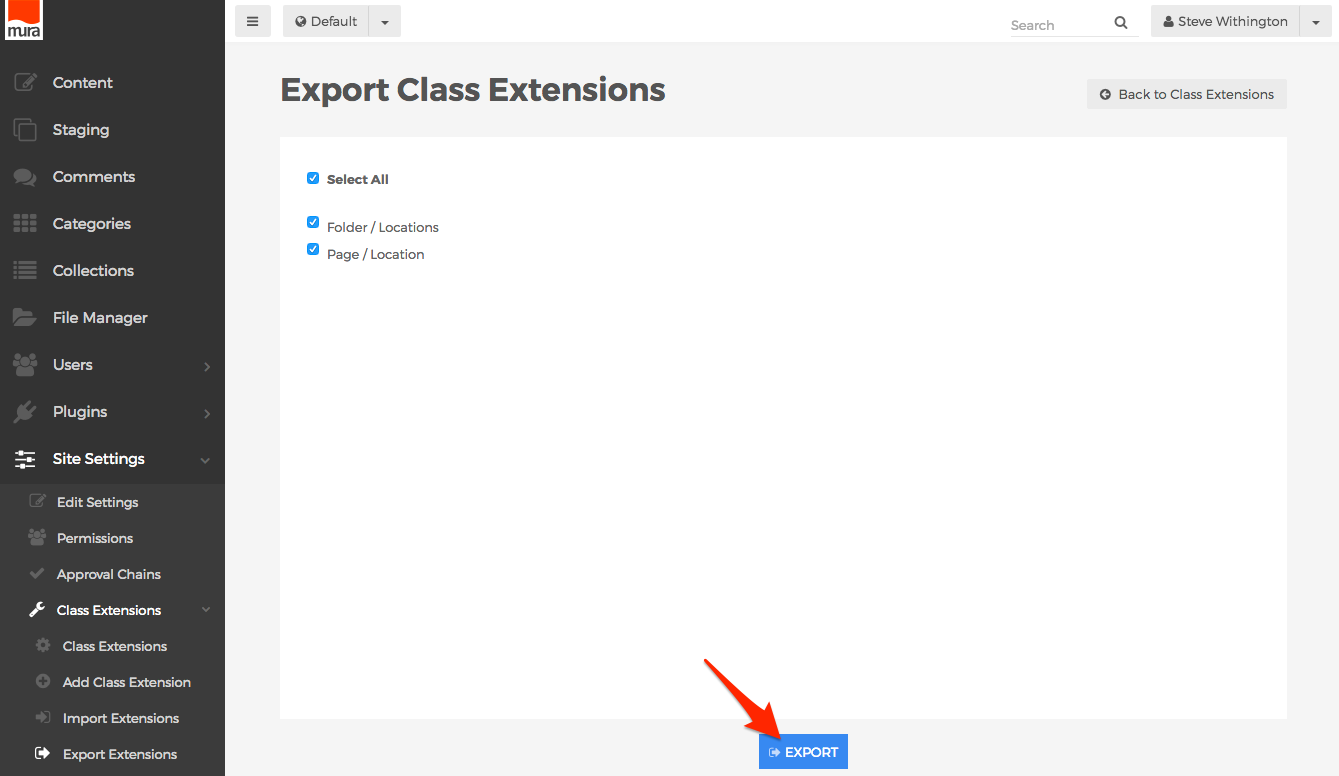
- You should now be directed to the Export Class Extensions screen.
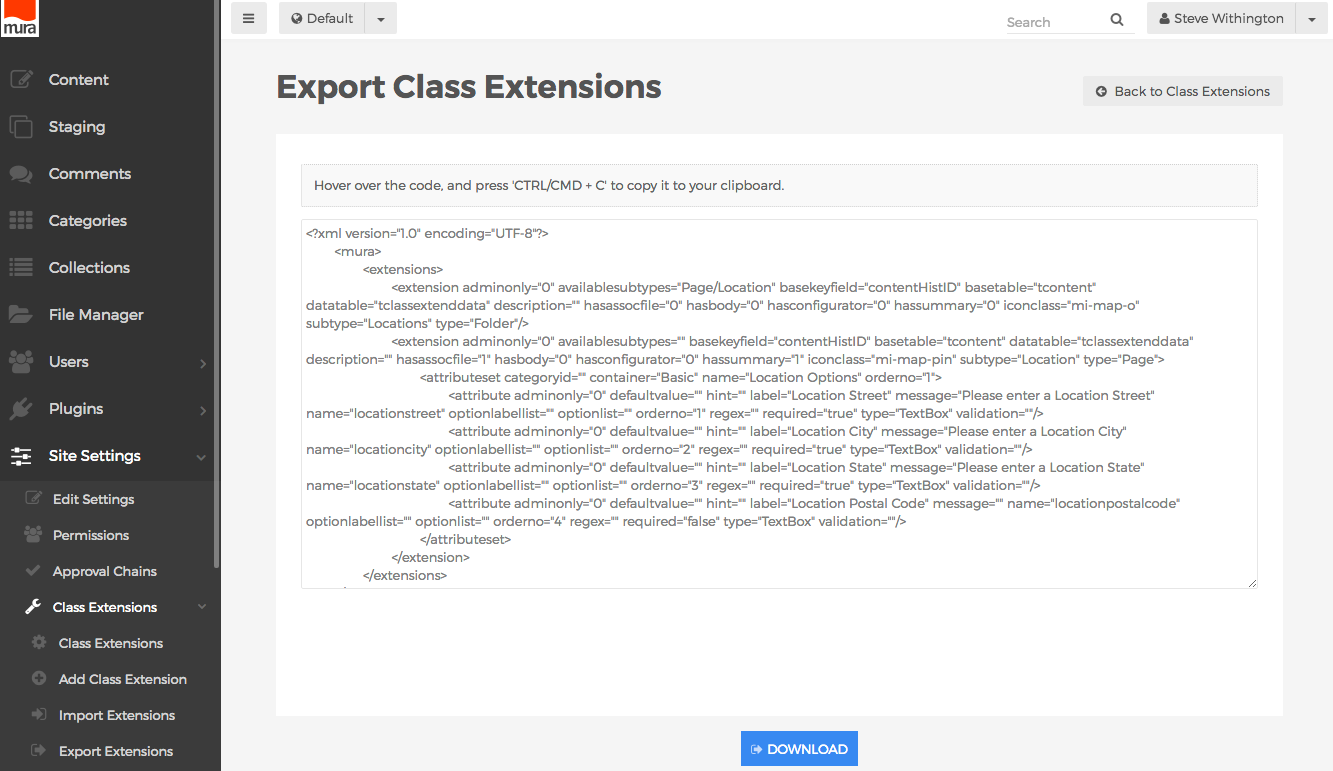
- You can hover over the code, and press
<CTRL>+C on a PC, or <CMD>+C on a Mac to copy it to your clipboard, then paste the code into your own XML file.
- Or, you can simply click the Download button at the bottom of the screen, to download the code as a XML file.
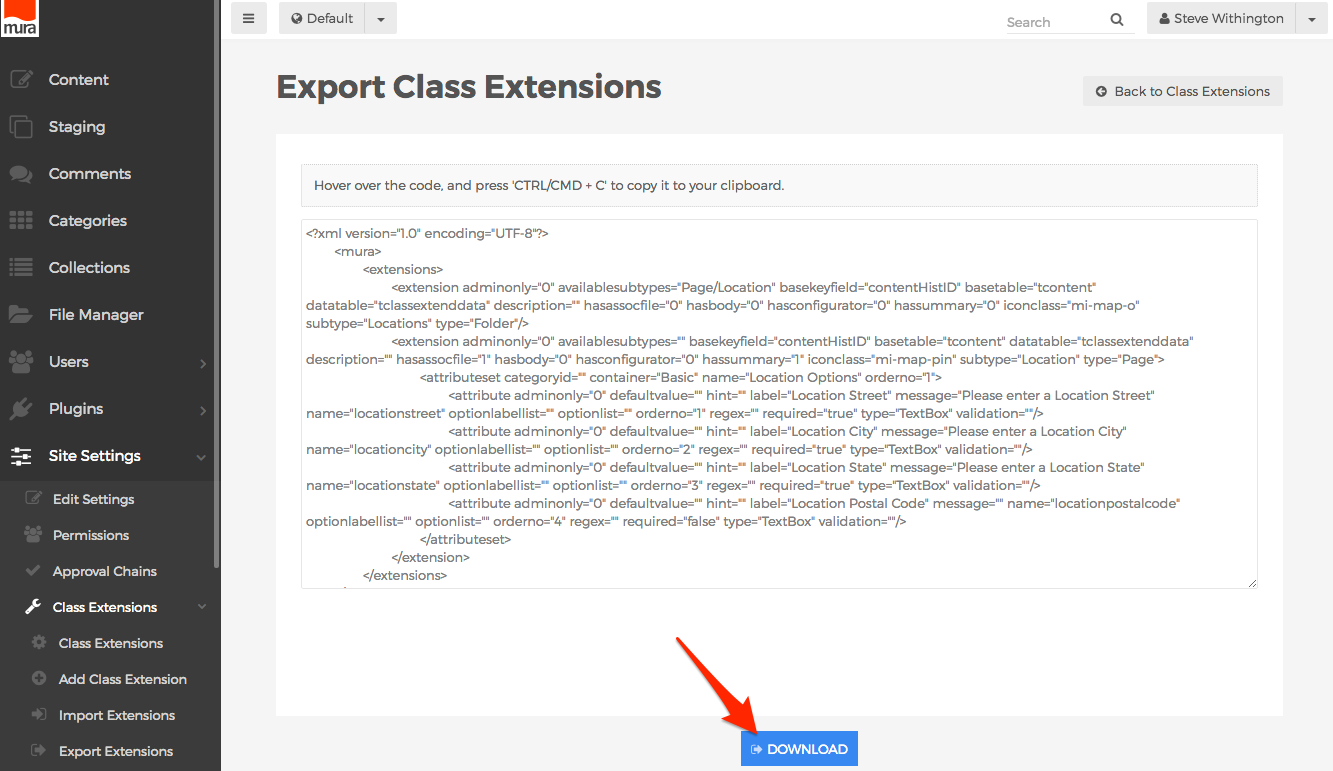
- You now have a file that can be used to import the Class Extension into another instance of Mura, or package it with a display object's
config.xml.cfm file or a plugin's config.xml.cfm file for future distribution.
Import Definitions via Admin UI
To import Class Extensions, you will first need a properly formatted XML file, preferably exported via Mura's admin UI. Once you have a properly formatted XML file, follow the steps below to import the Class Extensions.
- From the back-end administration area of Mura, select Site Settings, click Class Extensions, then select Import Extensions.
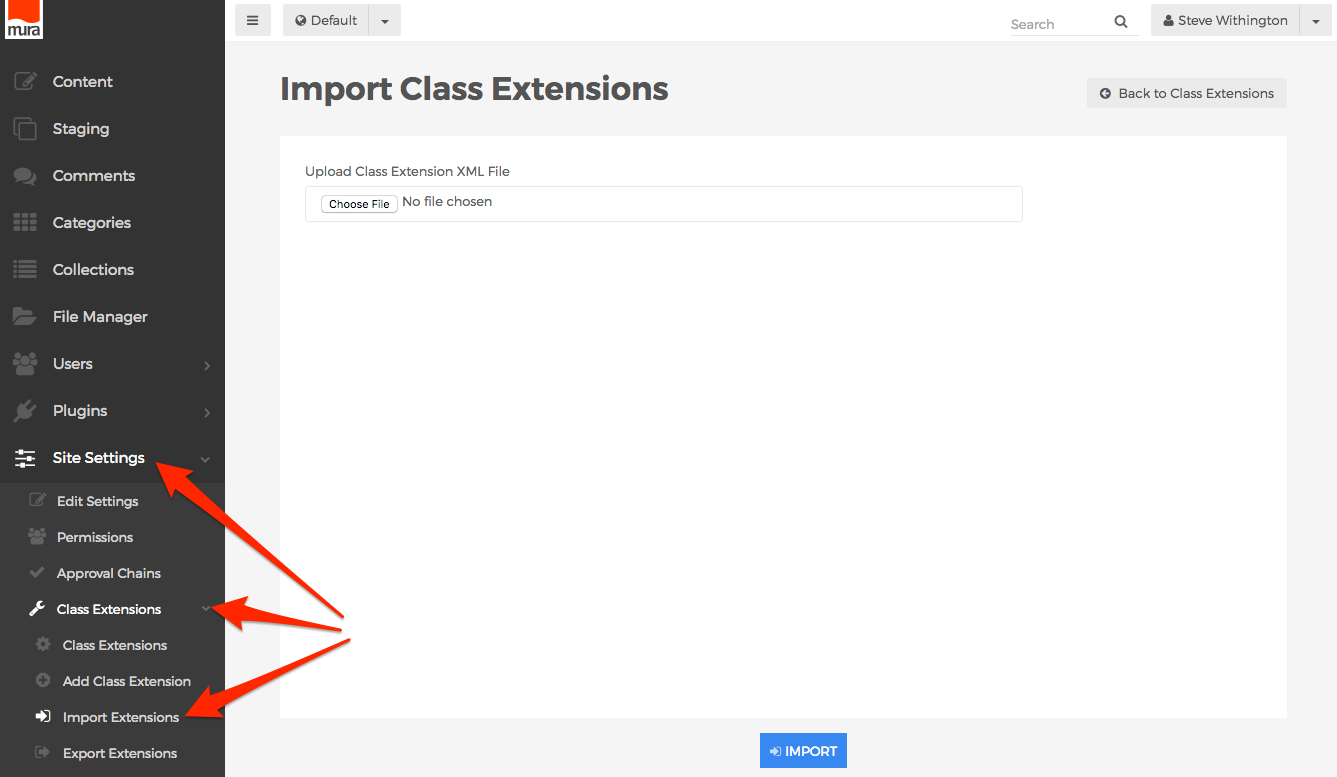
- Or, from the Class Extensions screen, select the Actions button, and click Import.
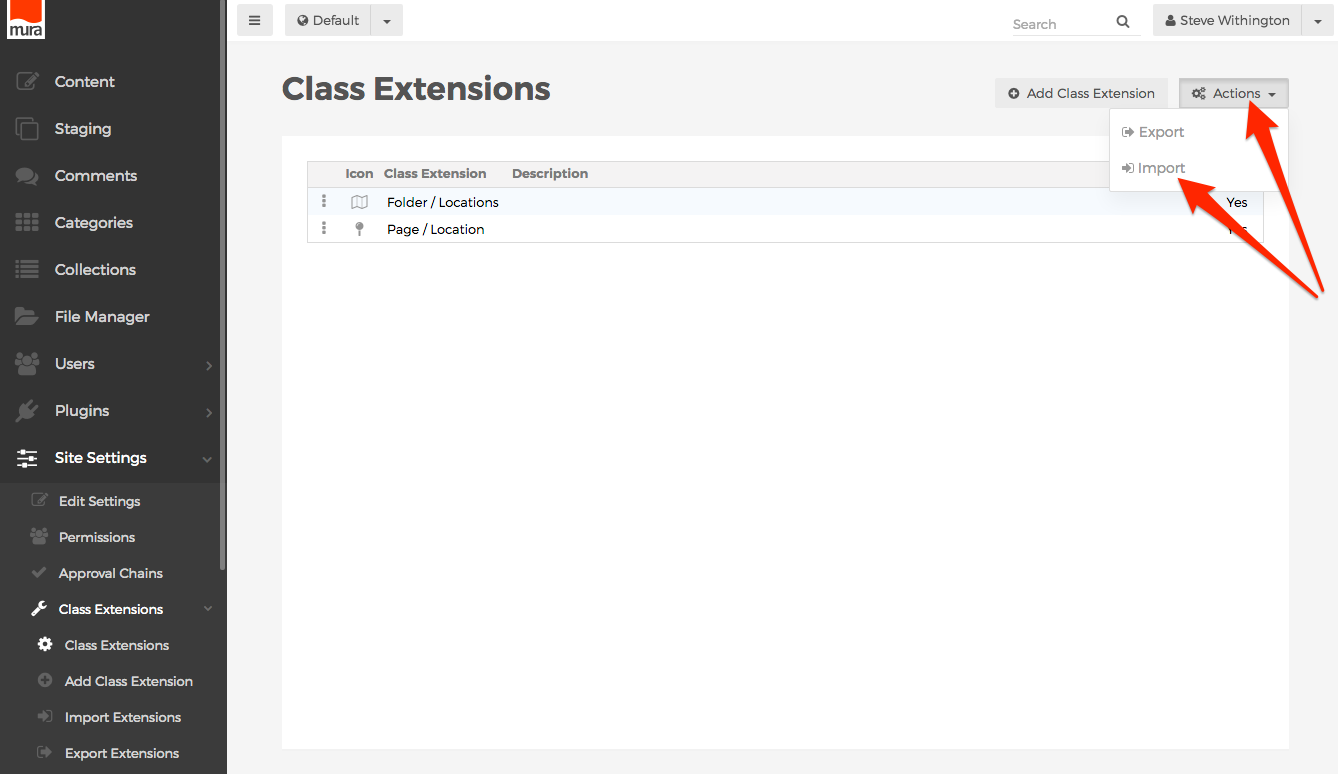
- You should be directed to the Import Class Extensions screen.
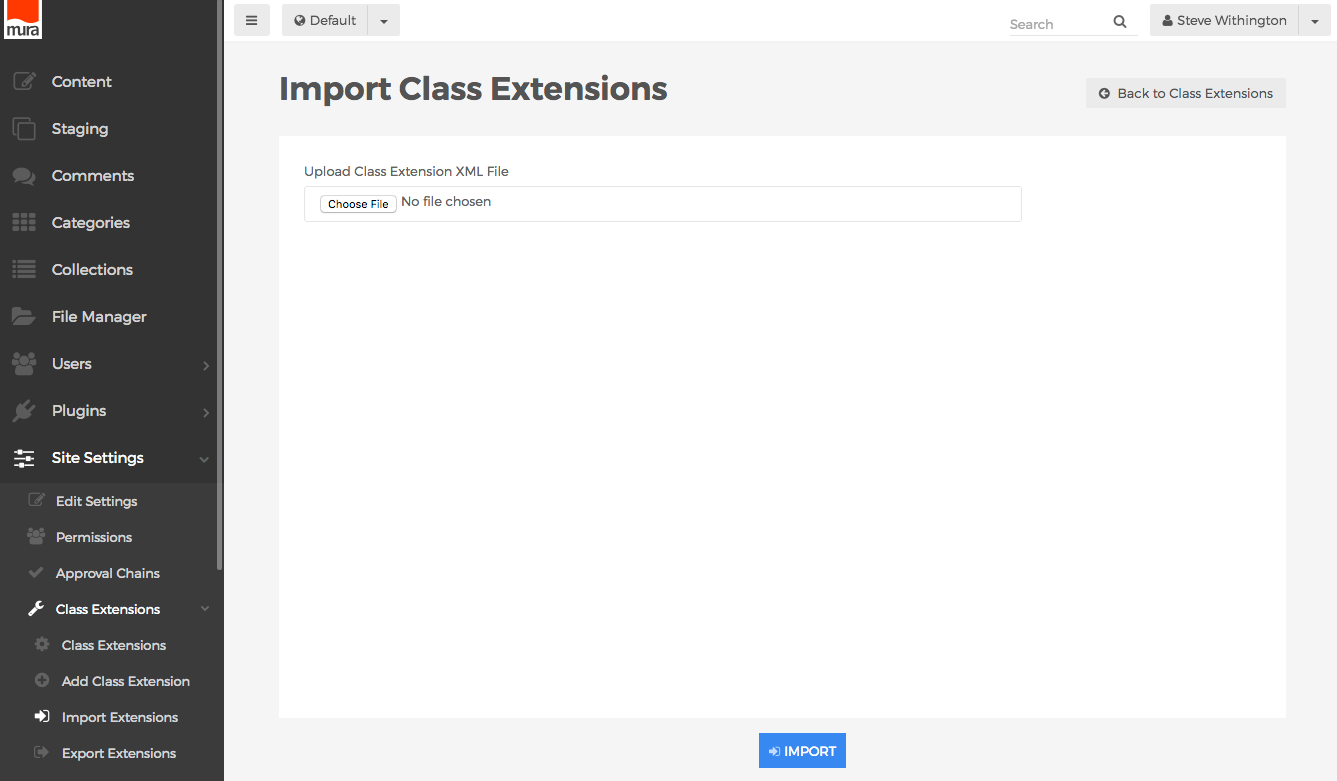
- Click the Browse or Choose File button, then select navigate to the exported XML file.
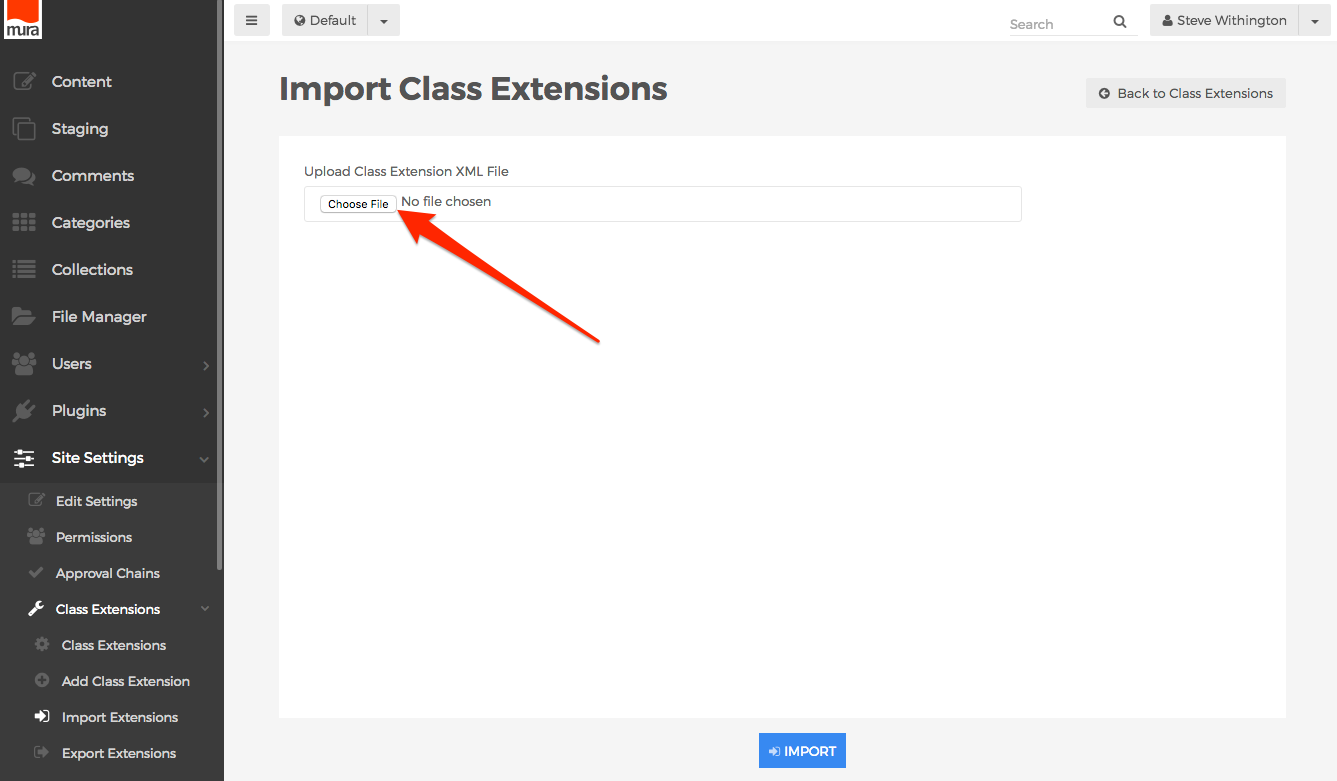
- When ready, click the Import button.
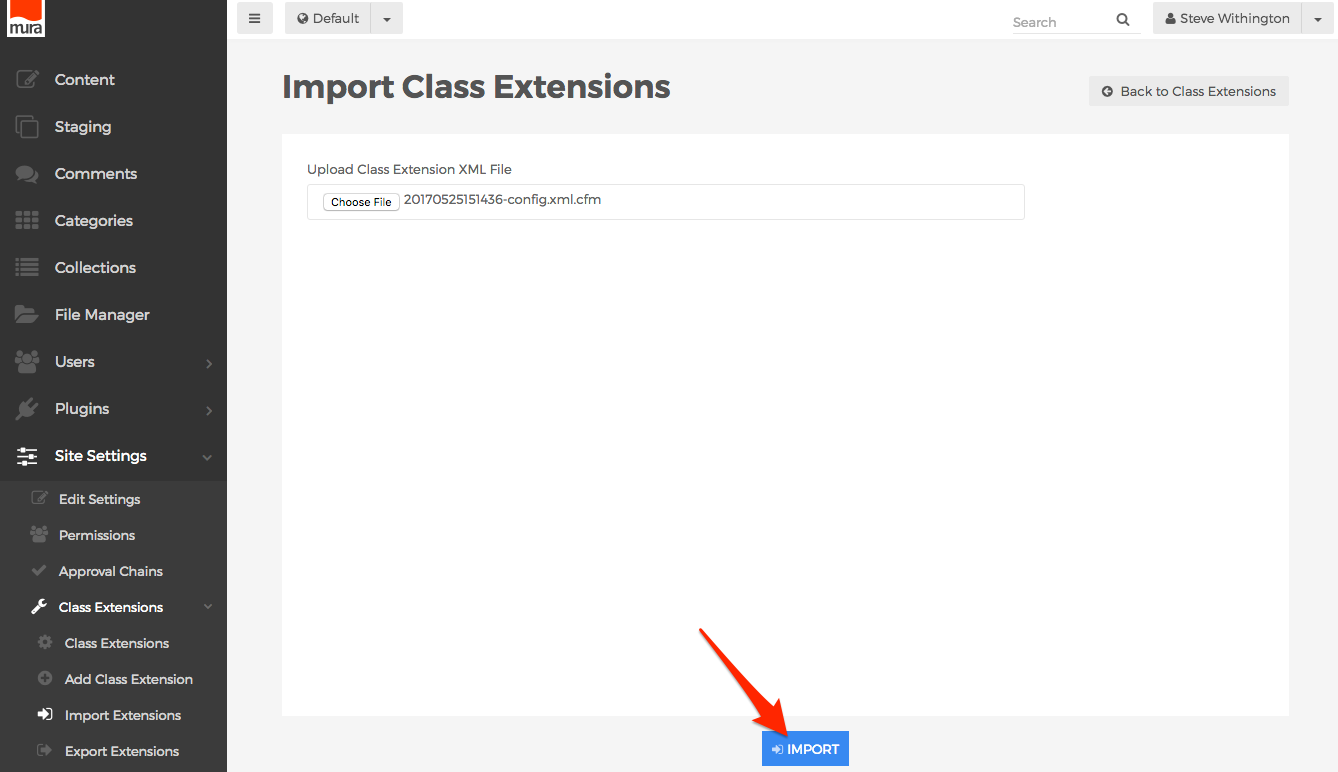
- Mura will then upload, and attempt to parse the submitted XML file. When the import has completed, your new Class Extensions should appear in the list on the Class Extensions screen.
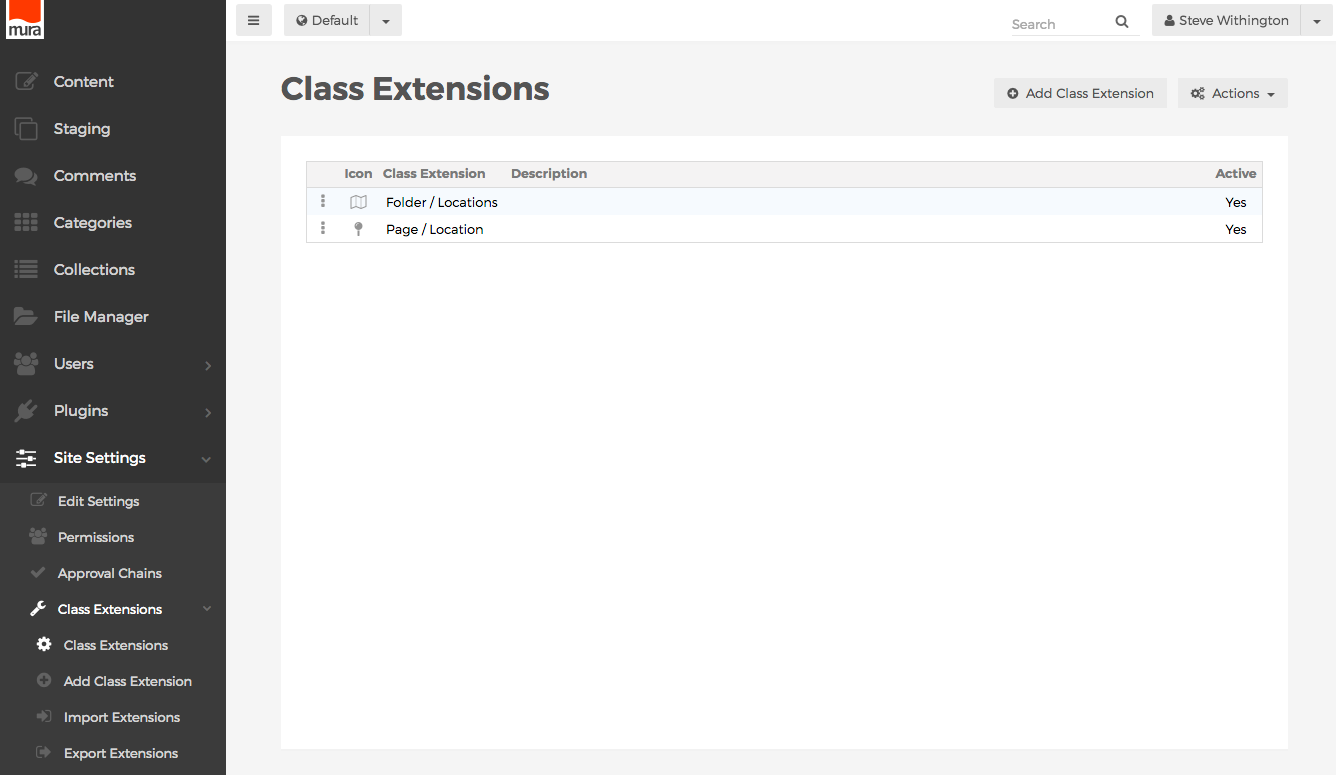
Displaying Extended Attributes
There are a few ways to display the attributes of Class Extensions, and it really depends on where you're attempting to display them. That said, the most important thing to keep in mind is that you'll need to know your attribute's name property, in order to display it.
In short, a Class Extension's attribute is treated as a property of the bean it's associated with. So, for example, if a Class Extension's Base Type is Content, then you could use the same getter and setter methods when working with any other attribute of a Content Bean.
Basic Syntax
The basic syntax is shown in the example below.
someBean.get('attributeName')
someBean.get{AttributeName}()
someBean.getValue('attributeName')
Examples
The examples listed below demonstrate the most common method for accessing attributes of a Class Extension. In addition, the recommended best practice is to use esapiEncode when outputting attributes.
Via Layout Template
This example assumes the Base Type is "Content", and you merely want to display the attribute on a layout template.
<cfoutput>
  <h2>
    #esapiEncode('html', m.content('attributeName'))#
  </h2>
</cfoutput>
Via HTML Editor
This example assumes you wish to output an attribute in the body of a HTML Editor.
[m]esapiEncode('html', m.content('attributeName'))[/m]
Via Content Bean
This example assumes you load a Content Bean, and then want to retrieve the data for whatever reason.
contentBean = m.getBean('content').loadBy(title='Home');
// assumes we have a custom attribute labeled `locationstreet`
street = contentBean.get('locationstreet');
Via Iterator
You can easily pull out attributes of Class Extensions while looping inside of a Mura Iterator.
<!--- get an iterator of the content item's children --->
<cfset it = m.content().getKidsIterator()>
<ul>
<cfloop condition="it.hasNext()">
  <cfset item = it.next()>
  <li>
    #esapiEncode('html', item.get('attributeName'))#
  </li>
</cfloop>
</ul>
Making Attributes Editable
When displaying an extended attribute in a layout template, you may want to make the attribute editable by content managers when they're using front-end editing features. This is accomplished by using m.renderEditableAttribute.
Note: This feature only works on extended attributes with its Input Type set to TextBox or HTMLEditor.
Function Syntax
m.renderEditableAttribute(
  attribute
  , type
  , required
  , validation
  , message
  , label
  , value
  , enableMuraTag
)
Parameters
| Parameter |
Type |
Req/Opt |
Default |
Description |
| attribute |
string |
required |
|
The attribute's name |
| type |
string |
opt |
text |
Valid options are:
- text
- Treats the attribute as text being entered into a TextBox
- HTMLEditor
- When editing content via inline edit mode, and a content manager double clicks into the text, a HTML Editor toolbar will appear.
|
| required |
boolean |
opt |
false |
If true, Mura will require a value to be entered before saving successfully. |
| validation |
regex |
opt |
blank |
Leave blank, or enter a JavaScript regular expression to use for validation purposes. Will trigger if a value is entered and a save is attempted. |
| message |
string |
opt |
empty string |
The message to display when the submitted value does not pass validation. |
| label |
string |
opt |
attribute name |
Text to display above the field when edited. |
| value |
string |
opt |
the attribute's stored value |
Optionally pass in a string to preset the value. |
| enableMuraTag |
boolean |
opt |
false |
If true, the value will be parsed by Mura's setDynamicContent to render any Mura [m] tags. |
Example
The following example demonstrates how to use m.renderEditableAttribute for an attribute with its Input Type set to HTMLEditor.
<cfoutput>
  <div>
    #m.renderEditableAttribute(
      attribute='attributeName'
      type='HTMLEditor'
      label='Attribute Label'
    )#
  </div>
</cfoutput>
Mura ORM
Before you proceed through this section, it's important to have at least a basic understanding of object-oriented programming (OOP) and its principles. It would be wise to take advantage of the plethora of resources, available both online and offline, before you continue in this section. Additionally, having a solid understanding of relational database management systems (RDBMSs) is extremely helpful when working through this section.
Object-Relational Mapping (ORM)
Since relational database management systems (RDBMSs) don't store objects directly, object-relational mapping (ORM), attempts to bridge the world to object-oriented programming (OOP). According to Wikipedia, ORM addresses the main issue for OOP developers who work with RDBMSs, by "translating the logical representation of objects into an atomized form capable of being stored in a database, while preserving the properties of objects and their relationships so they can be reloaded as objects when needed." In other words, ORM essentially creates a "virtual object database" that can be used by programmers.
What is Mura ORM?
Mura ORM is essentially a "virtual object database" that can be used by Mura developers. It allows developers the ability to create their own objects, and work with them in the same ways Mura developers can work with Mura's bean objects. This means developers don't have to worry about what kind of database Mura is running on, or write a ton of SQL to perform many of the most mundane tasks such as creating, reading, updating, or deleting objects and their associated database records.
While comparable in nature to ColdFusion ORM, Mura ORM is not exactly the same. However, if you've worked with ColdFusion ORM before, you will definitely find many similarities with Mura ORM.
Mura ORM Configuration
Mura employs a "convention over configuration" design paradigm for registering ORM objects/entities. So, instead of creating configuration files to describe the details of where your objects/entities reside, and how to instantiate them, Mura uses a convention-based approach. In other words, by placing your objects/entities in specifically named directories, you don't have to manually or explicitly register your entities.
Model Directory
Under the hood, Mura simply leverages DI/1, a simple convention-based dependency injection (inversion of control) framework. As such, any .CFC discovered under the "../model" directories identified below will automatically get registered with DI/1.
- {context}/themes/{ThemeName}/model/
- {context}/themes/{ThemeName}/content_types/{Type}/model/
- {context}/themes/{ThemeName}/content_types/{Type}_{Subtype}/model/
- {context}/themes/{ThemeName}/modules/{Module}/model/
- {context}/sites/{SiteID}/model/
- {context}/sites/{SiteID}/themes/{ThemeName}/model/
- {context}/sites/{SiteID}/themes/{ThemeName}/content_types/{Type}/model/
- {context}/sites/{SiteID}/themes/{ThemeName}/content_types/{Type}_{Subtype}/model/
- {context}/sites/{SiteID}/themes/{ThemeName}/modules/{Module}/model/
You may also register any directory you want by using m.globalConfig().registerModelDir({dir}). The "dir" parameter is a logical path to a CFML directory.
This is typically done in the onApplicationLoad event. This is useful for plugins, since Mura does not automatically scan for a "model" directory in plugins, since some plugin developers may be using their own bean factory, and do not need Mura to auto-register them.
public any function onApplicationLoad(m) {
  // This is how you could register a 'model' directory in a plugin
  arguments.m.globalConfig().registerModelDir('/pluginName/path/to/your/model/');
}
All registered objects/entities are essentially "global" in the sense that they'll all use the same underlying database tables. So, you'll want to avoid describing the same entities in multiple sites. We'll cover more about entities in the Mura ORM Entity section.
The "beans" Directory
Any .CFC's discovered under "../model/beans/" will be registered as "transient" objects, not as "singleton" objects.
- Transient objects exist only for a request and then are discarded. In other words, you et a new copy every time.
- Singleton objects are shared among all threads and requests. In other words, there's only one of them, and you're not getting a new copy every time. These are great for "service" type objects.
The examples below show how you could register multiple transient objects.
- ../model/beans/person.cfc
- ../model/beans/personaddress.cfc
- ../model/beans/personphonenumber.cfc
The "handlers" Directory
Any .CFC's discovered under a "../handlers/" directory within a "model" directory, will be registered as custom event handlers. The examples below show how you could register multiple custom event handlers, in various locations.
- ../model/handlers/myhandler.cfc
- ../model/services/handlers/myhandler.cfc
Registration
In order for Mura to discover these directories, and any subsequent changes you make to the directories or files contained within them, you'll need to reload Mura.
Also, the first time you reload, and anytime you add new properties to your entities, you'll need to append "&applydbupdates" to the URL in order for Mura to parse your objects/entities and make the appropriate changes to the database schema.
Mura ORM Entity
In a nutshell, a Mura ORM entity is described by creating a ColdFusion component (.CFC). Mura leverages some of the standard attributes of a Mura ORM component, and also utilizes some custom attributes, as outlined in the table below.
| Attribute |
Req/Opt |
Default |
Description |
| bundleable |
Optional |
true |
If false, entities will not be included in any bundles. |
| cachename |
Optional |
|
You may optionally supply a custom cache name to use when being stored in Mura's cache factory. |
| datasource |
Optional |
m.globalConfig('datasource') |
If you wish to use a datasource that's different from the one Mura uses by default, you may supply one here. |
| dbtype |
Optional |
|
If specifying a datasource attribute, specify the database type. Valid options include:
- mysql
- mssql
- oracle
- postgres
|
| discriminatorcolumn |
Optional |
empty string |
You may specify a property to filter on by default. |
| discriminatorvalue |
Optional |
empty string |
If using a discriminatorcolumn, you may specify the property's criteria to filter on by default. |
| extends |
Required |
mura.bean.beanORM |
This attribute should always be present, and should always extend mura.bean.beanORM or mura.bean.beanORMHistorical |
| entityname |
Required |
|
This is the name of the object/entity. |
| manageschema |
Optional |
true |
If false, Mura will not manage the underlying table for the entity, and you are assuming all responsibility for any schema changes. |
| orderby |
Optional |
|
You may pass a comma-delimited list of properties to sort by. |
| public |
Optional |
false |
If true, allows the entity to be used via the JSON API by non-administrative users. If false, users must be logged in, and have access to the specific site in order to work with the entity. |
| readonly |
Optional |
false |
If true, Mura will not allow any new records to be added to the database, or any updates to existing records in the database. |
| scaffold |
Optional |
false |
If true, allows the entity to be managed via the Mura ORM Scaffolder. |
| table |
Required |
|
Specify the name to use for a database table to store data about this entity. |
| usetrash |
Optional |
true |
If false, entities will not be moved to the Trash Bin, and will be hard deleted instead. |
Example Mura ORM Component
component
  extends="mura.bean.beanORM"
  entityname="something"
  table="somethings"
  bundleable="true"
  displayname="SomethingBean"
  public=true
  orderby="{someproperty}" {

  // Properties & Methods

}
Mura ORM Component Properties
To describe the various properties/attributes and relationships of Mura ORM entities, use CFML properties. The following table describes the available attributes for Mura ORM component properties.
| Attribute |
Req/Opt |
Default |
Description |
| cascade |
Optional |
|
If the property is a related entity and the value is "delete", when the parent entity/object is deleted, any related entities will also be deleted. |
| cfc |
Optional |
|
If the property is a related entity, set to the related entity's "entityname" value. |
| comparable |
Optional |
true |
If false, the property will not be included in entity comparisons. For example:
entityDifferences = entityA.compare(entityB); |
| datatype |
Optional |
varchar |
Valid options are:
- datetime
- int
- text
- tinyint
- smallint
- varchar
- char
- number
- boolean
- float
- double
- blob
|
| default |
Optional |
|
If the required attribute is set to "no", or not specified, you may supply a default value to use. |
| fieldtype |
Optional |
|
If property is a primary key, you should set fieldtype to "id". Mura will then create a UUID for each new object stored in the database.
If property is a related entity, you may specify the relationship type here. The left side of the "to" types listed below is the parent entity, and the right side of the "to" is the related entity. So, for example "one-to-many" would mean one parent entity could have many related entities, and so on. Valid options are:
- one-to-one
- one-to-many
- many-to-one
- many-to-many
- index (sets a non-unique index on the column in the underlying database)
|
| fkcolumn |
Optional |
|
If the property is a related entity, you may specify the attribute of the entity to store in this field. This is useful when creating relationships to Mura's entities. For example:
property name="site"
         cfc="site"
         fieldtype="many-to-one"
         fkcolumn="siteid";
|
| html |
Optional |
false |
This property is parsed only if stricthtml=true in the settings.ini.cfm file.
If true, Mura will allow HTML in the string to be saved. If false, Mura will return an error if the string contains HTML when being saved.
|
| length |
Optional |
50 |
If the datatype attribute is set to "varchar" or "char", you may specify the maximum number of characters to allow. |
| loadkey |
Optional |
|
If the property is a related entity, you may specify the attribute of the entity to load by. |
| message |
Optional |
|
If required, or fails validation, the error message to return to the user. |
| relatesto |
Optional |
|
Alias for "cfc" |
| name |
Required |
|
Name of the property. |
| nullable |
Optional |
false |
If true, empty values will be stored as NULL. |
| orderby |
Optional |
|
If property is a related entity, you may specify the related entity's property you wish to sort by. |
| persistent |
Optional |
true |
If false, a column in the related table will not be created for the property. |
| required |
Optional |
false |
If true, an error will be sent to the user if a value is not set. |
| singluarname |
Optional |
|
If the property is a related entity, this allows you to use a singular name in lieu of the property name itself. For example:
property name="addresses"
         singularname="address"
         cfc="address"
         fieldtype="one-to-many";
|
| validate |
Optional |
|
If you desire the entity to be validated before saving, you may use one of the following options:
- date
- datetime
- numeric
- email
- regex
- url
|
Validation Attributes
If property has a "validate" attribute, you may include additional attributes to the property for validation.
| Attribute |
Description |
| regex |
The regular expression to use for validation. |
| minvalue |
The minimum value to allow. |
| maxvalue |
The maximum value to allow. |
| minlength |
The minimum length to allow. |
| maxlenth |
The maximum length to allow. |
| inlist |
The list to compare against. |
| method |
A custom entity method to execute. |
| lte |
Less than or equal to. |
| lt |
Less than. |
| gte |
Greater than or equal to. |
| gt |
Greater than. |
| eq |
Equal to. |
| neq |
Not equal to. |
The example below illustrates how to use a validation attribute, when a property has a "validate" attribute.
property name="year" datatype="int" validate="numeric" minvalue="1900" maxvalue="2017";
Related Entity Synthesized Methods
If the property is a related entity, and the fieldtype attribute is either "one-to-many" or "many-to-many", the following methods are automatically available to the entity itself. The methods below are executed for both the property's name and singularname.
| Method |
Description |
| get{PropertyName}Iterator |
Returns an iterator of related entities. For example: entity.getAddressesIterator() |
| get{PropertyName} |
Under the hood, returns get{PropertyName}Iterator. |
| get{PropertyName}Query |
Returns a recordset/query of the related entities. For example: entity.getAddressesQuery() |
| has{PropertyName} |
Returns a recordcount of related entities. Useful for if/else statements. |
| add{PropertyName} |
Pass in the object/entity to save as a related entity, and Mura will automatically save the related entity when executing the call to entity.save(). Useful for adding multiple related entities. For example: entity.addPhoneNumber(phoneNumberObject) |
| remove{PropertyName} |
Pass in the object/entity to be deleted, and Mura will automatically delete the related entity when executing the call to entity.save(). For example: entity.removePhoneNumber(phoneNumberObject) |
If the property is a related entity, and the fieldtype attribute is either "one-to-one" or "many-to-one", the following methods are automatically available to the entity itself.
| Method |
Description |
| get{PropertyName} |
Returns the related entity. For example: entity.getEmergencyContact() |
| add{PropertyName} |
Pass in the object/entity to save as a related entity, and Mura will automatically save the related entity when executing the call to entity.save(). For example: entity.addEmergencyContact(emergencyContactObject) |
| remove{PropertyName} |
Pass in the object/entity to be deleted, and Mura will automatically delete the related entity when executing the call to entity.save(). For example: entity.removeEmergencyContact(emergencyContactObject) |
Example Mura ORM Component With Properties
The following code defines an entity named "something" that contains a few basic properties.
component
  extends="mura.bean.beanORM"
  entityname="something"
  table="somethings"
  bundleable="true"
  displayname="SomethingBean"
  public=true
  orderby="namefirst,namelast" {

  // primary key
    property name="somethingid" fieldtype="id";

  // attributes
    property name="namefirst" datatype="varchar" length="255" required=true;
    property name="namelast" datatype="varchar" length="255" required=true;

  // methods could go here
}
Working With Entities
The code examples below demonstrate various methods for working with entities. As you'll see, the syntax is no different than working with any other Mura bean object.
// Loading entities
entity = m.getBean('entityName')
          .loadBy(someAttribute='Something');

// Getting attributes
entity.get('attributeName');

// Setting attributes
entity.set('attributeName', 'Some Value')

// Deleting entities
entity.delete();

// Saving entities
entity.save();

// Get a feed of entites
m.getFeed('entityName');
Error Handling
As previously mentioned, working with entities is no different than working with any other Mura bean object. We've already covered a bit of error handling, but it doesn't hurt to review it once again here.
Errors are returned as a structure, where each key in the struct represents the object's attribute "name", and the value contains the error message itself.
entity.save();

// If the bean has errors, then it did not save...
if ( entity.hasErrors() ) {

  // errors are returned as a struct
  errors = entity.getErrors();

  WriteOutput('<h3>Please review the following errors:</h3><ul>');

  // Loop over the errors
  for ( e in errors ) {
    WriteOutput('<li>Attribute: #e# <br> Message: #errors[e]#</li>');
  }

  WriteOutput('</ul>');
} else {
  WriteOutput('<h2>Success :: No Errors!</h2>');
}
Custom Validation
Mura also allows you to include your own custom validation rules. In order to do so, you simply include a custom validate() method in your entity's component file (.CFC), and when a save() call is made on your entity, it will trigger your custom method. The key is you don't "return" anything, you simply add your custom errors to the existing errors struct.
You could also use this to do complex validation requirements. For example, maybe you have a custom radio button or checkbox, and when it's selected, your form displays additional form fields that you will then want to be "required". You could simply check for the existence and/or value of the triggering field, and if it exists, run through each of the additional required form fields in your own validation.
The example below demonstrates how to create your own error messages when validating an attribute of your entity.
public any function validate() {

  // This runs the standard validation ...
  // which will use your property definition's "validate" requirements, etc.
  // and it also gives you a way to reference the entity object itself
  var obj = super.validate();

  // Obtain a reference to any errors
  var errors = obj.getErrors();

  // Now, you can check anything you want on your properties or entity attributes
  // For example, if you have a property labeled "wantsmoreoptions" and it's true,
  // You could check for the other fields
  if ( obj.get('wantsmoreoptions') ) {

    // Yes, they want more options!
    // Make sure they completed them ...
    if ( !Len(obj.get('option99')) ) {
      errors.option99 = 'Option 99 is required.';
    }

    // etc. ...
  }

}
Example Mura ORM Entities
To have a more cohesive understanding of how to work with Mura ORM, let's describe a simple application, and the objects we'll need to create for it.
Let's assume our client has asked us to create an "Address Book" type of application. This application would require an authorized user to be able to add, edit/modify, and/or delete Address Book entries. Each authenticated user would have their own Address Book. In other words, if Suzie logged in, she would only be able to see, create and/or modify her own entries.
Again, we're going to try and refrain from overcomplicating things. However, as a developer, It's easy to begin anticipating all kinds of enhancements and/or modifications you may want to make, and that's great. For now though, let's just stick to the script.
Address Book
Since a typical address book is filled with people, we'll start off by creating a Person object. Next, we'll have to consider the kind of properties or attributes a Person object should have. For example, they could have a first name, last name, zero or more phone numbers (PhoneNumber objects), zero or more addresses (Address objects), and so on.
The address book entry (Person) would be treated as a single object. It could be referenced by a single variable containing a pointer to the object. In addition, various helper methods could be associated with the object, such as a method to return the preferred phone number, the home address, and so on.
The following illustration is a sample UML diagram of our objects.
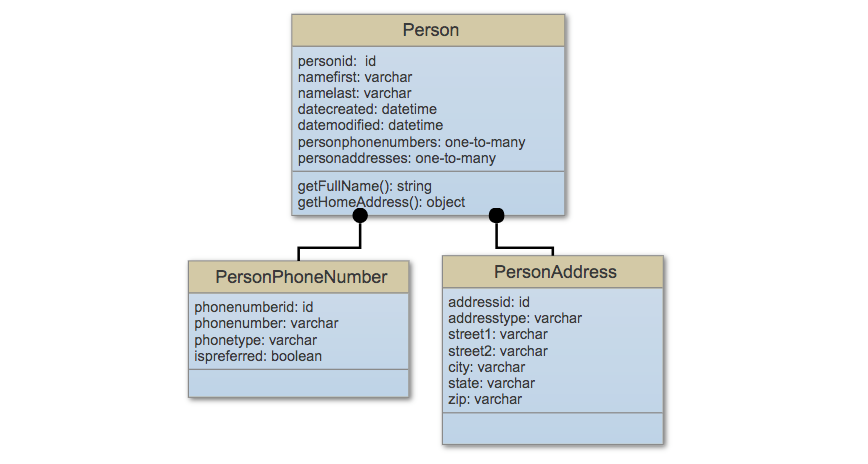
So, using our very basic objects, we can now begin to create our Mura ORM entities.
Person
Using our previous example, we could start our Person.cfc with the following code.
component
    extends="mura.bean.beanORM"
    table="custom_persons"
    entityname="person"
    bundleable="true"
    displayname="PersonBean"
    public=true
    orderby="namelast,namefirst" {

    // primary key
        property name="personid" fieldtype="id";

    // person attributes
        property
            name="namefirst"
            datatype="varchar"
            length="255"
            nullable=true;

        property
            name="namelast"
            datatype="varchar"
            length="255"
            nullable=true;

    // relationships
        property
            name="phonenumbers"
            singularname="phonenumber"
            cfc="personphonenumber"
            fieldtype="one-to-many"
            loadkey="personid"
            cascade="delete"
            orderby="phonetype";

        property
            name="addresses"
            singularname="address"
            cfc="personaddress"
            fieldtype="one-to-many"
            loadkey="personid"
            cascade="delete"
            orderby="addresstype";

    // Custom Methods
        public string function getFullName() {
            return get('namefirst') & ' ' & get('namelast');
        }

        public any function getHomeAddress() {
            var rs = QueryExecute(
                ('
                    SELECT addressid
                    FROM custom_personaddresses
                    WHERE addresstype = "Home"
                        AND personid = :pid
                ')
                , { pid=get('personid') }
            );

            return rs.recordcount
                ? getBean('personaddress').loadBy(addressid=rs.addressid)
                : getBean('personaddress').set('adddresstype', 'Home');
        }

}
PersonPhoneNumber
The PersonPhoneNumber.cfc defines our PersonPhoneNumber entity.
component
    extends="mura.bean.beanORM"
    table="custom_personphonenumbers"
    entityname="personphonenumber"
    bundleable="true"
    displayname="PersonPhoneNumberBean"
    public=true {

    // primary key
        property name="phonenumberid" fieldtype="id";

    // foreign key
        property
            name="person"
            fieldtype="many-to-one"
            cfc="person"
            fkcolumn="personid"
            nullable=true;

    // attributes
        property
            name="phonetype"
            datatype="varchar"
            length="255"
            nullable=true; // Home, Office, Mobile, etc.

        property
            name="phonenumber"
            datatype="varchar"
            length="255"
            nullable=true;
}
PersonAddress
The following code comprises our PersonAddress.cfc and will define our PersonAddress entity.
component
    extends="mura.bean.beanORM"
    table="custom_personaddresses"
    entityname="personaddress"
    bundleable="true"
    displayname="PersonAddressBean"
    public=true {

    // primary key
        property name="addressid" fieldtype="id";

    // foreign key
        property
            name="person"
            fieldtype="many-to-one"
            cfc="person"
            fkcolumn="personid"
            nullable=true;

    // attributes
        property
            name="addresstype"
            datatype="varchar"
            length="255"
            nullable=true; // Home, Office, etc.

        property
            name="street1"
            datatype="varchar"
            length="255"
            nullable=true;

        property
            name="street2"
            datatype="varchar"
            length="255"
            nullable=true;

        property
            name="city"
            datatype="varchar"
            length="255"
            nullable=true;

        property
            name="state"
            datatype="varchar"
            length="255"
            nullable=true;

        property
            name="zip"
            datatype="varchar"
            length="255"
            nullable=true;
}
Example
The example below illustrates how to use the entities we've created to get an iterator of a person's phone numbers.
contactBean = m.getBean('person').loadBy(persionid=m.event('pid'));

// Phone Numbers Iterator
itPhones = contactBean.getPhoneNumbersIterator();

while ( itPhones.hasNext() ) {
  phone = itPhones.next();
  WriteOutput( phone.get('phonenumber') );
)
Mura ORM Feed
As covered in the Feed Bean section, Feed beans allow developers to programmatically query Mura for other beans/objects. These same conventions work for custom entities. That said, if you tested some of the code examples from the Example Mura ORM Entities section, you might have some Person objects created, and you could test some of the Feed bean methods out.
The example below simply demonstrates how simple it is to create a feed of a custom entity, using the same methods described from the Feed Bean section.
// Persons Feed, based on the currently logged in user's userid
feedPersons = m.getFeed('person')
              .where()
              .prop('userid')
              .isEQ(m.currentUser('userid'))
              .sort('namelast', 'asc')
              .sort('namefirst', 'desc');

// Persons Iterator
itPersons = feedPersons.getIterator();
Mura ORM Events
As covered in the Mura ORM Configuration section, any .CFC's discovered under a "../handlers/" directory within a "model" directory, will automatically be registered as custom event handlers. For example, ../model/handlers/myhandler.cfc.
In the Mura Events section, we learned the various events that are announced during the lifecycle of the application and each request. In addition to the events documented there, Mura also announces special events for basic "CRUD" activities such as when saving, updating, or deleting an entity. To leverage any of these events, you simply add your methods to your custom event handler(s).
| Event |
Description |
| onBefore{EntityName}Save |
Announced before an entity is saved. |
| onAfter{EntityName}Save |
Announced after an entity is saved. |
| on{EntityName}Save |
Announced after an entity is saved. |
| onBefore{EntityName}Update |
Announced before an entity is updated. |
| onAfter{EntityName}Update |
Announced after an entity is updated. |
| onBefore{EntityName}Create |
Announced before an entity is created. |
| onAfter{EntityName}Create |
Announced after an entity is created. |
| onBefore{EntityName}Delete |
Announced before an entity is deleted. |
| onAfter{EntityName}Delete |
Announced after an entity is deleted. |
The example below illustrates using one of the event handlers.
onBefore{Entity}Save(m) {
  // accessing the bean
  var bean = m.event('bean');

  // do something here
}
Supported ORM Entity Events
In addition to using an event handler, you could use an ORM Entity Event. The following table lists supported ORM Entity events. You could simply include any these methods in your entity's .CFC to provide custom logic where needed.
| ORM Event |
Description |
| preLoad() |
This method is called before the load operation is complete or before the data is loaded from the database. |
| postLoad() |
This method is called after the load operation is complete. |
| preUpdate() |
This method is called before the update operation is complete. |
| postUpdate() |
This method is called after the update operation is complete. |
| preCreate() |
This method is called before the create operation is complete. |
| preInsert() |
This method is called before the insert operation is complete. |
| postCreate() |
This method is called after the create operation is complete. |
| postInsert() |
This method is called after the insert operation is complete. |
| preDelete() |
This method is called before the object is deleted. |
| postDelete() |
This method is called after the delete operation is complete. |
Mura ORM Assembler & Scaffolder
Warning! This feature is in ALPHA status as of Mura v7.1, and functionality may change without notice.
The Mura ORM Assembler & Scaffolder is an extremely powerful user interface for creating, managing, and populating Mura ORM entities (objects).
Mura ORM Assembler
The Mura ORM Assembler enables for the creation and management of Mura ORM entity definitions and relationships. The Assembler creates and stores definitions of Mura ORM entities as JSON, which allows for the ability to export and import them between Mura instances. Mura.js also uses these JSON definitions and converts them into actual Mura ORM entities. The entities are automatically wired into Mura and are immediately available via Mura's JSON API as well as the Mura Scope via m.getBean('yourCustomEntityName'), and all of the other Mura ORM entity methods.
Mura ORM entities auto-created by the Assembler are located under the {context}/modules/dynamic_entities/model/beans/ directory as CFCs (ColdFusion Components).
Note: These Mura ORM entities are not update safe. Any changes you manually make directly to the entity definition itself will be overwritten, if you edit it again using the Assembler.
As you can imagine, creating entities with the Mura ORM Assembler is much easier and convenient than creating them by hand, saving developers a huge amount of time.
Mura ORM Scaffolder
The Mura ORM Scaffolder lets you create, read, update/edit, and delete Mura ORM entity data. Only entities specifically enabled for the Scaffolder (via a flag in the entity's component definition) may be managed using the Scaffolder. In addition, only users in assigned permission groups are able to manage these entities via the Mura ORM Scaffolder.
Using the Scaffolder not only saves developers time, but also saves them from having to create a custom user interface for managing entity data while leveraging Mura's baked-in permission functionality.
How to Use the Mura ORM Assembler
Warning! This feature is in ALPHA status as of Mura v7.1, and functionality may change without notice.
As previously mentioned, the Mura ORM Assembler enables for the creation and management of Mura ORM entity definitions and relationships. Once you've enabled the Mura ORM Assembler & Scaffolder, you may follow the steps outlined below to create Mura ORM entity definitions and relationships. Only Super Admin Users are able to use the Mura ORM Assembler.
- From the back-end administration area of Mura, select Content on the main navigation, then select the Custom tab.
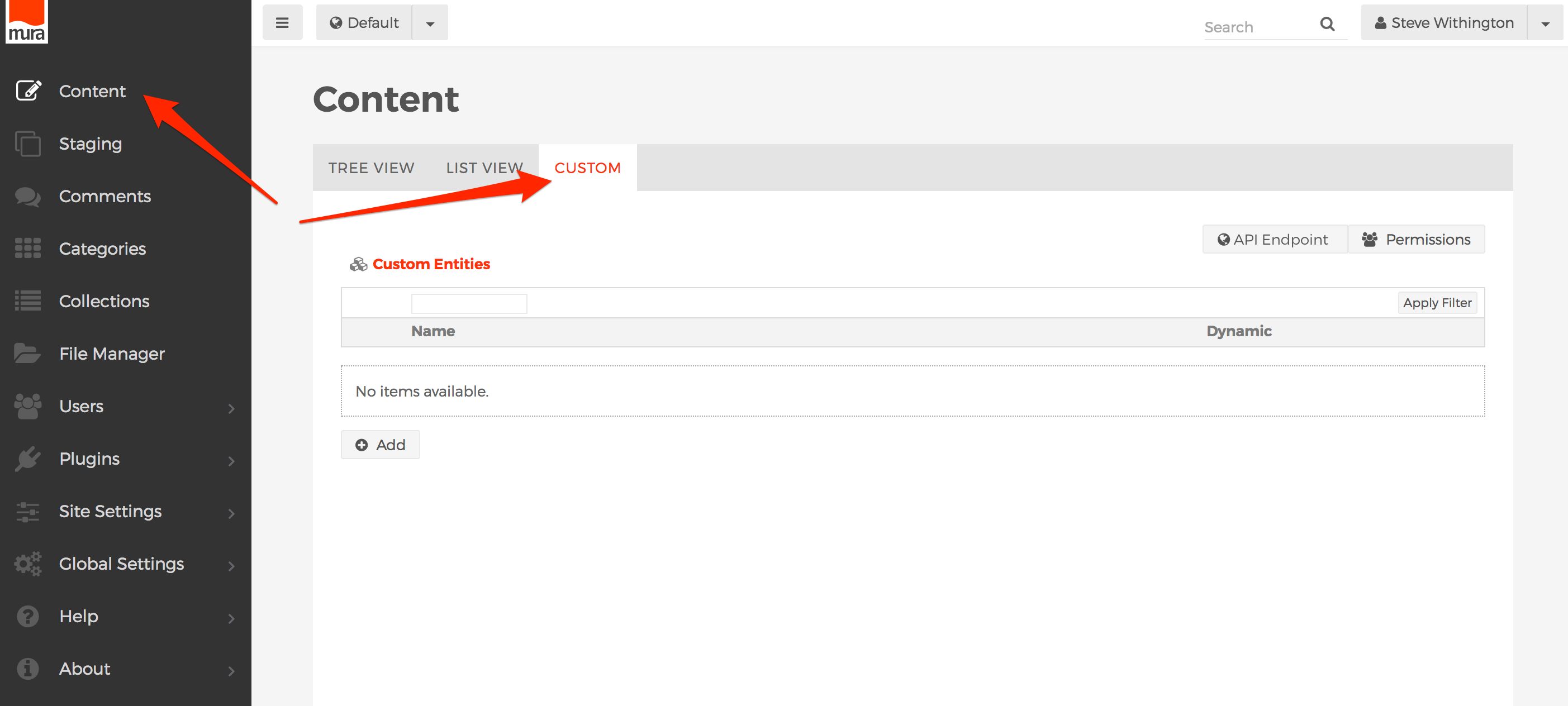
- To create a new Mura ORM entity, click the Add button.
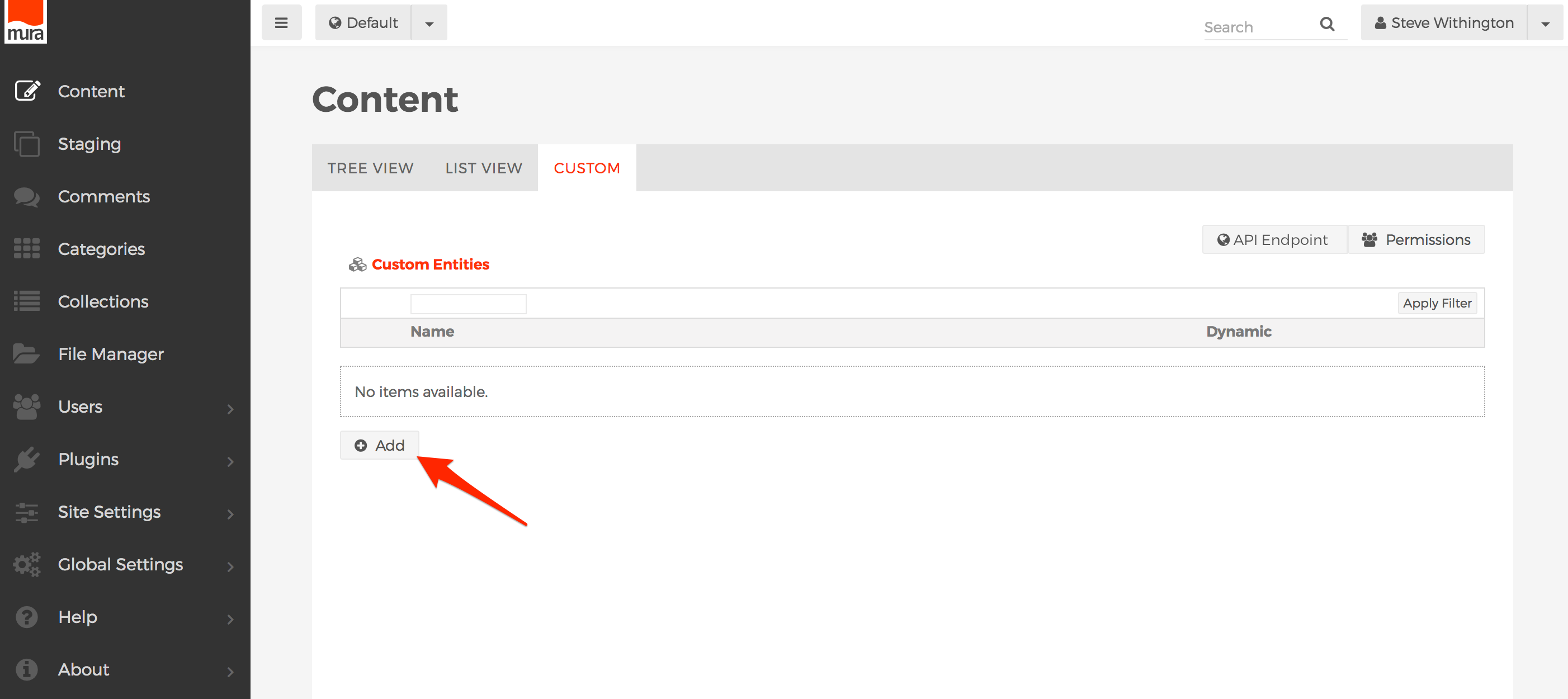
- You should be taken to the Custom Mura ORM Entity screen.
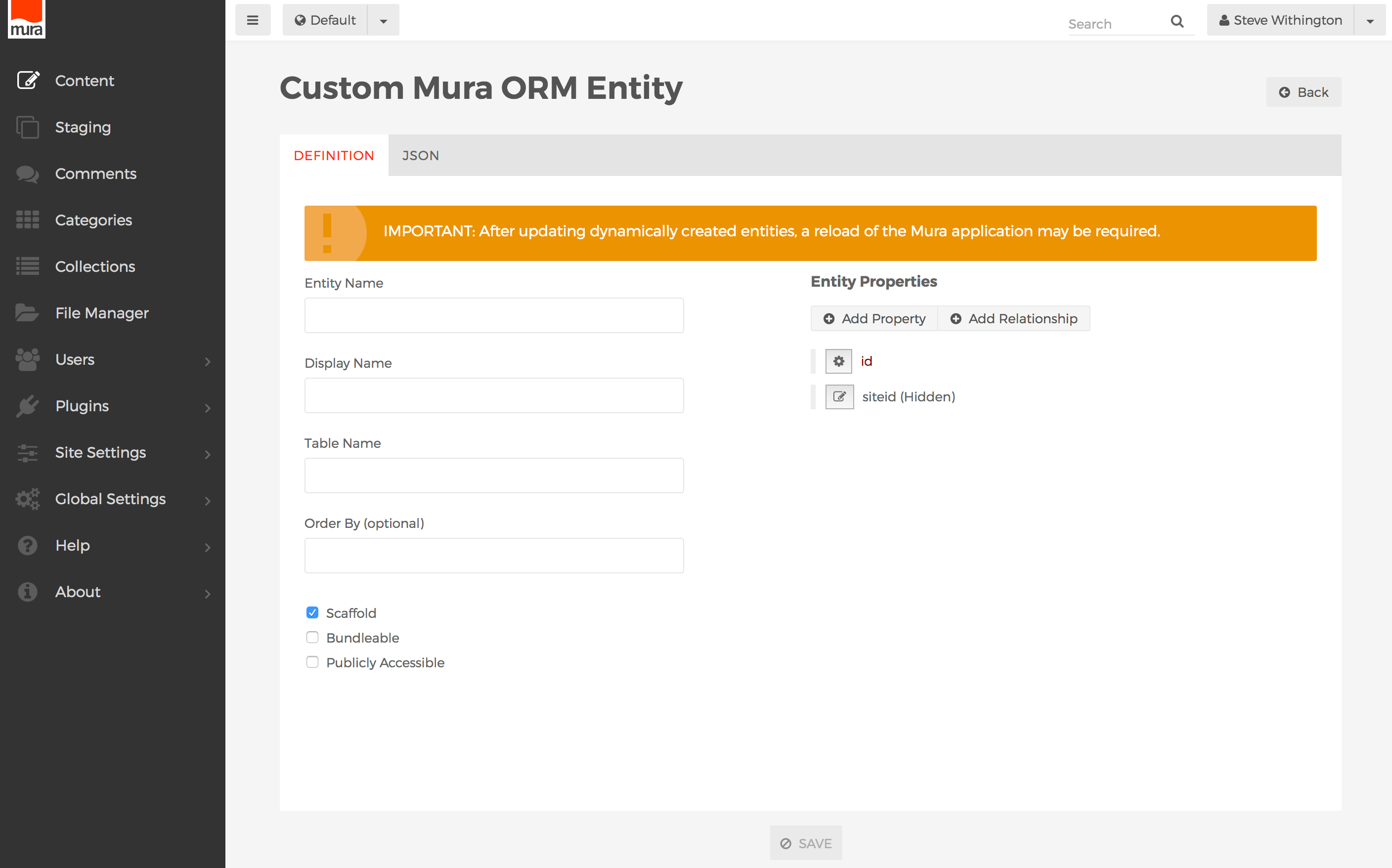
- Complete the information on the Definition tab. The primary fields are described below.
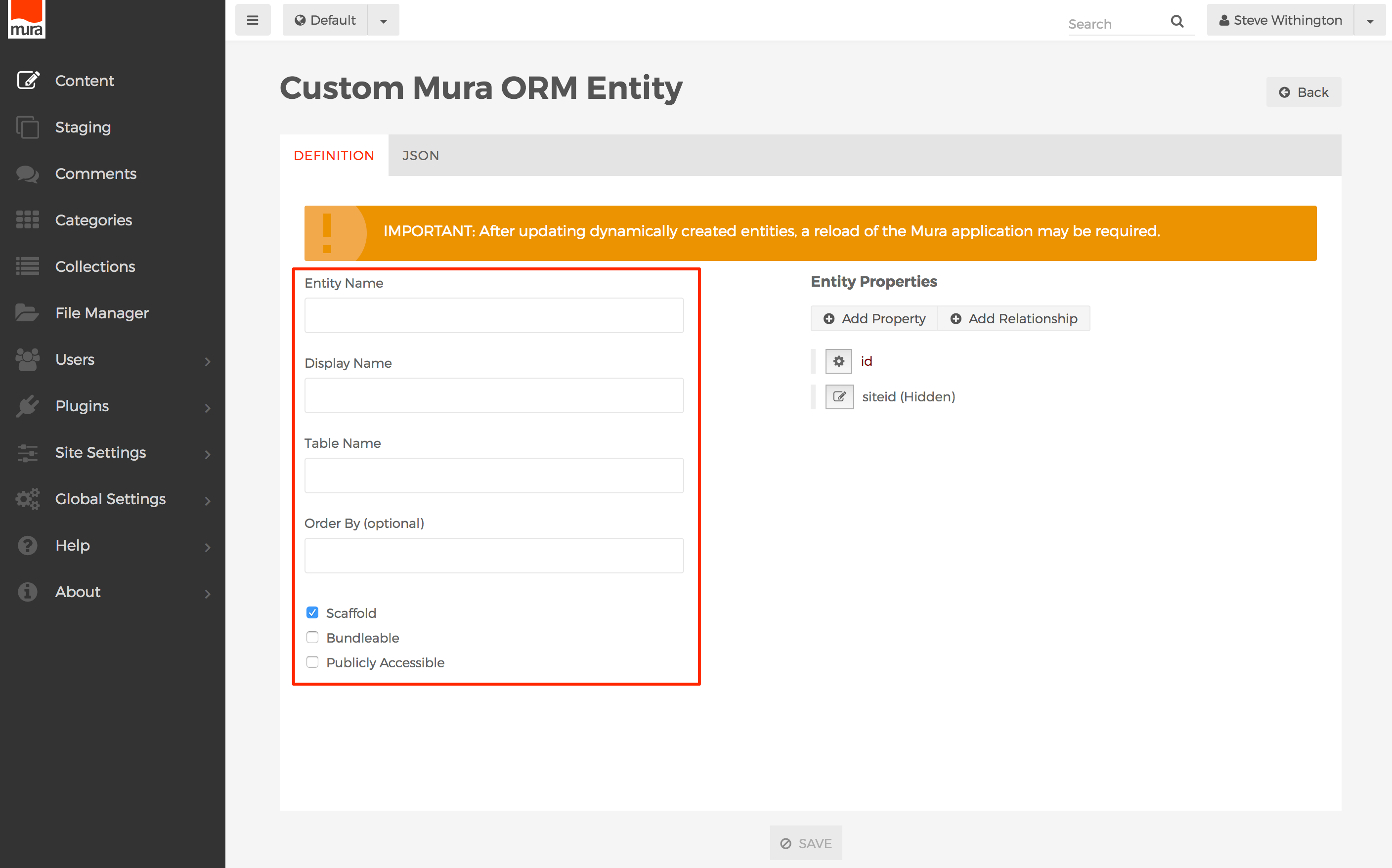
- Entity Name
- A variable-safe name (no spaces, begins with a letter, letters, numbers and underscores only). For instance, if you were creating a "Book" entity, you might call this entity simply "book".
- Display Name
- This is the human-readable version of the Entity Name, such as "Department Heads" or "Types of Pets".
- Table Name
- This is the table name the entity's data will be stored in. It is usually advisable to match it to the entity name, and is often prefixed with some special name to distinguish it in the database and avoid naming collisions with Mura's own table names. For instance, a "book" entity might have a table name like "
custom_books" or "mycompany_books".
- Order By (optional)
- This is the default property (column) by which to sort/order your entity data by. It must match one of the Property Names of the entity (see below).
- Scaffold
- If enabled, this gives the entity permission to be managed in the Mura ORM Scaffolder for data entry/management.
- Bundleable
- If enabled, the entity and any stored data will be included in any site bundles.
- Publicly Accessible
- If enabled, the entity may be displayed and/or managed via the front-end of your Mura site. However, you will also be responsible for building the user interface for display and/or management on the front-end itself.
- Also on the Definition tab, is where you manage the Entity Properties and relationships. An entity's "properties" are the fields where data will be stored, and will essentially be turned into columns within the defined Table Name. Every entity has a mandatory "
id" property, which you may rename, but not delete. In addition, new entities also begin with an optional "siteid" property, which is important for tying the data to a specific Mura site. An entity's "relationships" are the keys that bind your entity to other Mura ORM entities.

- How to Add /Edit Properties
- Click the Add Property button, or select a property to edit.
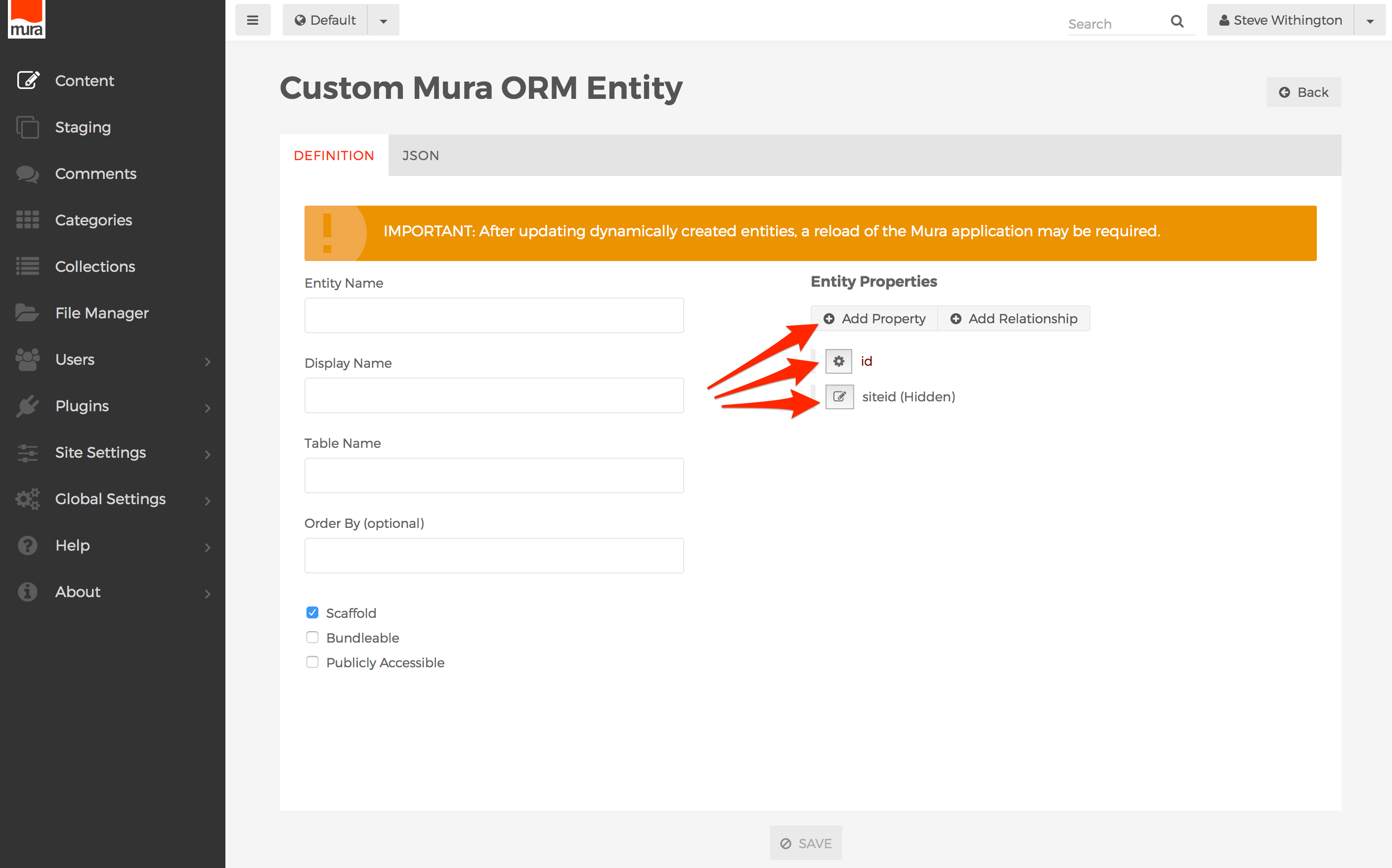
- You should now see the Property Details screen. The fields are described below.
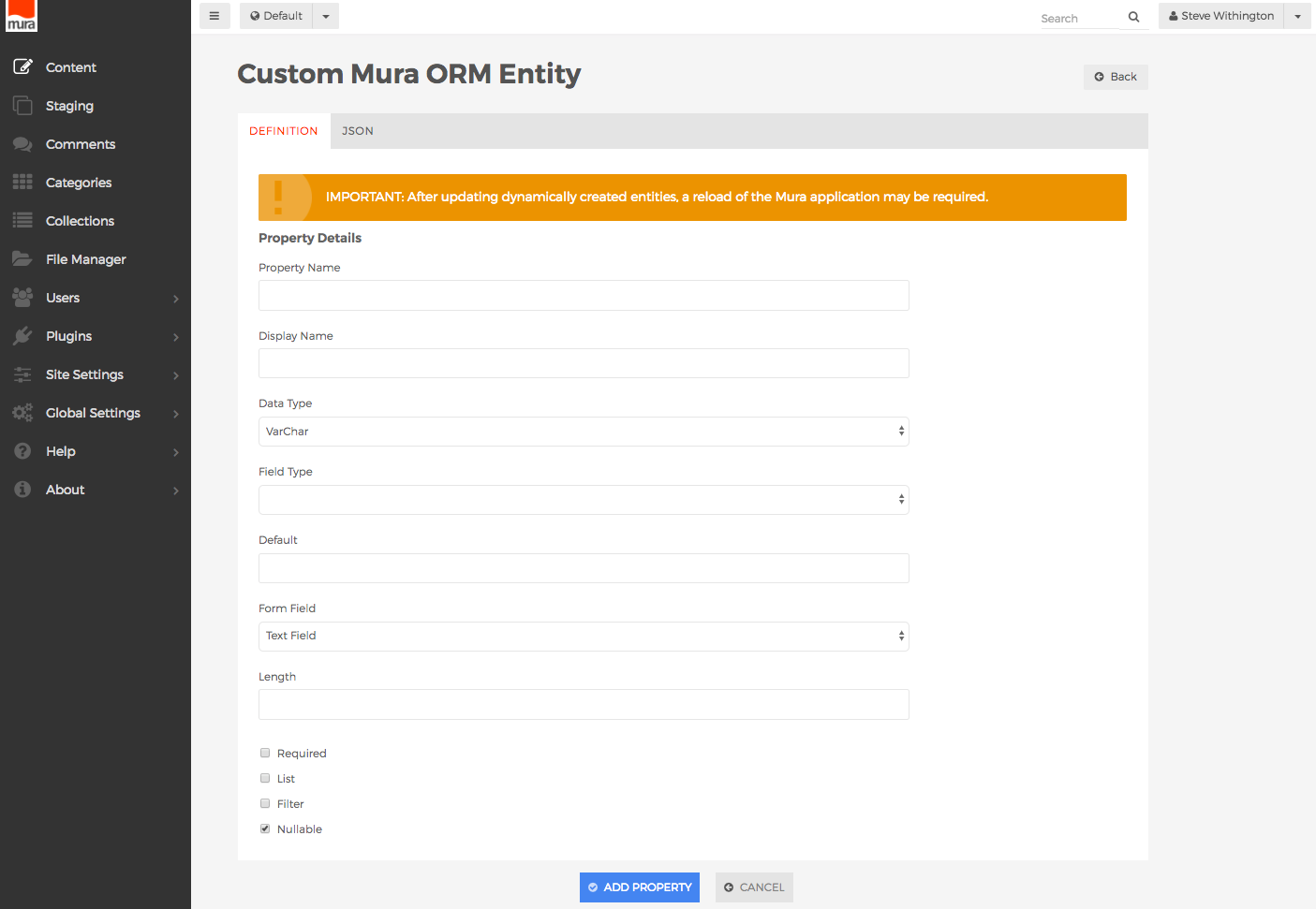
- Property Name
- The variable-safe name for the property. For example, "
booktitle" or "bookauthor".
- Display Name
- The human readable version of the property name. For example "Book Title" or "Book Author".
- Data Type
- The SQL data type the property should be saved as.
- Valid options are:
- VarChar
- Text
- Int
- Boolean
- DateTime
- Any
- Field Type
- Valid options are:
- None
- This is the default value, and if selected, no database index will be created.
- Index
- If selected, a database index will be created on the property.
- Default
- The value entered here will be used as the default value in the Mura ORM Scaffolder. This is useful when the property's Form Field type is set to Dropdown or Radio to pre-select one of the the option list values.
- Form Field
- The value selected here will determine how the form field will appear in the Mura ORM Scaffolder when administrators are entering data.
- Valid options are:
- Text Field
- Text Area
- HTML Editor
- Dropdown
- Checkbox
- Radio
- Hidden
- Do not render
- Length
- The maximum length of the data field.
- Required
- If checked, the property will be required in the Mura ORM Scaffolder.
- List
- If checked, the property will be displayed in the list view of the Mura ORM Scaffolder.
- Filter
- If checked, end users may use the "Filter By" functionality on this property in the list view of the Mura ORM Scaffolder.
- Nullable
- If checked, the property will be set to "NULL" in the database if no value is entered in the Mura ORM Scaffolder.
- Option List
- This field will appear if the Form Field type is set to Dropdown or Radio. Enter a carat (^) delimited list of values to be used as the labels for the form field. For example, "
Matt^Grant^Steve".
- Option Value List
- This field will appear if the Form Field type is set to Dropdown or Radio. Enter a carat (^) delimited list of values to be used as the value which will be stored in the database. For example, "
001^002^003".
- When finished, click the Add Property button.
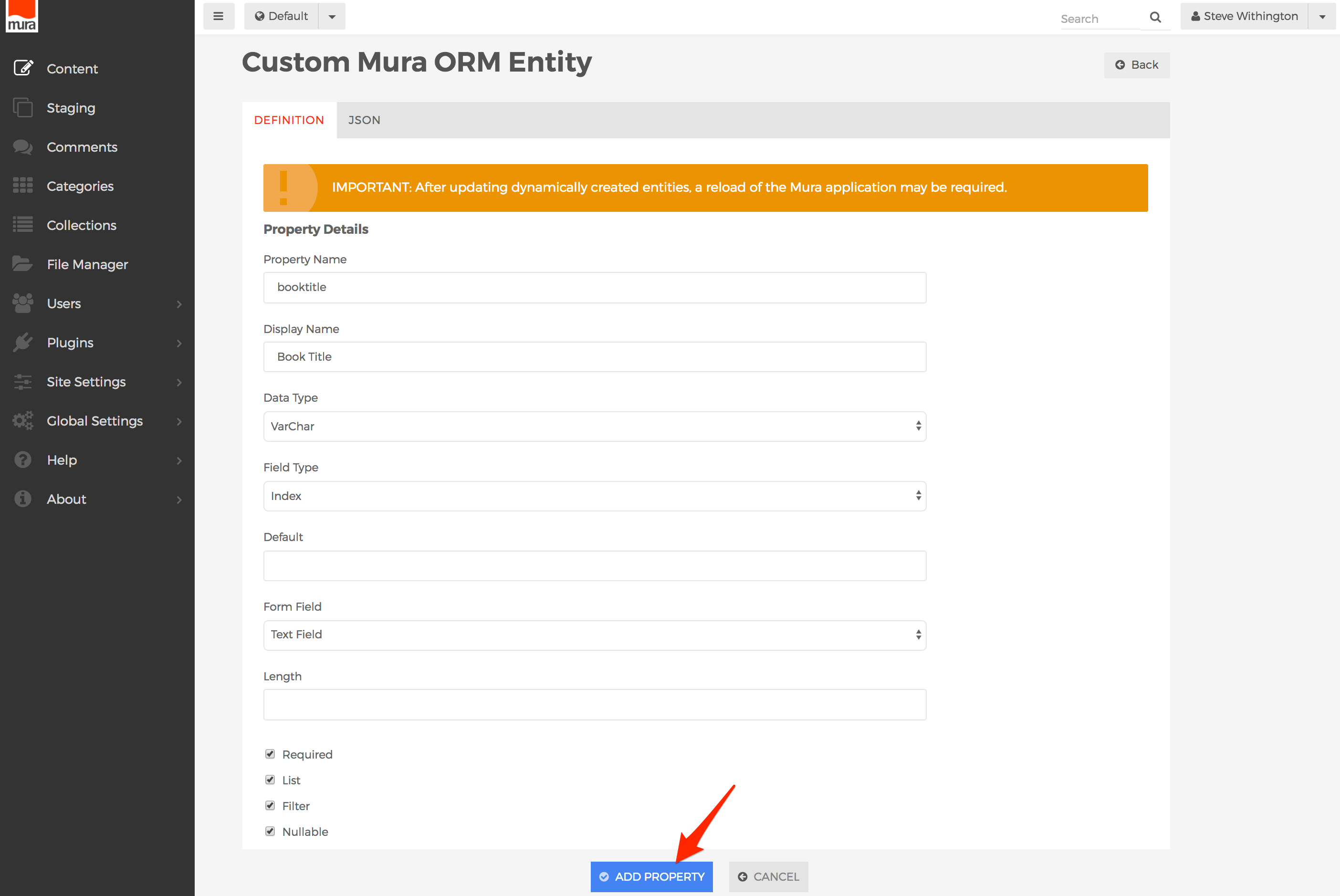
- To reorder Entity Properties, click+drag and drop the properties.
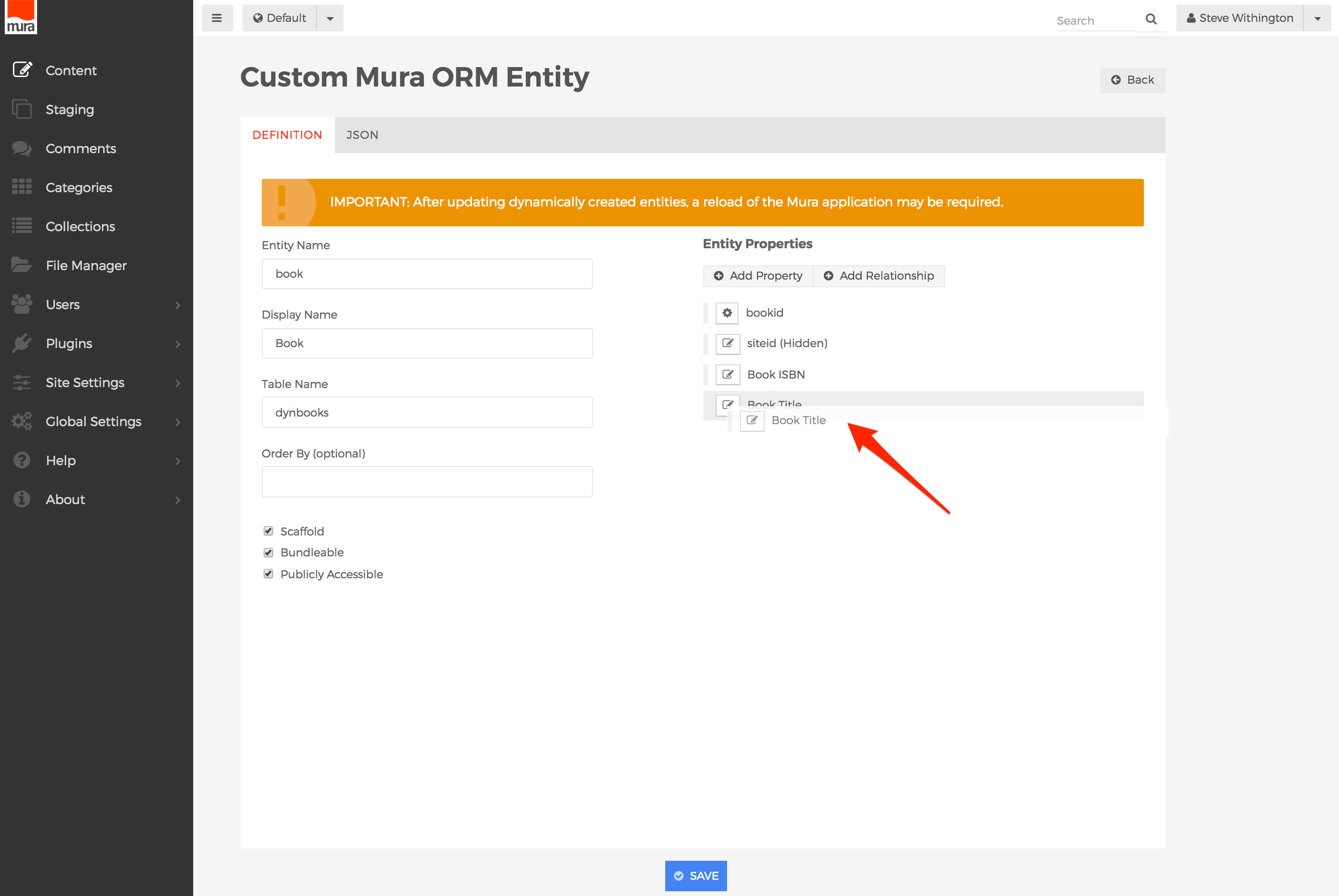
- Click Save when finished.
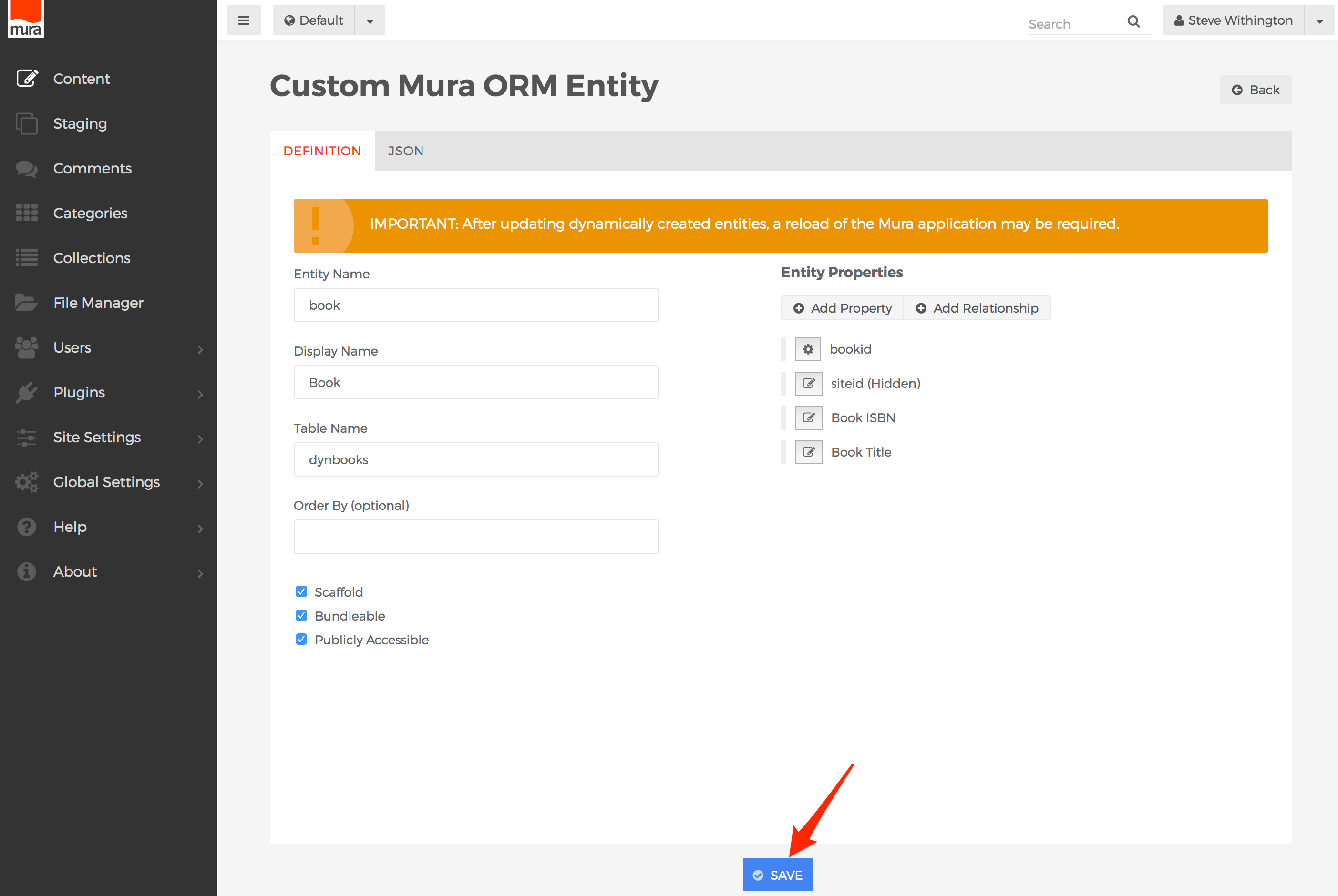
- A message will appear at the top of your screen to indicate when the entity definition has been saved.
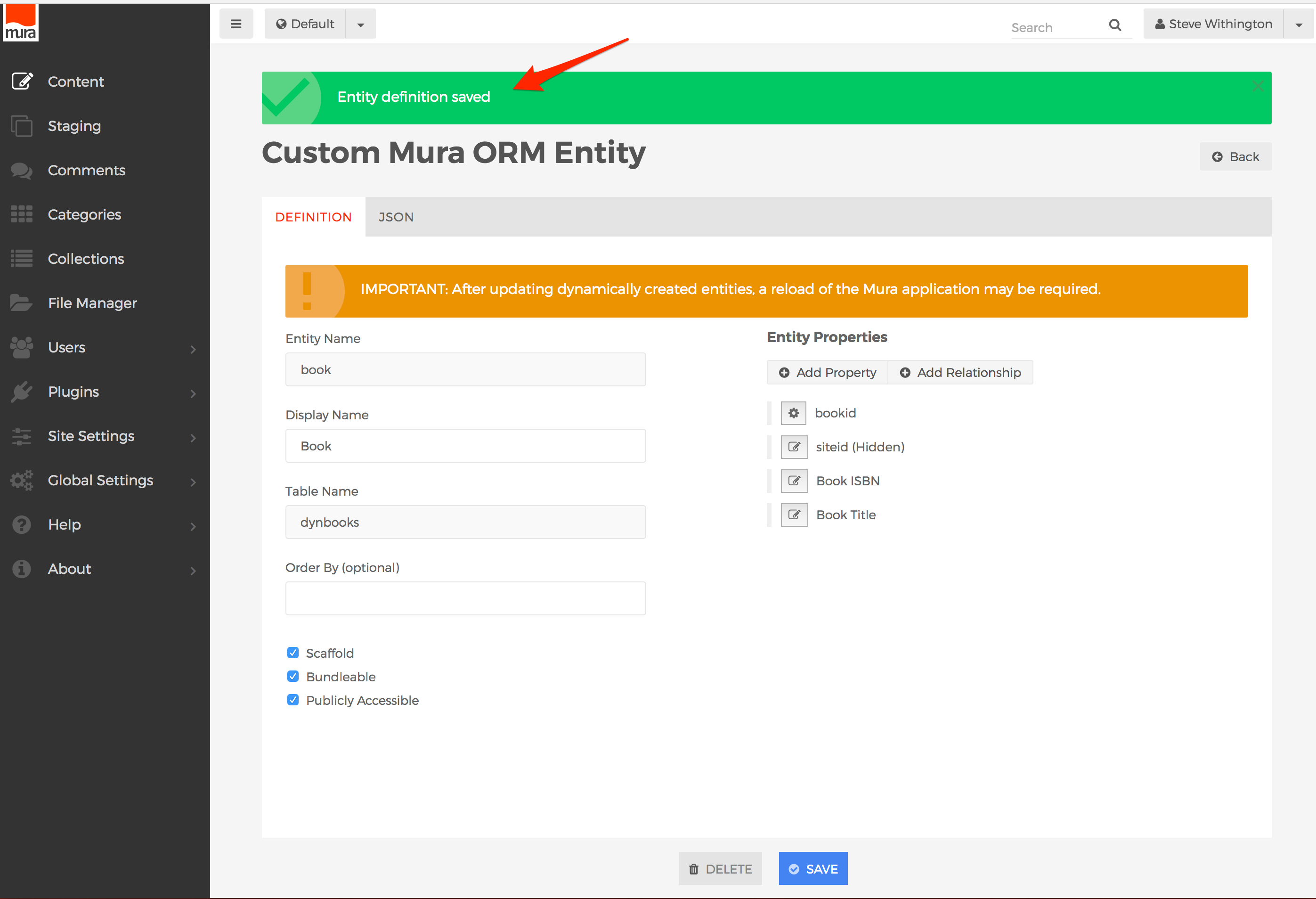
- In addition, a "
.CFC" file will be auto-generated and saved under {context}/modules/dynamic_entities/model/beans/{EntityName}.cfc. If you wish, you could copy this file and save it under your own ../model/beans/ directory, and then delete the auto-generated file itself.
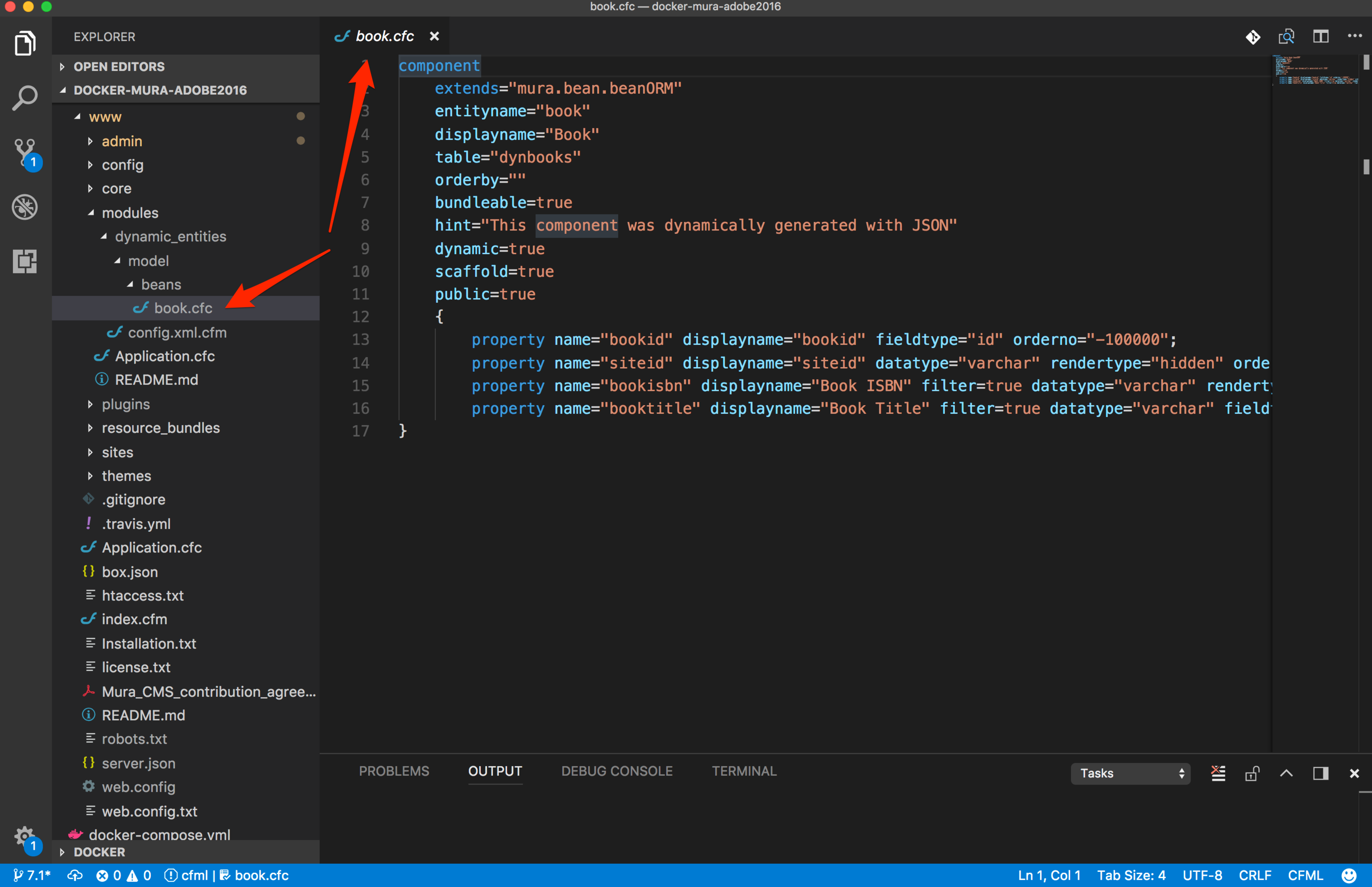
- If you wish to delete the entity, simply click the Delete button, and select OK on the Alert dialog window. Also, when deleting entities, only the entity definition itself will be deleted from Mura, and the auto-generated "
.CFC" file. However, all data will still be stored in the associated tables.
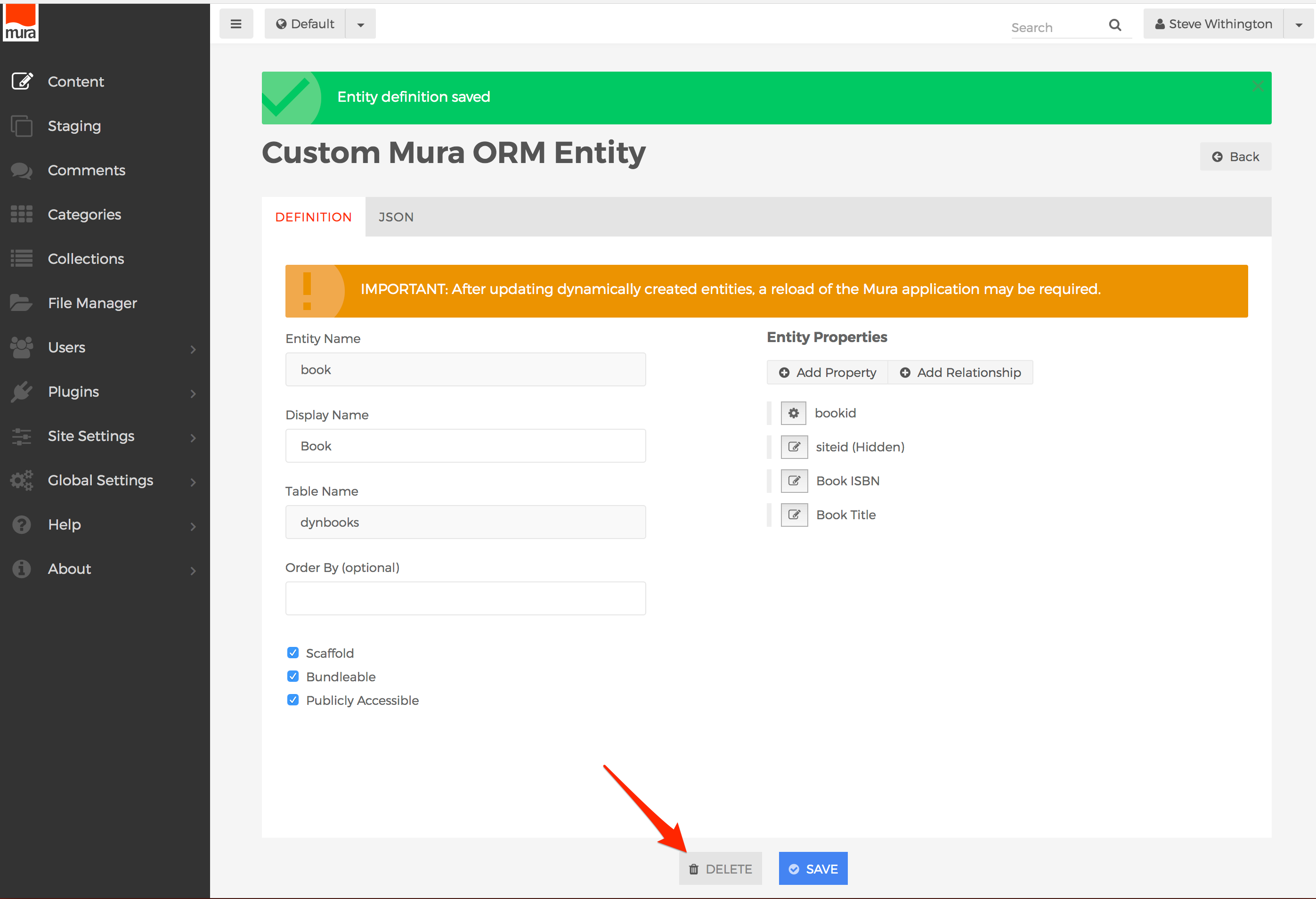
- How to Add/Edit Relationships
- Click the Add Relationship button, or select a relationship to edit.
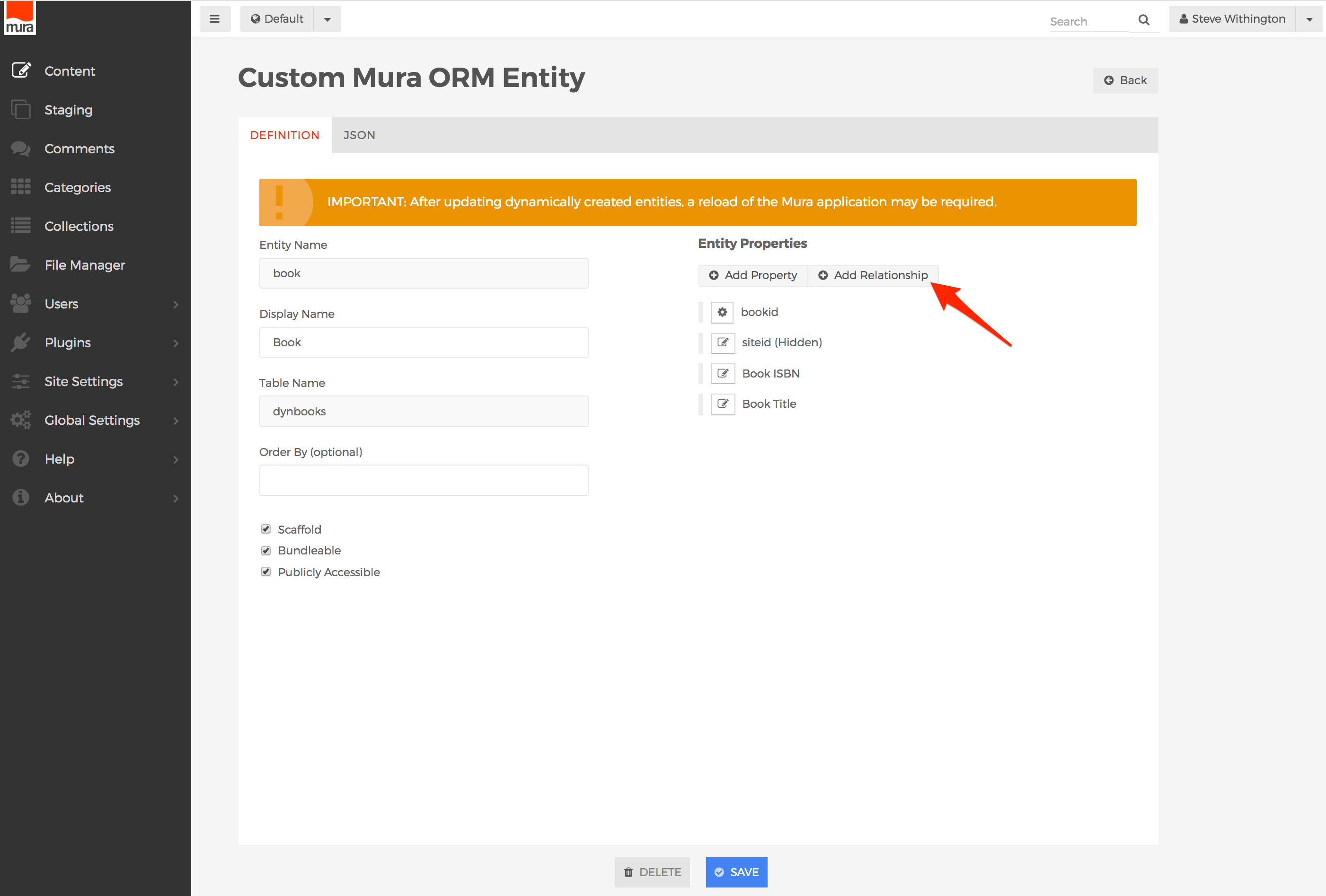
- You should now see the Relationship Details screen. The fields are described below.
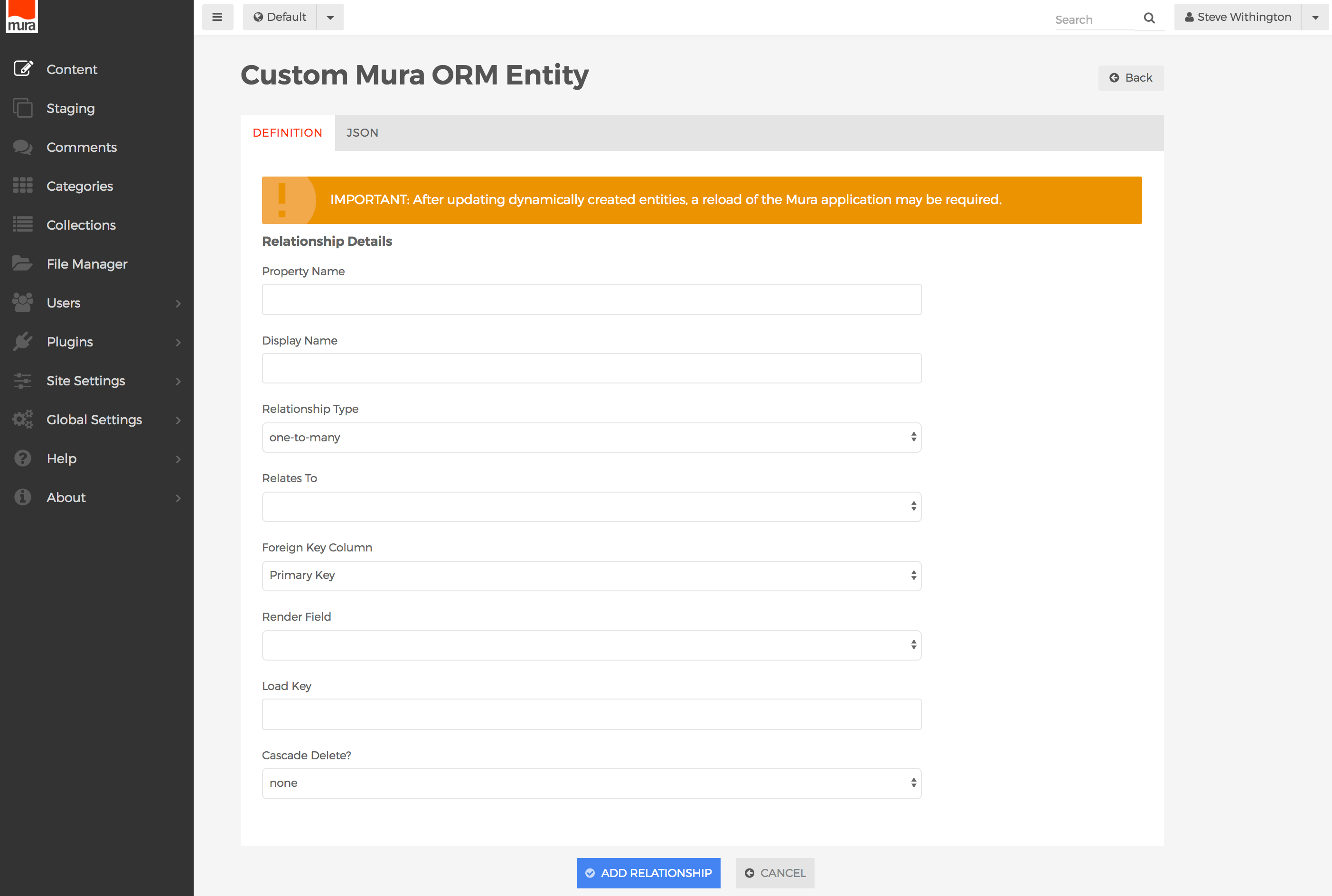
- Property Name
- The variable-safe name that references the related entity. For example, a "book" entity might have related "authors". So, you could enter "author" or "authorid".
- Display Name
- The label, or human readable version of the relationship. For example, "Author" or "Author ID".
- Relationship Type
- When working with relationships, read the relationship from left to right. In other words, the left word refers to the current entity, and the word on the right refers to the related entity.
- Valid Options:
- one-to-many
- This common type of relationship indicates the current entity may be related to multiple related entities. For example, one "
order" entity could be related to multiple "product" entities.
- one-to-one
- This very simple relationship indicates there will only be one related entity to the current entity. For example, each "
product" entity can be related to only one "manufacturer" entity.
- many-to-one
- Similar to the one-to-many relationship, this common relationship type indicates there may be multiple current entities related to a single entity. For example multiple "
product" entities can be related to only one "order" entity.
- If you wish to create a "many-to-many" relationship, the recommended approach is to simply create a one-to-many/many-to-one association between three participating entities. In other words, you would create a special entity to bind the related entities together. For example, you could have an "
author" entity, a "book" entity, and a "authorsbooks" entity which stores the primary key values of both "authors" and "books" as a "many-to-one" relationship. For more information on this approach, view our blog post titled Mura ORM and Many-to-Many Relationships.
- Relates To
- Select the actual entity that this entity is related to. Only defined entities will appear in the list, in addition to Mura's own entities (such as "
content" and "user"). If the desired entity has not been defined yet, you will need to define the entity, and come back to create the relationship.
- Foreign Key Column
- In most cases, this should be the related entity's "Primary Key" field. However, there may be an occasion where another field should be used to bind the entities together.
- Render Field
- The select menu will be populated with the properties of the selected entity from the "Relates To" field. Select the desired property to display when viewing the entity list in the Mura ORM Scaffolder table. For example, if the related entity is "author", you may wish to select the "Last Name" property instead of some obscure "authorid" property.
- Load Key
- This field relates to the Foreign Key Column. If the current entity is related by something other than the Primary Key, you should enter it here.
- Cascade Delete?
- Valid Options:
- none
- Do nothing if any related entities are deleted.
- delete
- If selected, this entity will be deleted when the related entity is deleted.
- When finished, click the Add Relationship button.
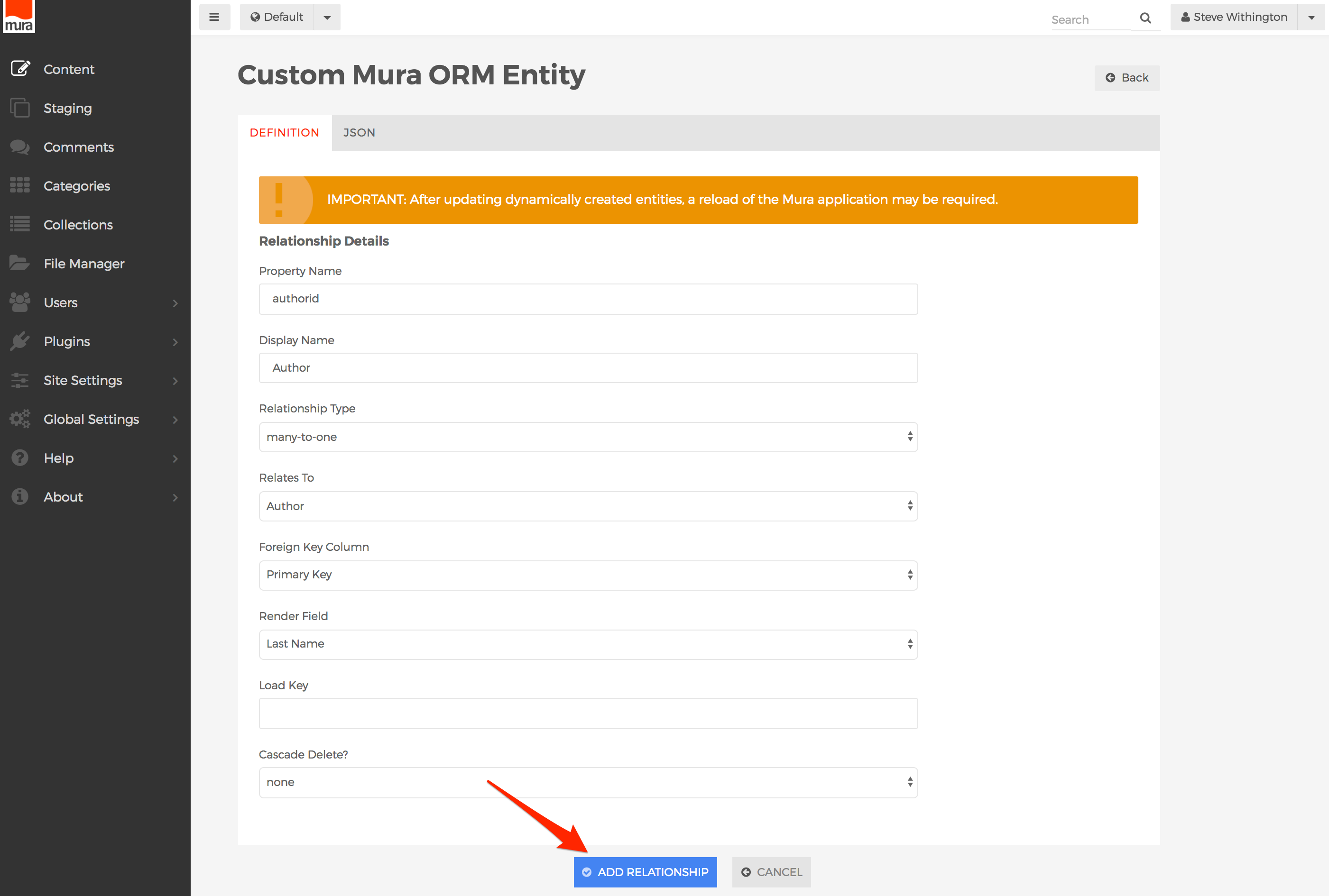
- The relationship will now display under the Entity Properties area. Simply click the gears icon to edit the relationship again, if desired.
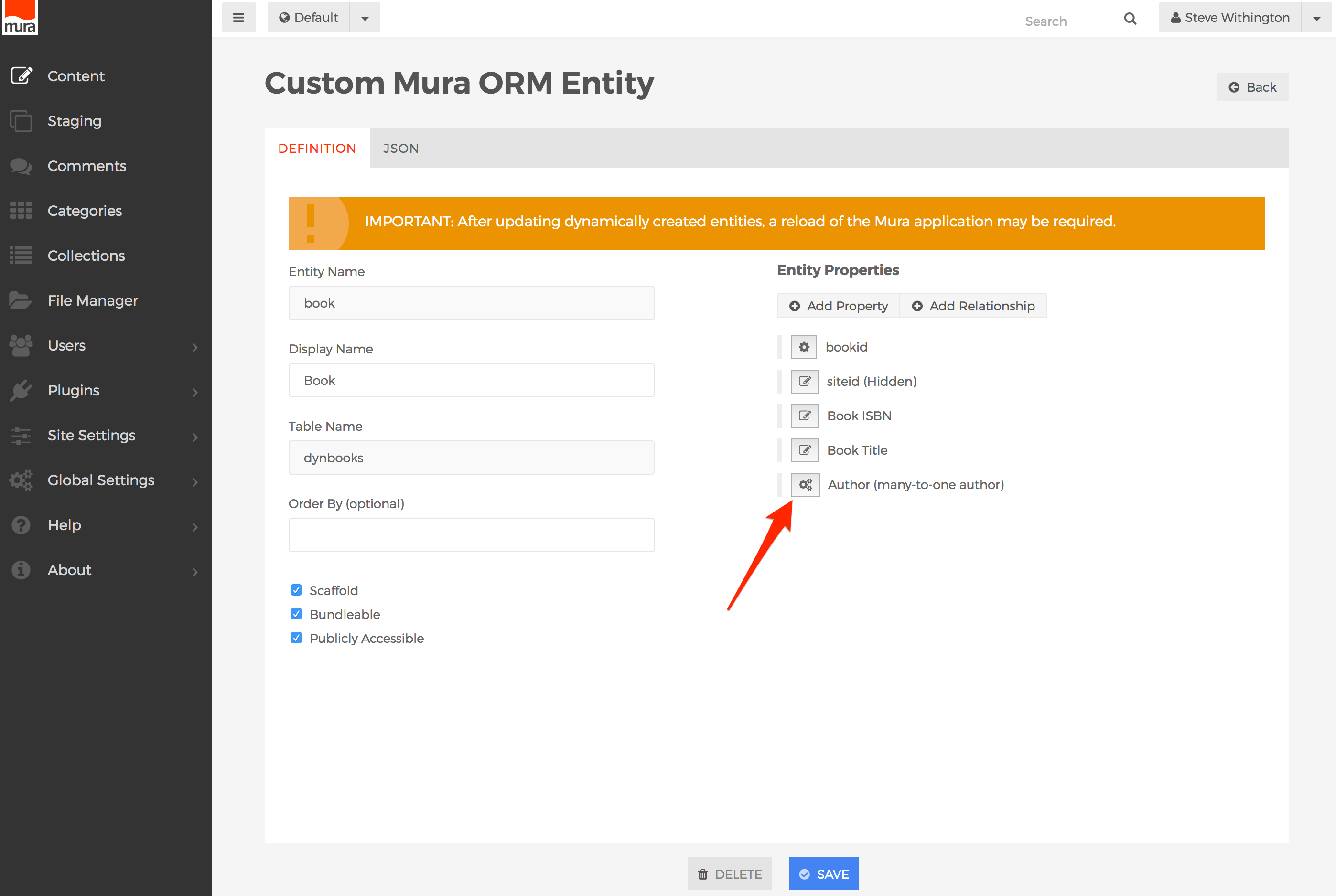
- The JSON tab displays the string to be saved in the database as the definition of the entity, and captures all of the properties and relationships created using the Mura ORM Assembler. This is especially useful information when using Mura.js to work with Mura ORM entities.
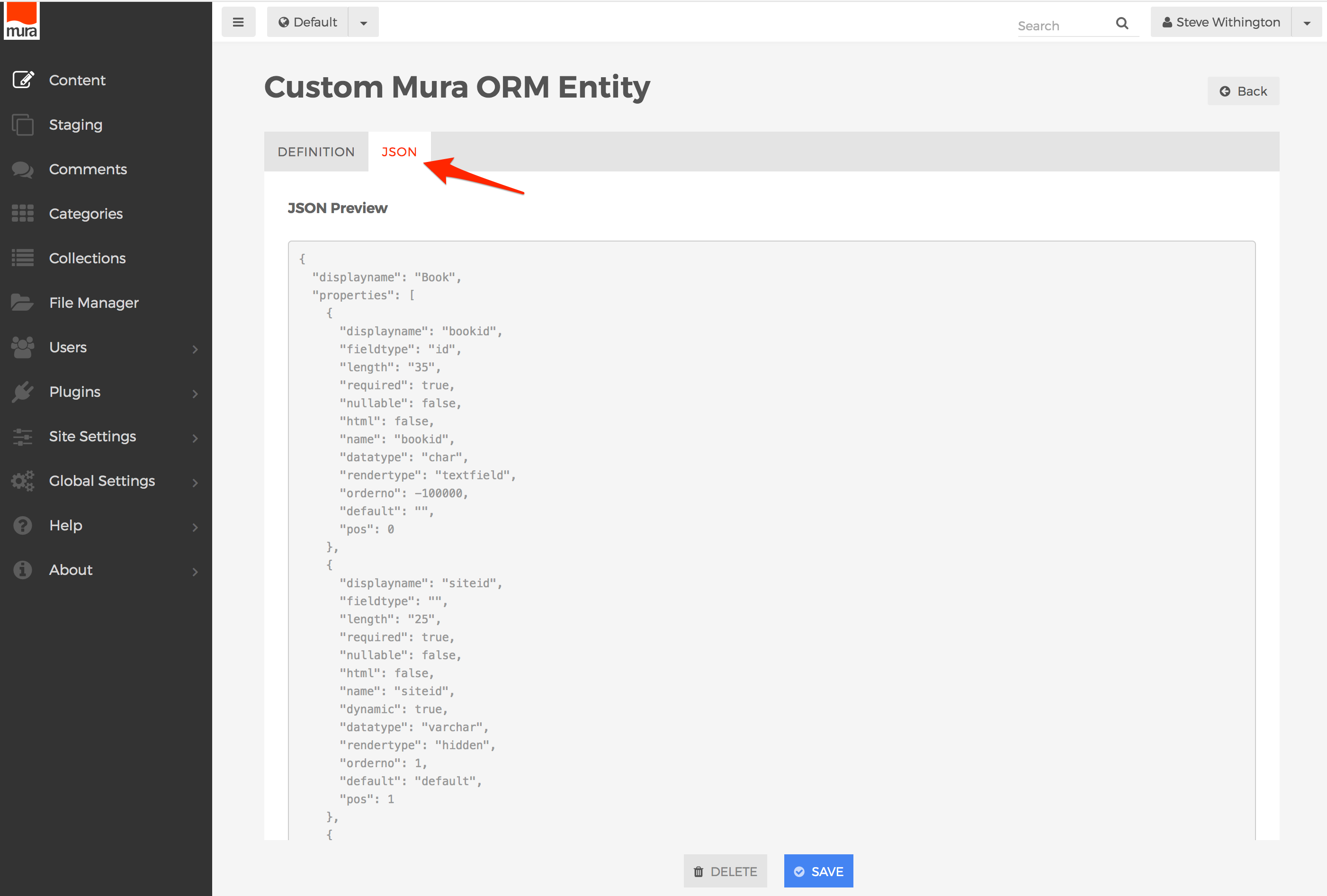
- When finished, click the Save button to save your entity definition.
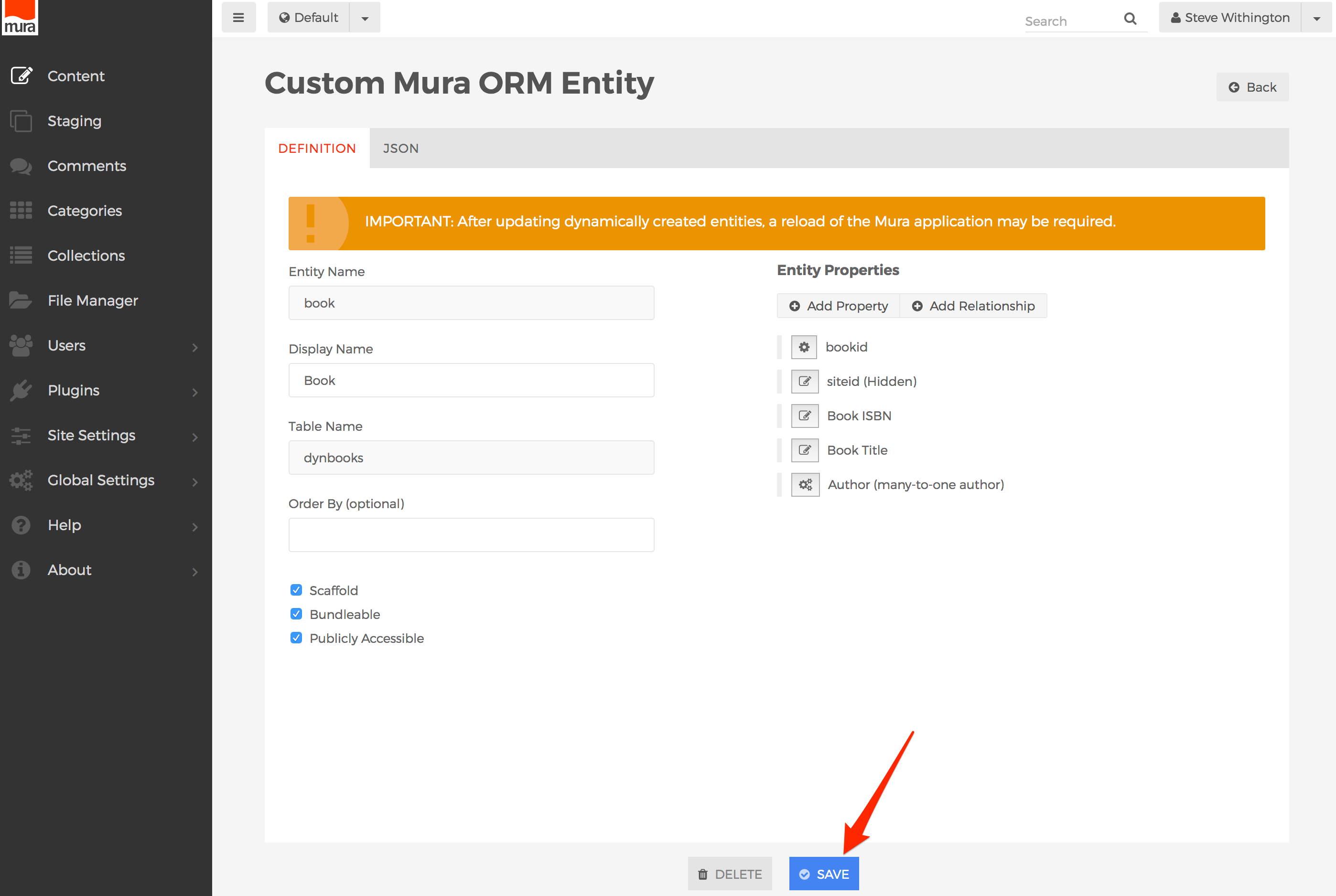
How to Use the Mura ORM Scaffolder
Warning! This feature is in ALPHA status as of Mura v7.1, and functionality may change without notice.
As previously mentioned, the Mura ORM Scaffolder lets you create, read, update/edit, and delete Mura ORM entity data. Once you've enabled the Mura ORM Assembler & Scaffolder, you may follow the steps outlined below to manage your Mura ORM entity data, assuming Mura ORM entities enabled for use in the Scaffolder exist.
Also, by default, Super Admin Users, and members of the Admin group are automatically granted permissions to the Mura ORM Scaffolder. However, members of these groups may also enable other groups access by managing the permissions to this section.
- From the back-end administration area of Mura, select Content on the main navigation, then select the Custom tab.
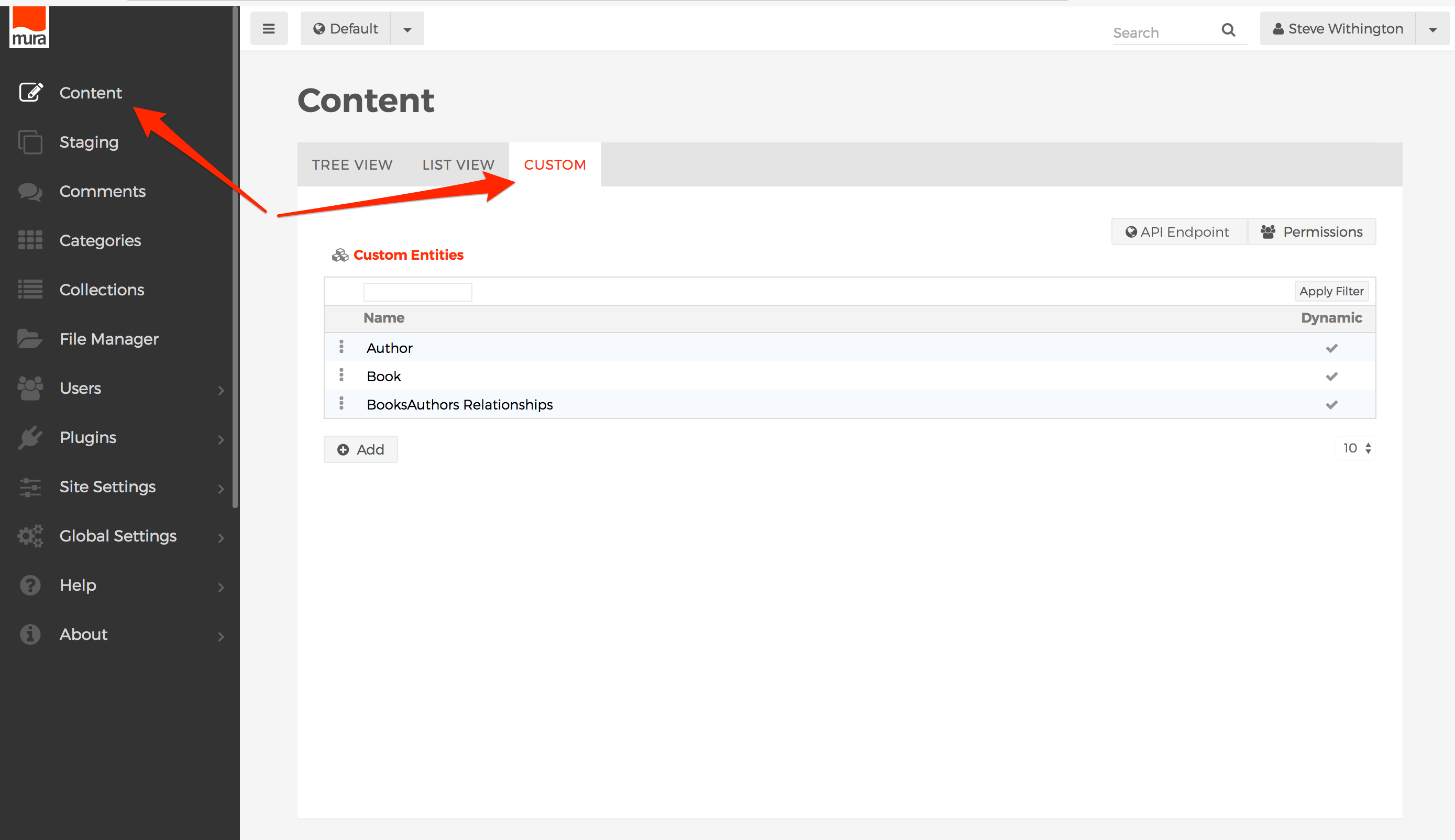
- You should be able to view to the Custom Entities table. This landing page lists all entity types available for editing via the Scaffolder. For example, the list below includes "Author", "Book", and "BooksAuthors Relationships".
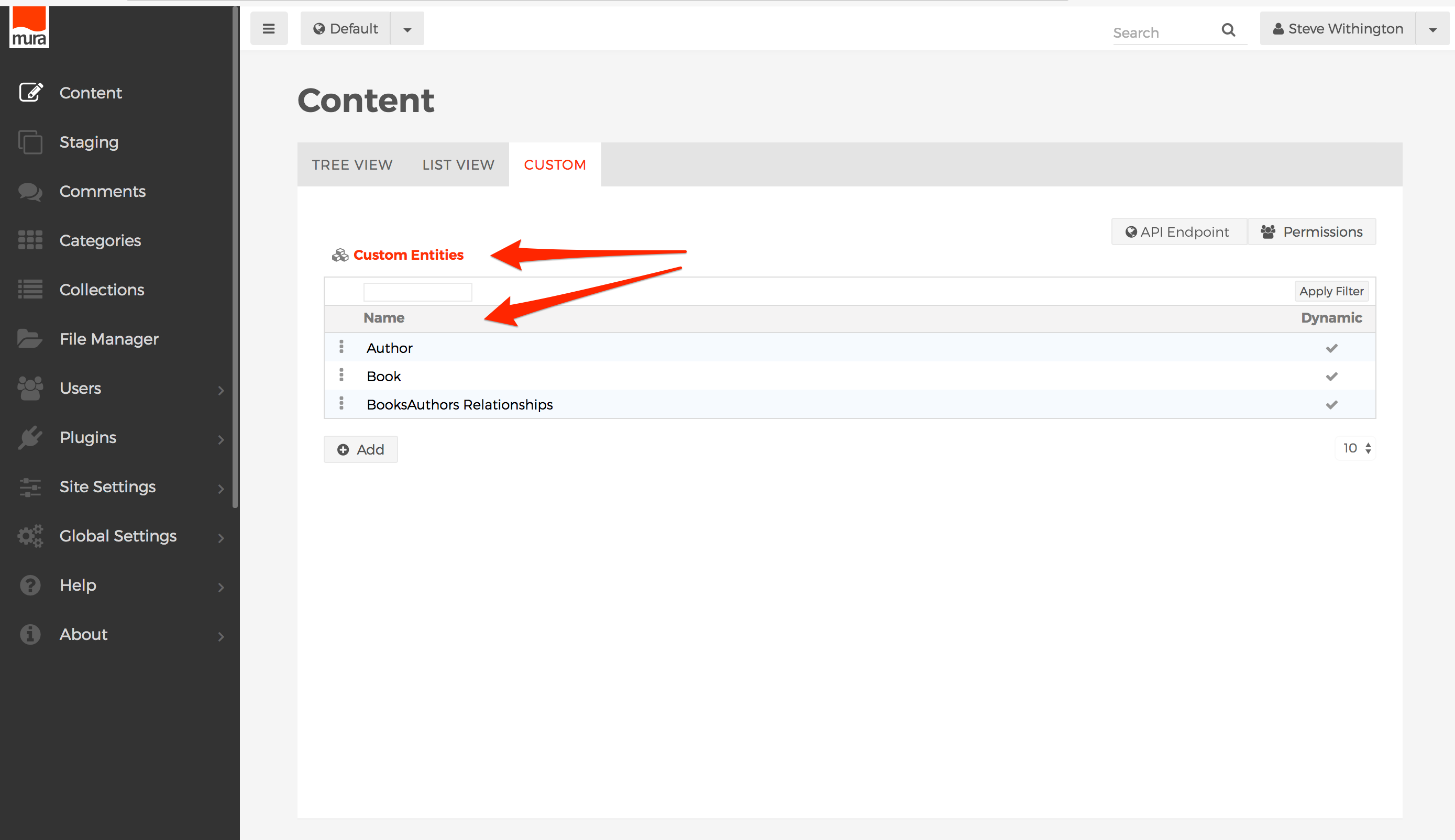
- To view an entities data entries, click the entity name on the list, or select the three-dot menu to the left of the entity name, and click the "List" option.
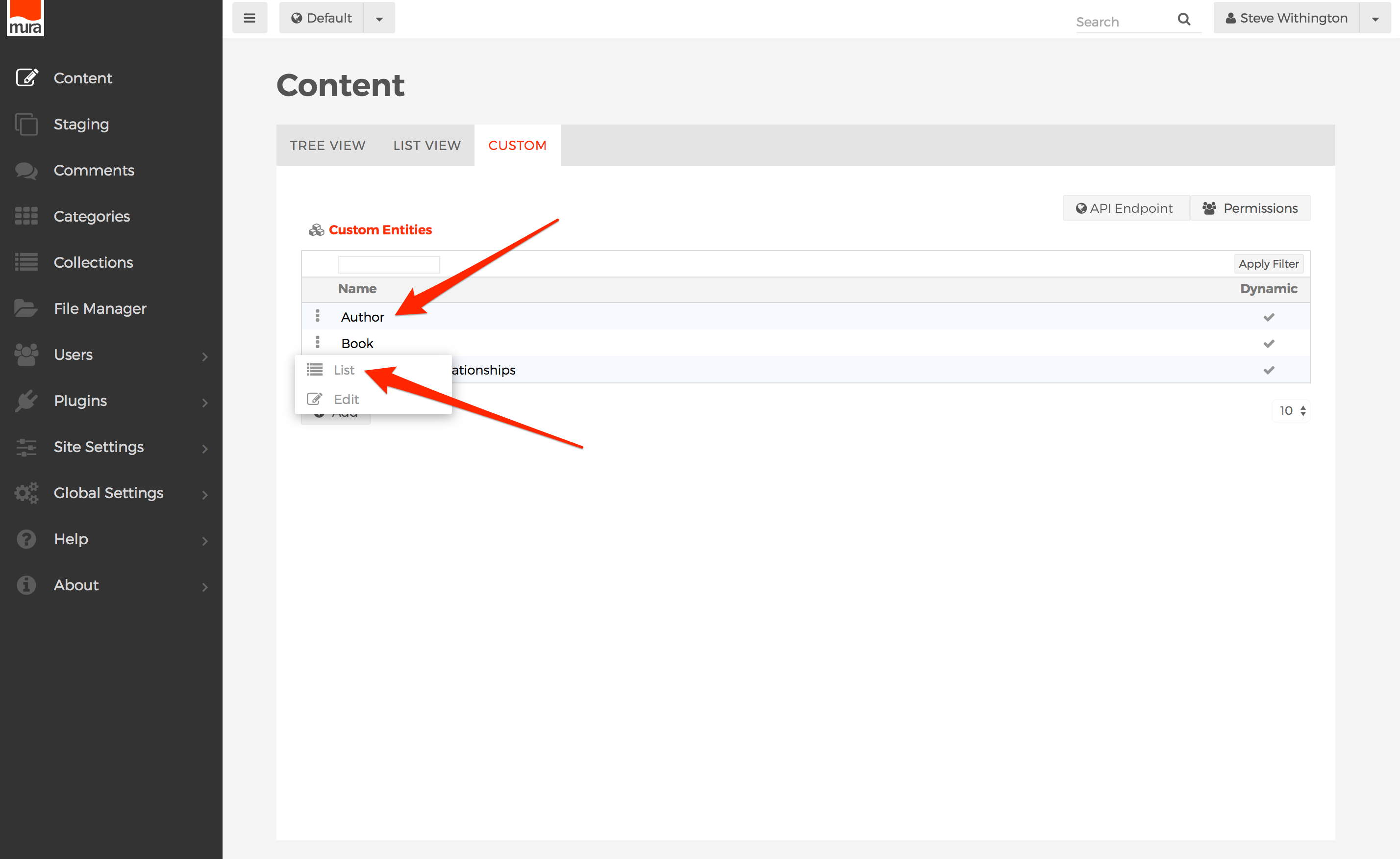
- You should be taken to the entity's listing of entries. For example, in the illustration below, you can see the "Author" entries.
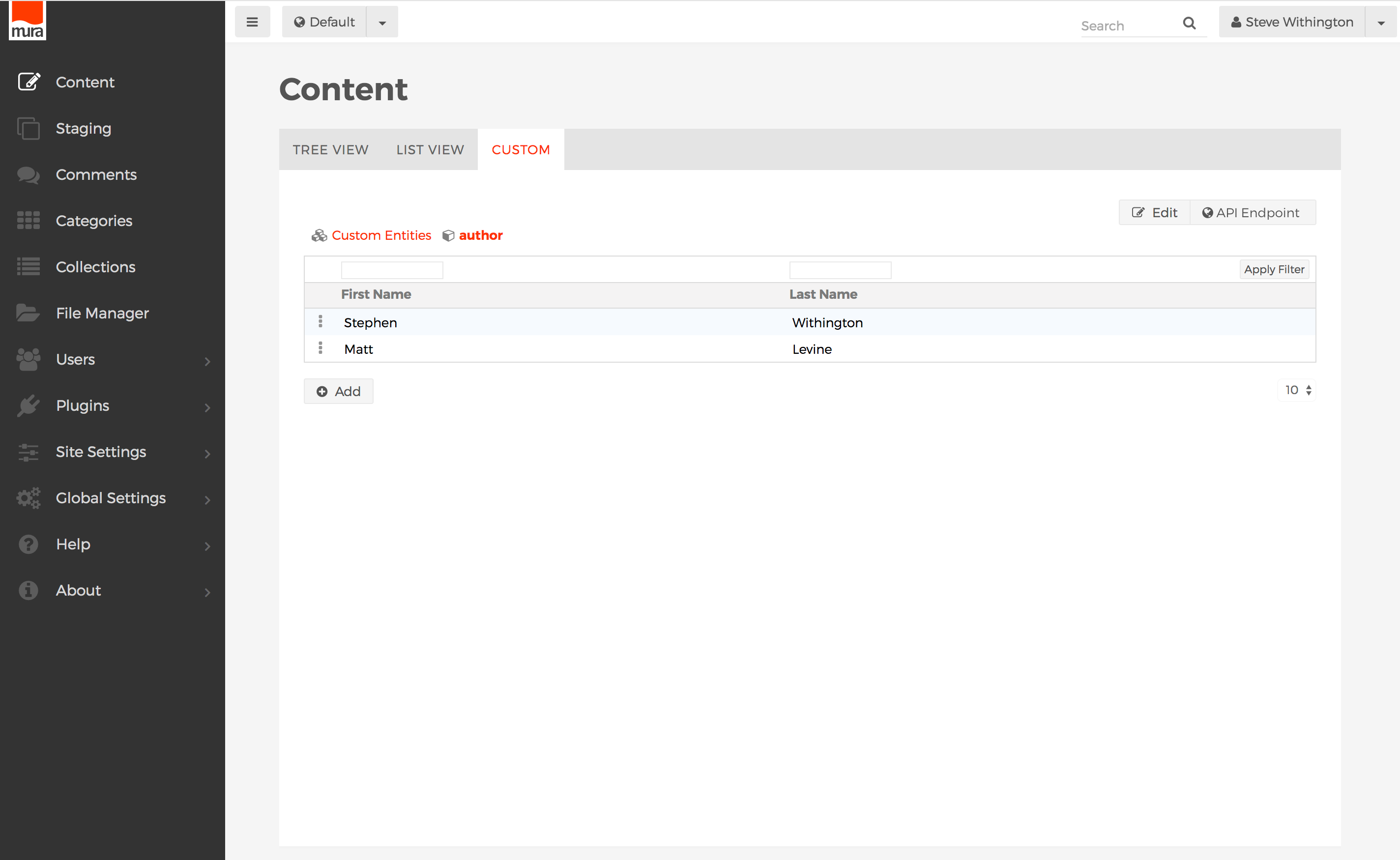
- If a column (attribute) is filterable, there will be a text box above the column header. You may enter the search text and click the Enter/Return key or the Apply Filter button to filter the results.
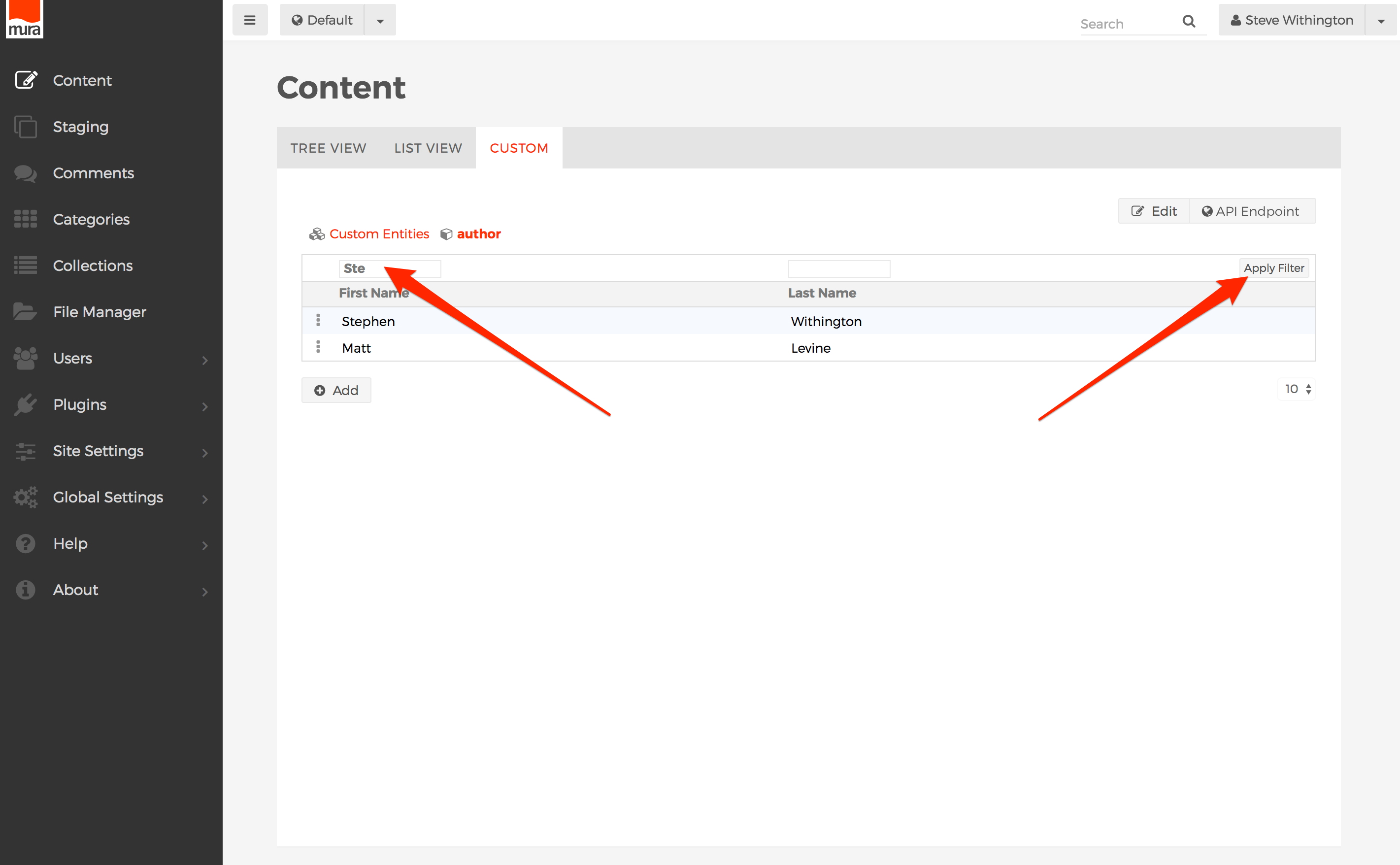
- To remove the filter, click the Remove Filter button.
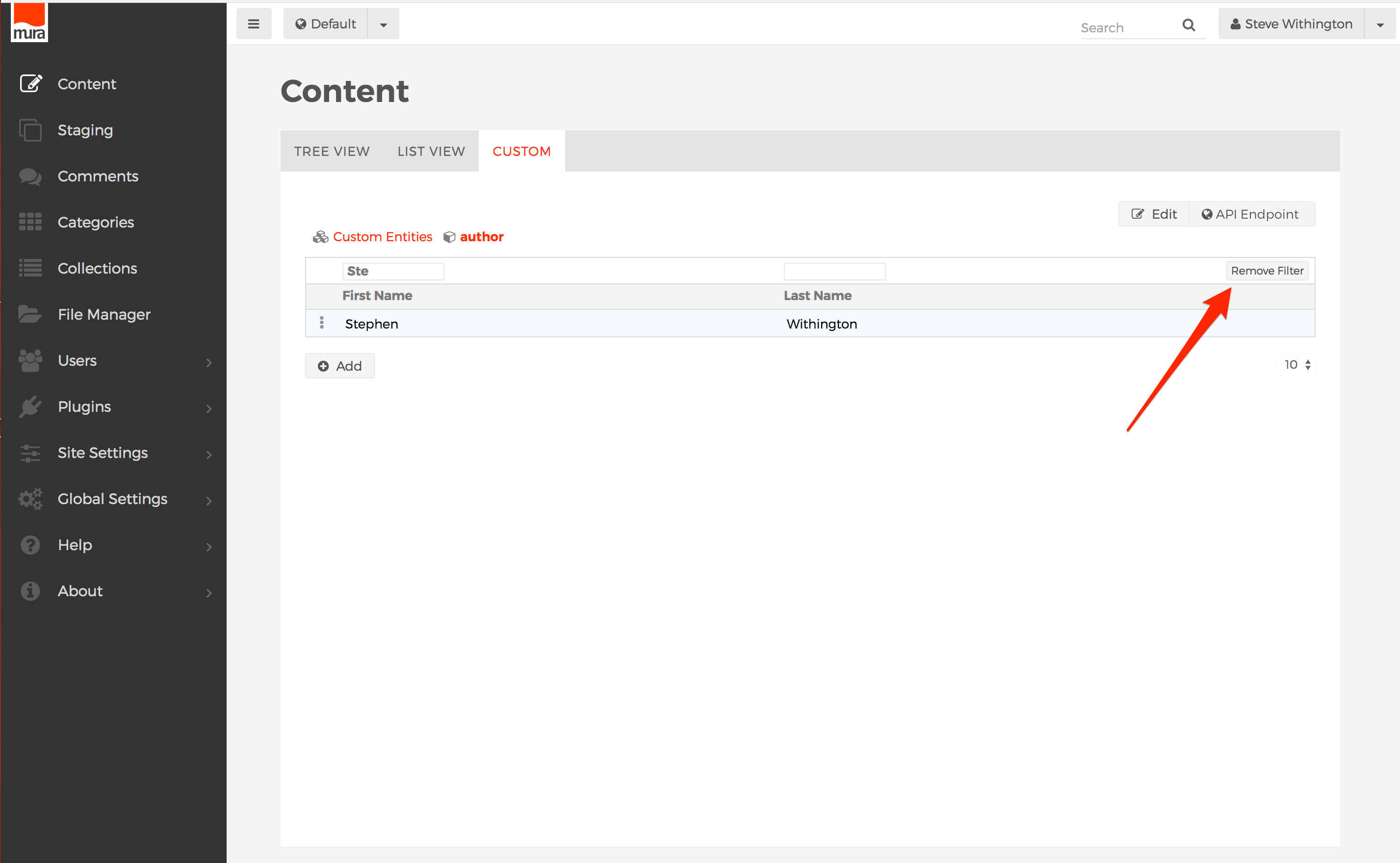
- You may also click on a column header to sort data on that column, and an arrow will appear by the header to indicate the sort direction.
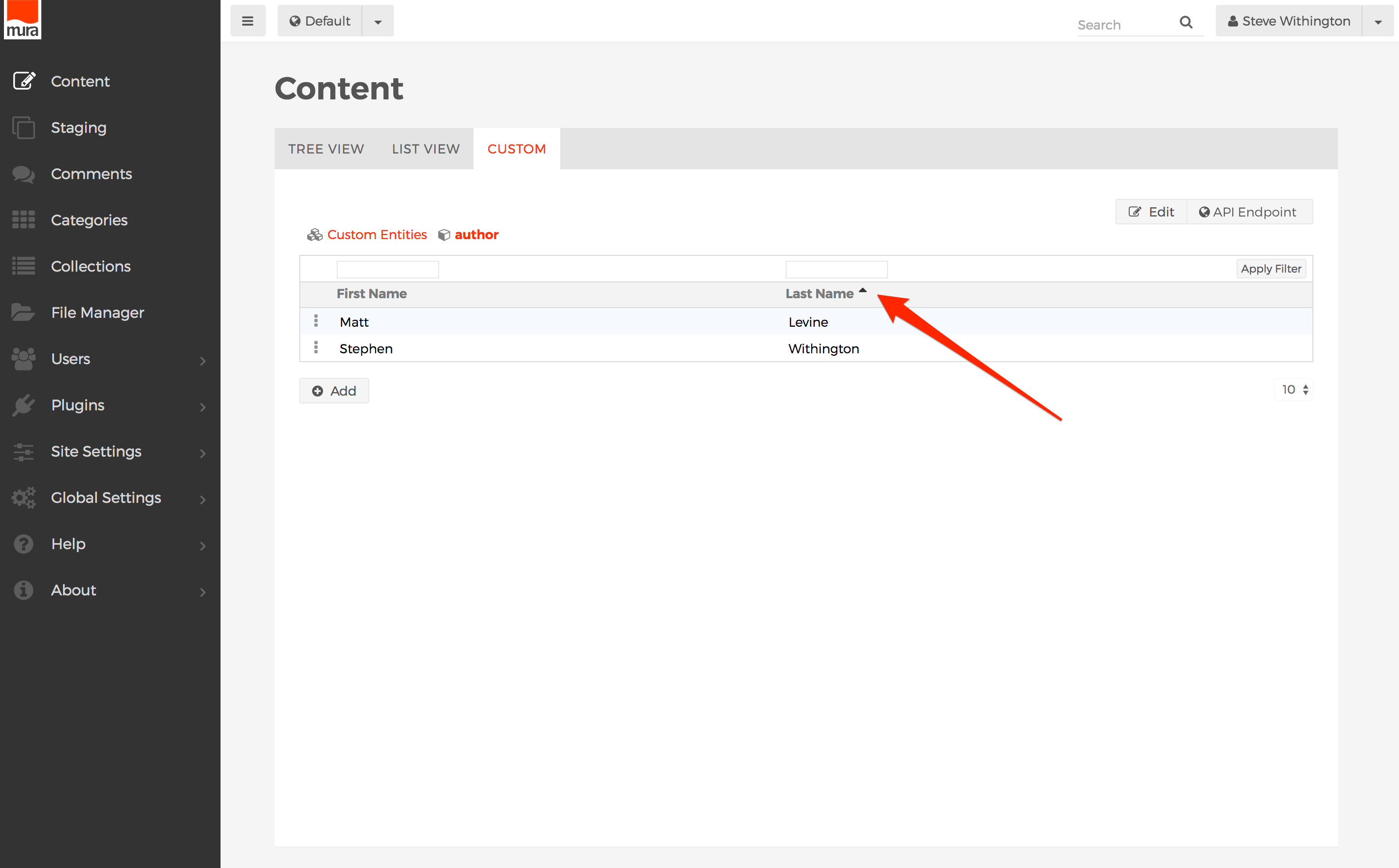
- To edit a entity, click on an entity attribute, or select the three-dot menu to the left, and click Edit.
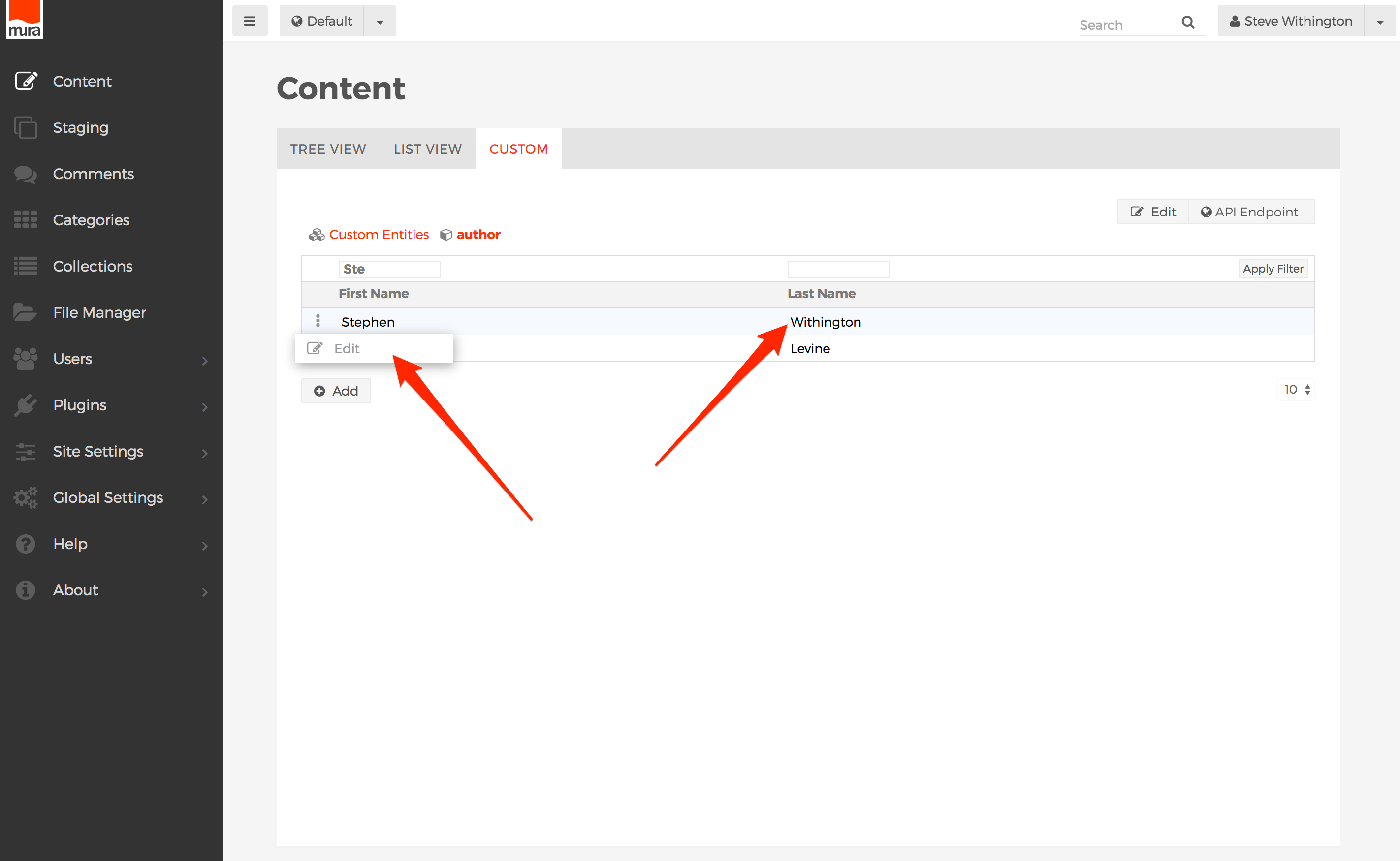
- You will then be taken to the entity's data entry screen.
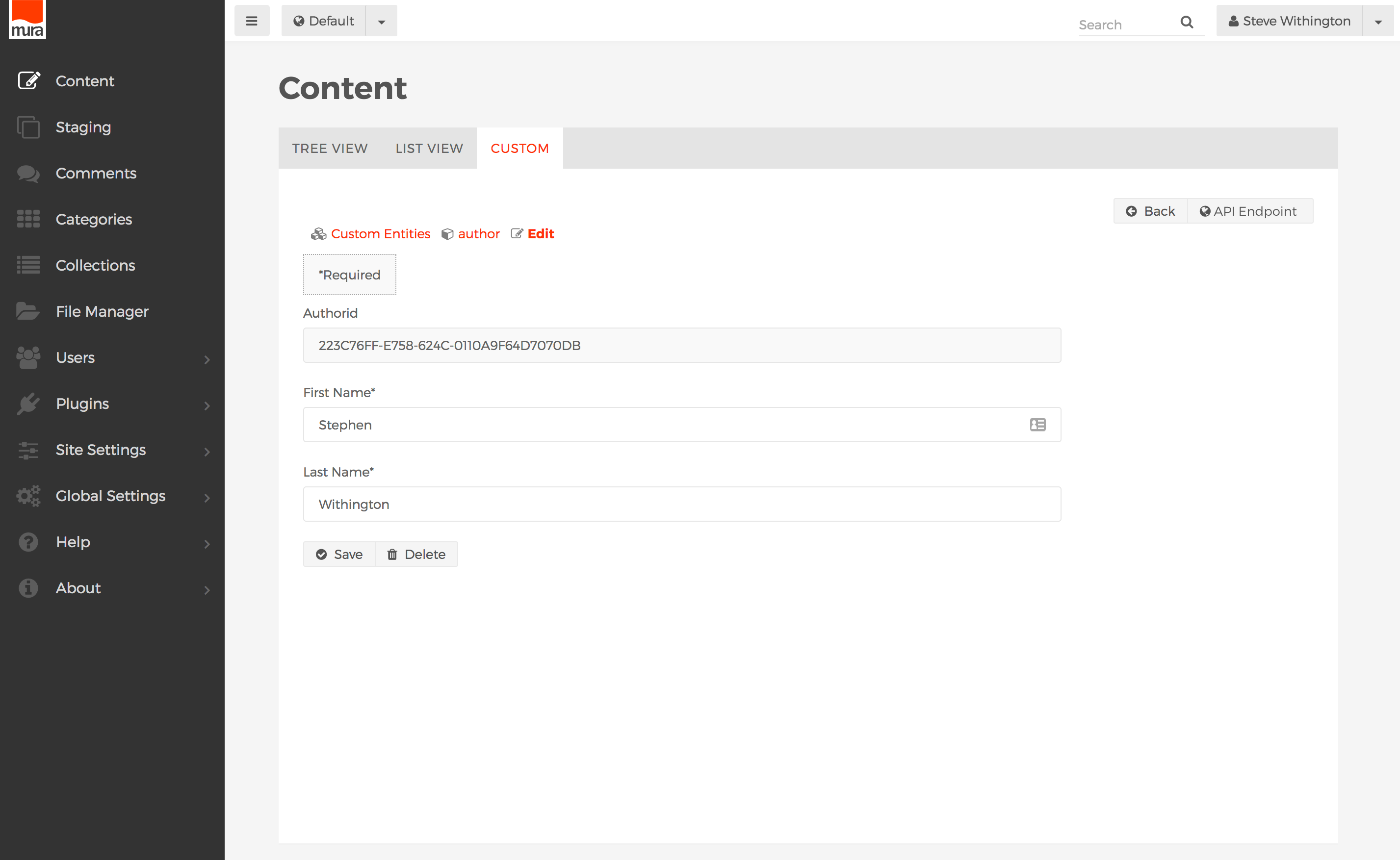
- To save the entity after making your edits, click the Save button.
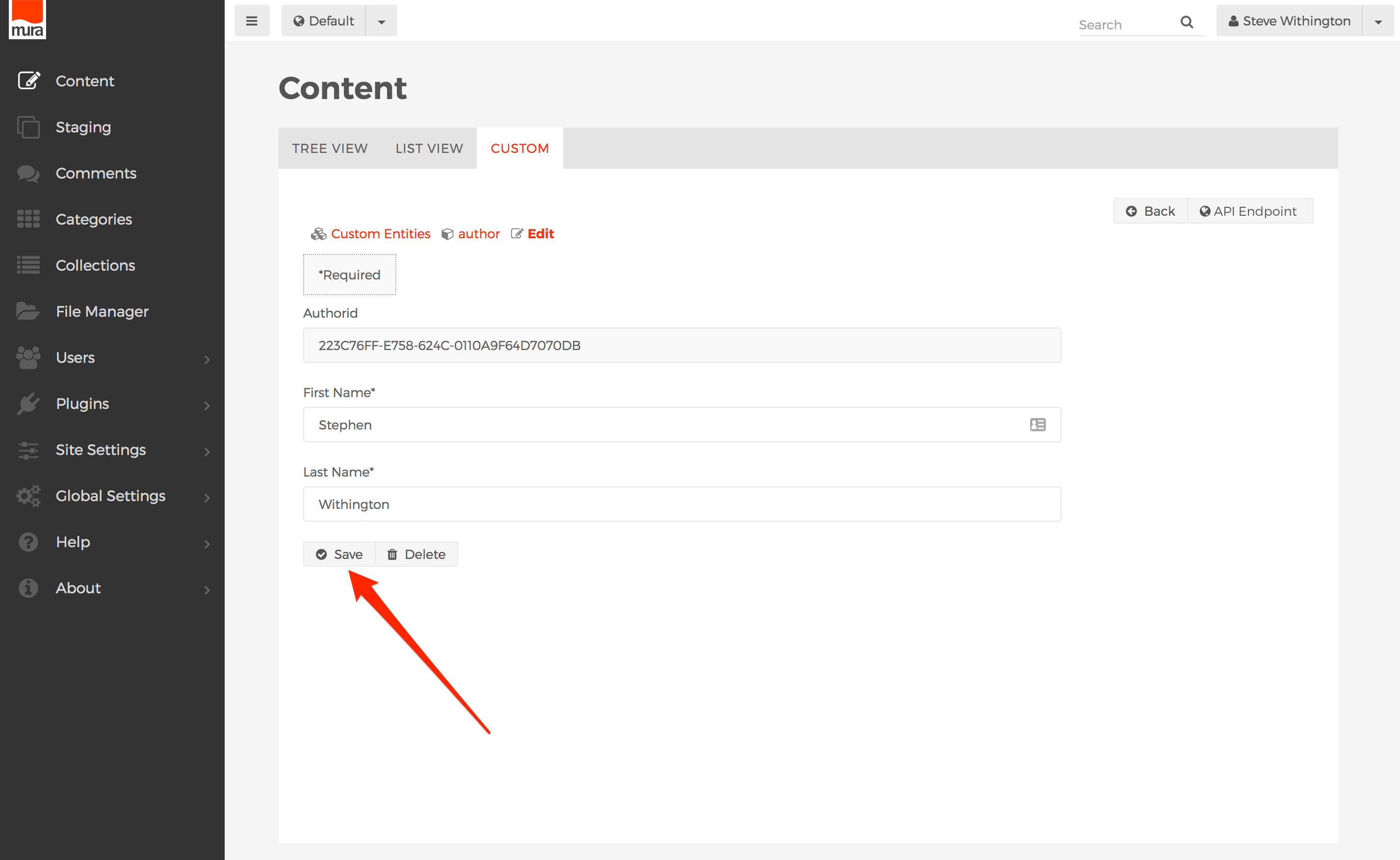
- To delete an entity, click the Delete button.
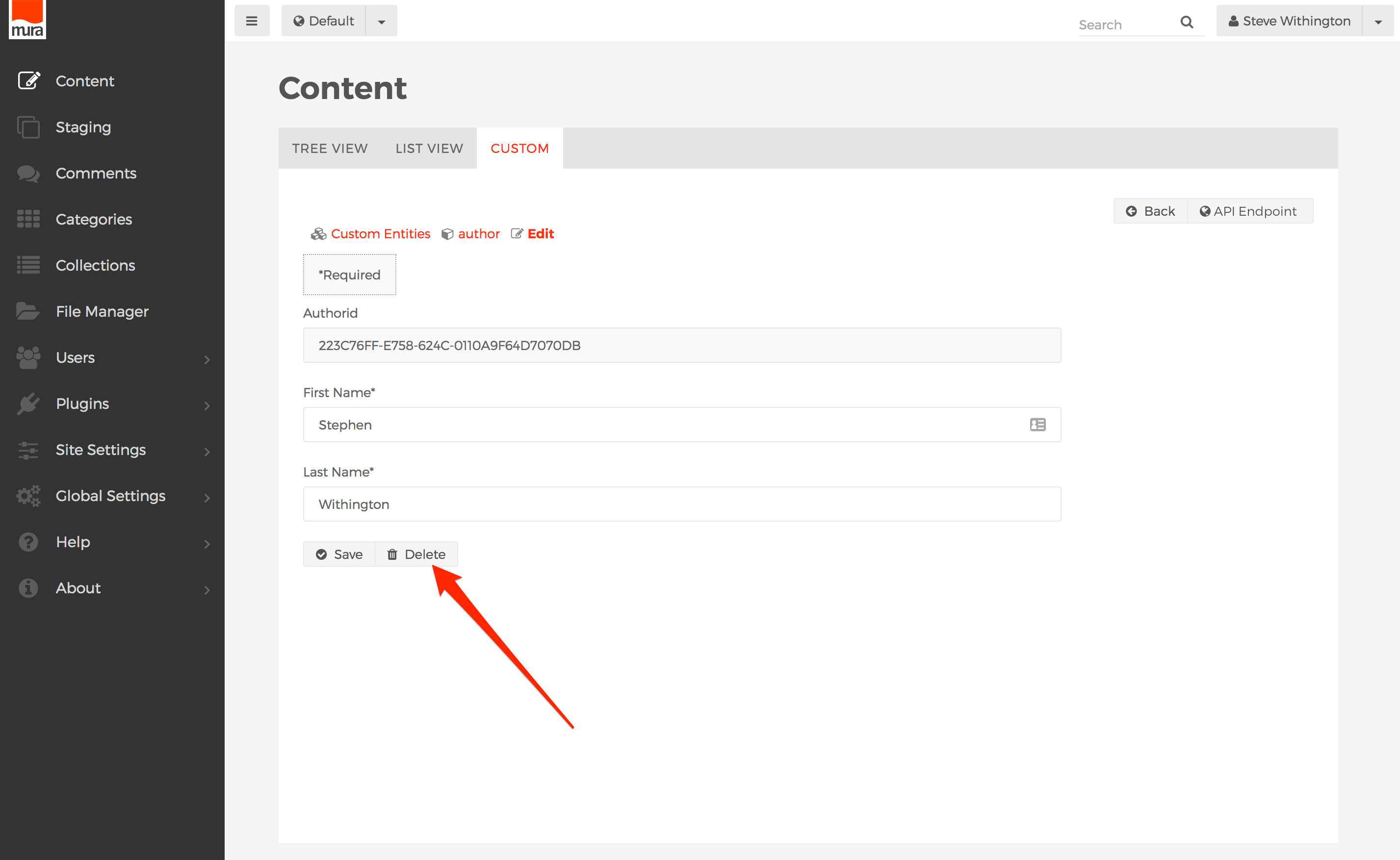
- To add a new entity, from the entity's listing of entities, click the Add button.
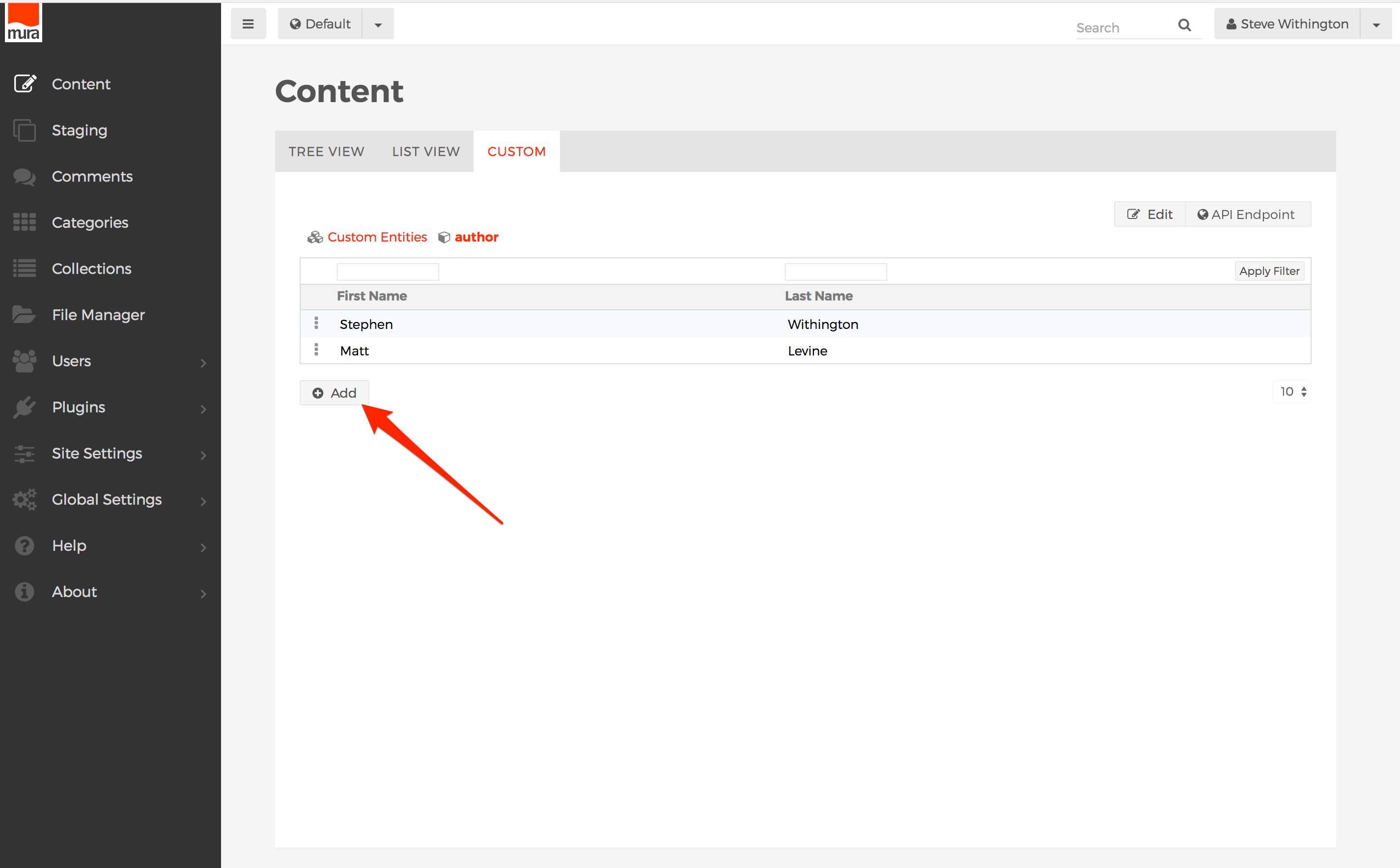
- You will be taken to the Edit screen. When creating or editing an entity, the form that appears will be determined by the entity's definition as created in the Mura ORM Assembler.
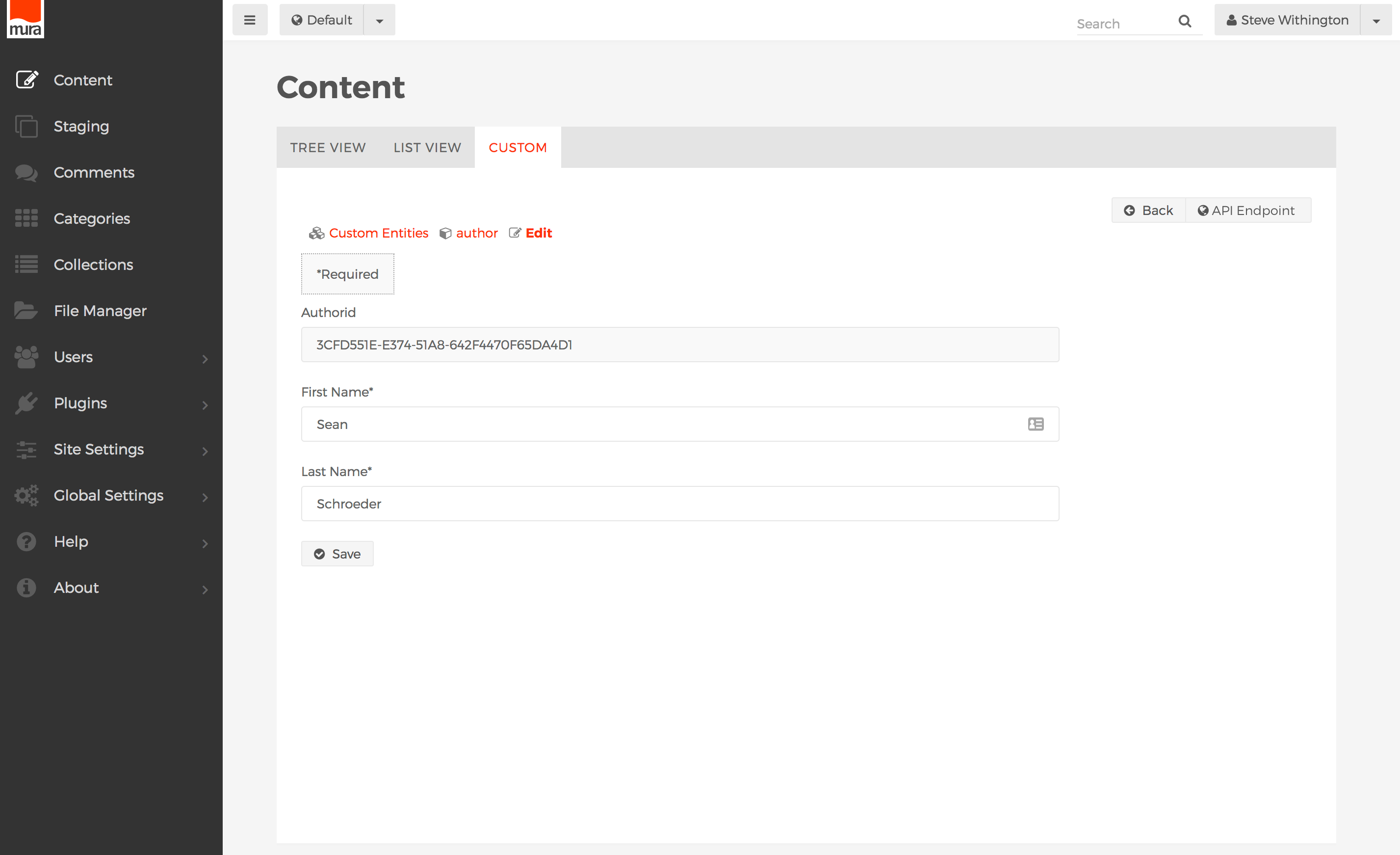
- Complete the form data, then click Save to save your new entity.
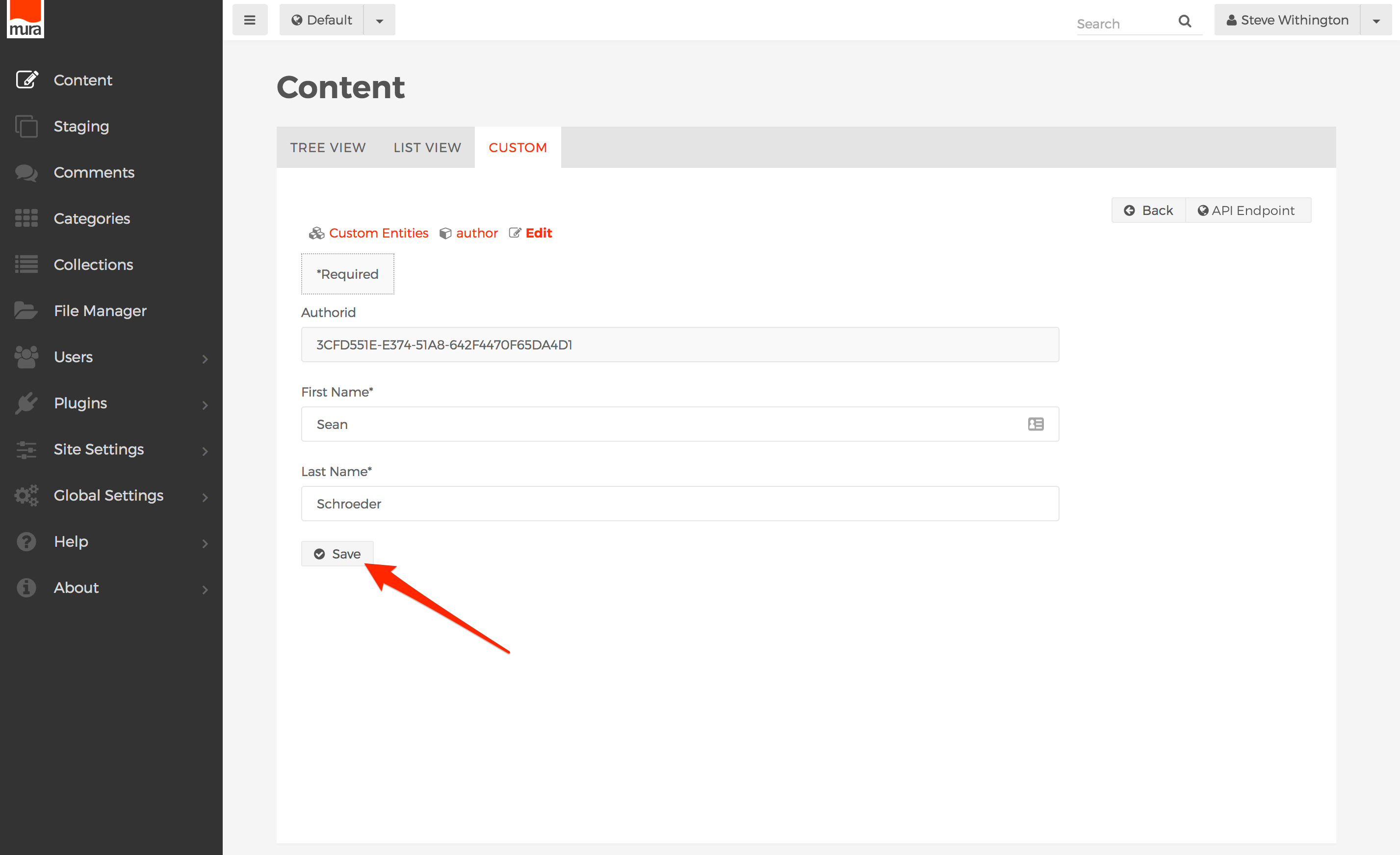
- Congratulations! You've successfully edited or added an entity.
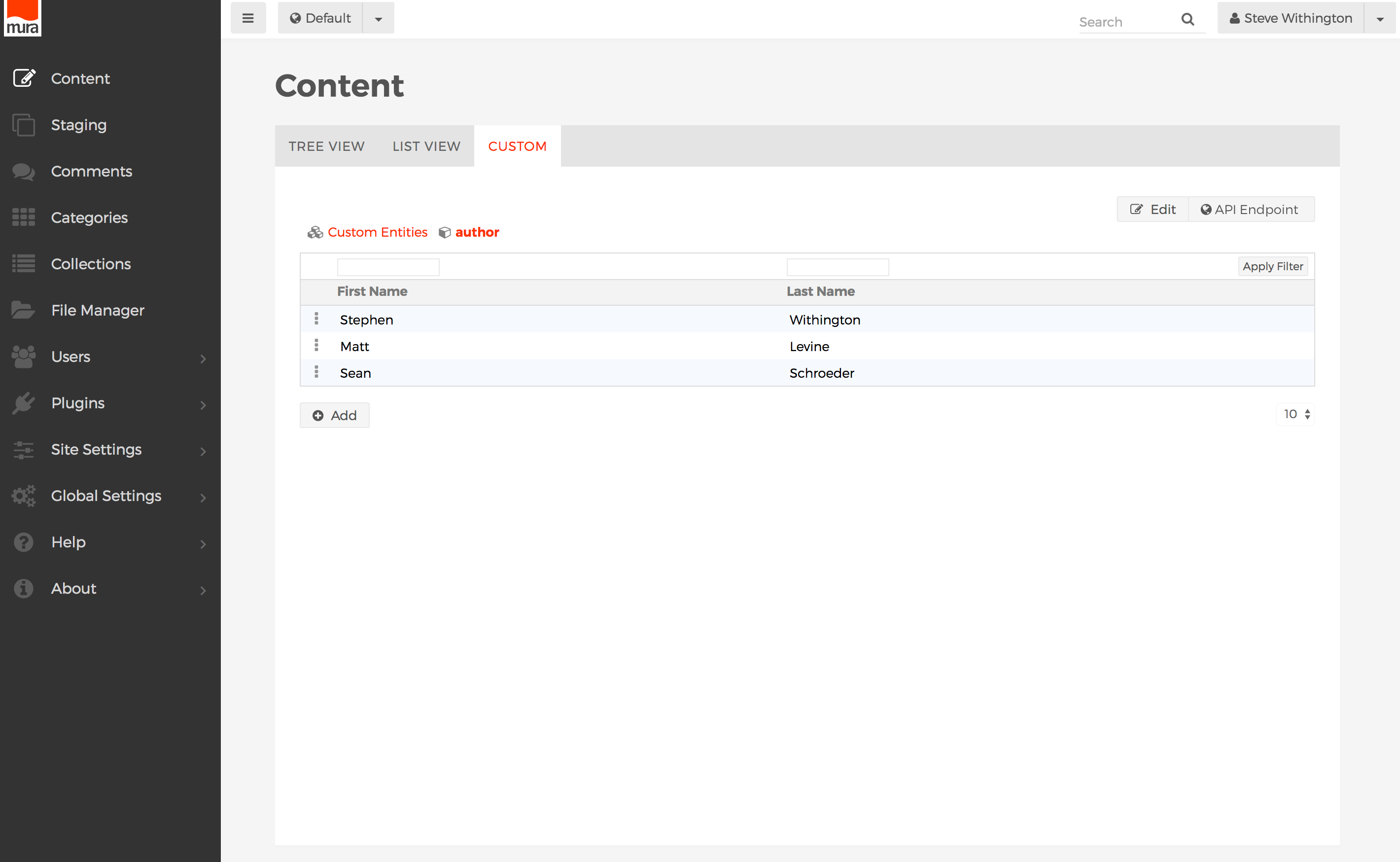
Mura Iterators
According to Merriam-Webster, iterate means "to say or do again or again and again." In programming, an "iterator" is a design pattern. An iterator wraps a collection or group of objects (e.g., queries/recordsets, arrays, lists, structs, beans, etc.) with common helper methods without the need to fully know or understand the underlying data structure. This allows programmers to use common methods for looping over, or iterating over, many different types of collections or groups of objects.
Mura Iterators are an array of objects, and have a number of common helper methods, allowing developers to loop/iterate over, collections/groups of objects. Mura Iterators wrap an underlying query, and use the returned recordset as the basis for its array of objects. This also means the order of objects in the iterator is determined by the sort order of the underlying recordset.
As you may have already seen in other sections of the documentation, Mura relies on the iterator design pattern itself. Many of Mura's common beans include helper methods which return some type of iterator. For example, in the Content Bean section, you'll see methods such as getRelatedContentIterator(), getCommentsIterator(), etc.
If you've worked with recordsets/queries in the past, you'll find iterators to be quite similar. However, working with iterators gives you so much more power than merely looping over a query/recordset. When iterating over a collection of Mura objects, you'll have access to the entire object itself, including its helper methods. However, if you were merely looping over a query/recordset using <cfoutput> tags, you would only have access to the fields included in the record itself. In addition, when working with a standard query/recordset, it can be cumbersome to do things like pagination, or even loop backwards without having to rewrite the underlying query itself. Mura Iterators can do all of these things for you, and so much more.
Iterator Basics
As an object itself, Mura Iterators have a number of attributes you can inspect using its helper methods. Iterators hold data pertinent to looping over collections or groups of objects. For example, Mura Iterators know how many objects there are in the collection it's working with. They also know if you've started to loop/iterate over the collection, what object you're currently working with, which "page" your on, and so on.
You can use these helper methods to ask the iterator for the next object, or even the previous object, and then do whatever you want with the object itself, and when finished, move on to the next object. For example, you could manipulate each object, and then re-save it. If the objects were content items, you could loop over each object, and then output the associated image and a title to create a slideshow. The possibilities are endless.
While Mura Iterators offer several helper methods, there are only two primary methods you need to know to begin working with them; hasNext() and next().
hasNext()
The hasNext() method inspects the underlying collection/array of objects, and then returns true if there are still objects in the array of objects you're working with, or false, if there are no more objects in the array to work with.
next()
The key method, next(), queues up the next object in the collection/array of objects, and gives you a way to reference the current item/object so you can work with it.
Basic Examples
The examples below demonstrate using the basic hasNext() and next() methods.
Tag-based Example
<cfloop condition="iterator.hasNext()">
  <cfset item = iterator.next()>
  <!--- Do something with 'item' --->
  <cfdump var="#item#">
</cfloop>
Script Example
while ( iterator.hasNext() ) {
  item = iterator.next();
  // Do something with 'item'
  WriteDump( item );
}

// OR

do {
  item = iterator.next();
  // Do something with 'item'
} while ( iterator.hasNext() );
Conditionals
You could also wrap the prior examples with a conditional, and return something in the event that the iterator is empty.
if ( iterator.hasNext() ) {
  // Iterator has objects
} else {
  // Iterator is empty ... no objects
}
Key Iterator Methods
The key Mura Iterator methods are described below.
| Method |
Returns |
Description |
| hasNext |
boolean |
Returns true if iterator has objects in the array, and hasn't finished looping. Returns false, if iterator is empty, or has finished looping. This method "looks right" or forward, in the array of objects. |
| next |
object |
Moves the "index" to the next object, or next record in the underlying query's recordset. Returns the next object in the iterator (array of objects). Usually assigned to a variable, in order to have a way to reference the current object being looped over in the array of objects. |
| peek |
object |
Returns the object after the current object being looped over (or next) in the iterator. It's a way to "peek" at what's up next. |
| reset |
n/a |
Resets the "index" back to the beginning. Useful for when you need to loop over an iterator more than once. |
| end |
n/a |
Moves the "index" to the last object, or last record in the underlying query's recordset. |
| hasPrevious |
boolean |
Similar to hasNext, except it "looks left" or backward, in the array of objects. Returns true if iterator has an object that it has previously looped over, or false, if the index is at the beginning. |
| previous |
object |
Moves the "index" to the previous object, or previous record in the underlying query's recordset. Usually assigned to a variable, in order to have a way to reference the current object being looped over in the array of objects. |
| setQuery |
n/a |
Expects a query parameter, and an optional maxRecordsPerPage (defaults to 1000) parameter, to set the underlying query used for the iterator. |
| getQuery |
query |
Returns the underlying query used for the iterator. |
| getRecordCount |
numeric |
Returns the total number of records in the underlying query used for the iterator. |
| setPage |
n/a |
Expects a pageIndex parameter, to set the page of records/objects the iterator should be working with. |
| getPage |
numeric |
Returns the page index of records/objects the iterator is currently working with. |
| pageCount |
numeric |
Returns the total number of pages the iterator has, based on the total number of items/records and number returned from getItemsPerPage(). |
| setItemsPerPage |
n/a |
Expects a itemsPerPage parameter, to set how many items per page the iterator should be working with. Formerly known as setNextN(). |
| getItemsPerPage |
numeric |
Returns the number of items per page the iterator is currently working with. Formerly known as getNextN(). |
| setStartRow |
n/a |
Expects a startRow parameter, to set which row of the underlying query the iterator should be working with. |
| getStartRow |
numeric |
Returns the row of the underlying query the iterator is currently working with. |
| getCurrentIndex |
numeric |
Returns the index of the iterator is currently working with. |
Examples
In addition to the examples listed below, be sure to view the examples in the Common Beans section, where many of Mura's objects include their own iterator methods.
Feed Bean Iterator
The example below demonstrates how to use a Feed Bean, and use its getIterator() method.
<cfset feedBean = m.getFeed('content').where().prop('credits').containsValue('Steve')>
<cfset it = feedBean.getIterator()>

<cfif it.hasNext()>
  <cfloop condition="it.hasNext()">
    <cfset item = it.next()>
    <div>
      <a href="#item.get('url')#">
        #esapiEncode('html', item.get('title'))#
      </a>
    </div>
  </cfloop>
<cfelse>
  <p class="alert alert-info">
    This iterator doesn't have any items.
  </p>
</cfif>
Content Iterator
You can use any query to populate and use Mura's contentIterator bean, as long as the query contains a siteid and contentid column.
rs = QueryExecute("
  SELECT contentid, siteid
  FROM tcontent
  WHERE active = 1
");
Now, use the contentIterator bean's setQuery method, and use the iterator.
it = m.getBean('contentIterator').setQuery(rs);

if ( it.hasNext() ) {
  item = it.next();
  // Do something with the item
  WriteDump( item.getAllValues() );
} else {
  // No items/records exist
}
Query Iterator
The example below demonstrates how to use a regular query with Mura's queryIterator bean.
rs = QueryExecute("
  SELECT *
  FROM someTable
");
Now, use the queryIterator bean's setQuery method, and use the iterator.
it = m.getBean('queryIterator').setQuery(rs);

if ( it.hasNext() ) {
  item = it.next();
  // Do something with the item
  WriteDump( item );
} else {
  // No items/records exist
}